

Joe Danger + Joe Danger 2: The Movie Bundle
90%


 Add To Cart
 Add To Cart


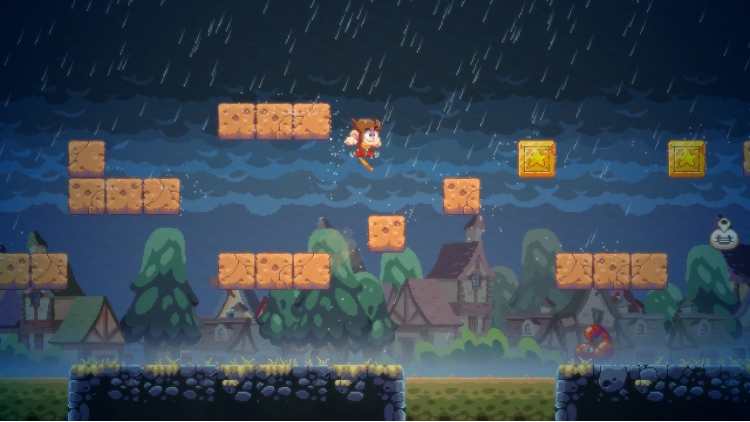
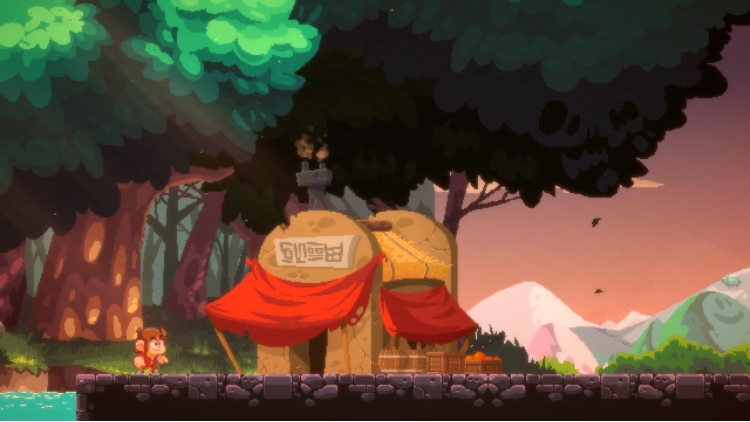

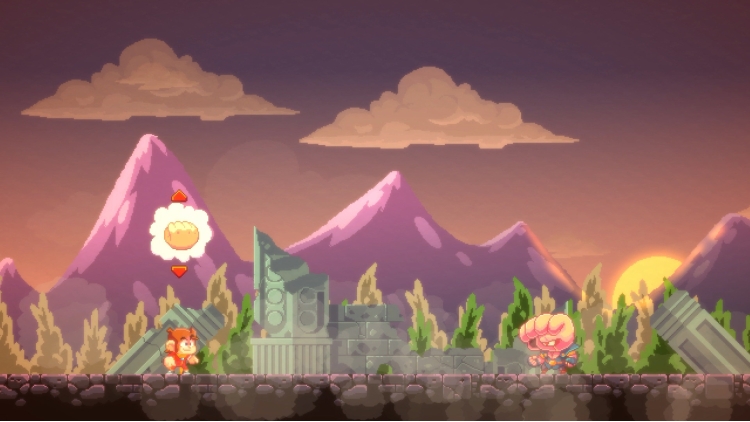
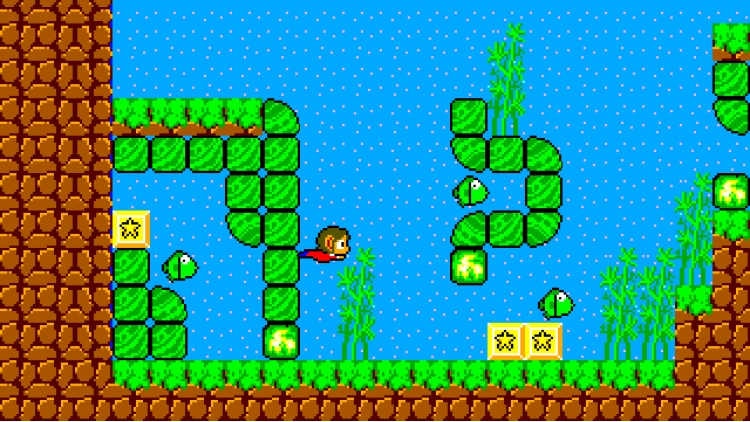
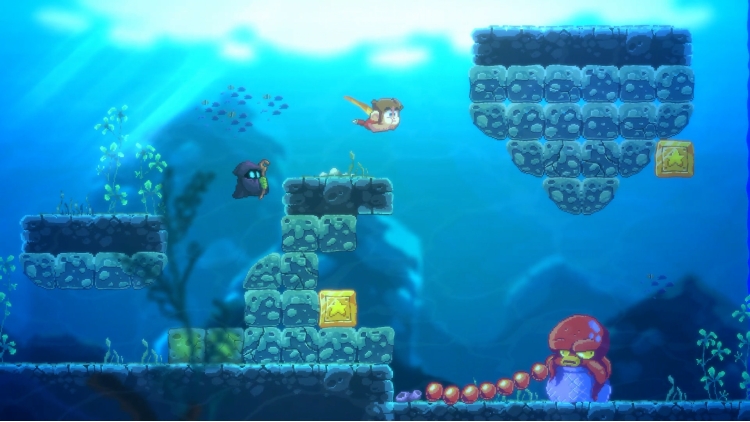
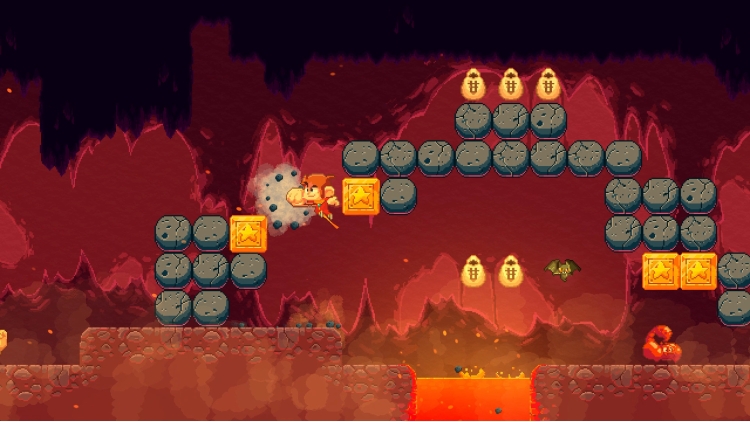
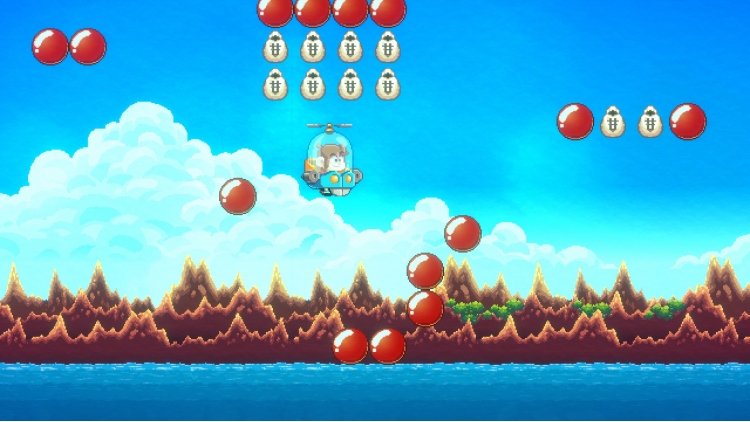
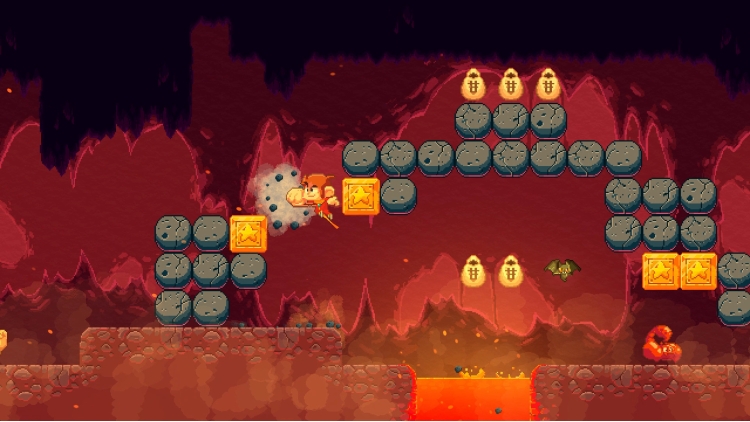
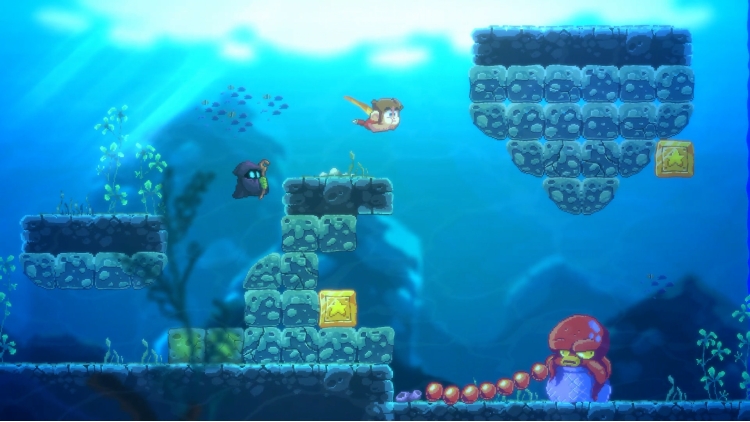
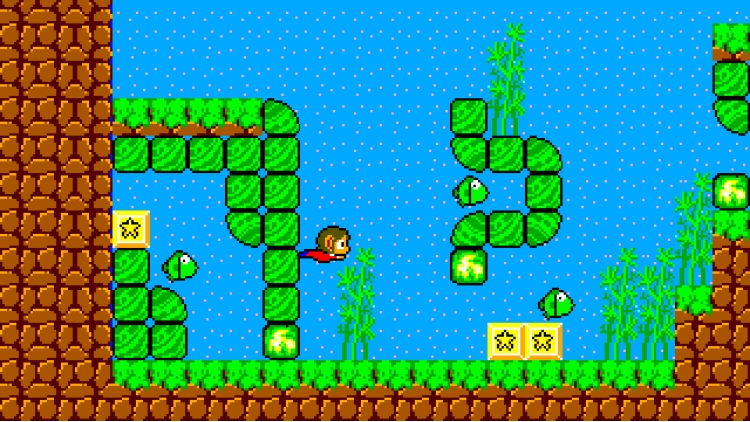
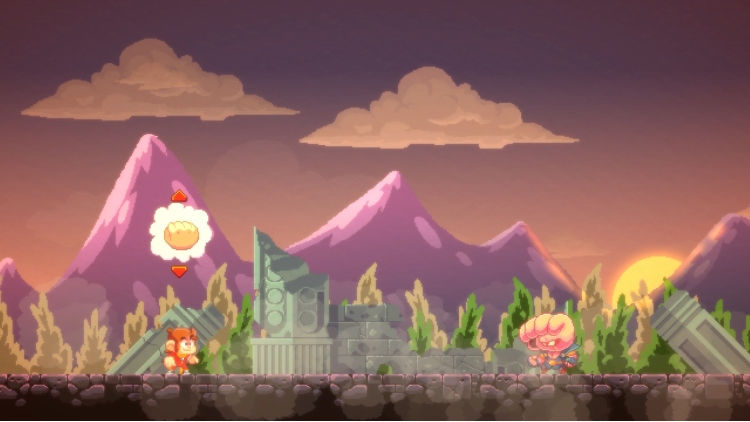

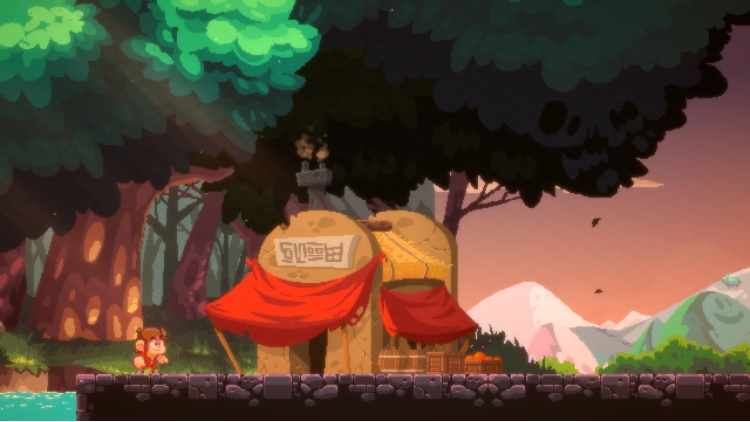
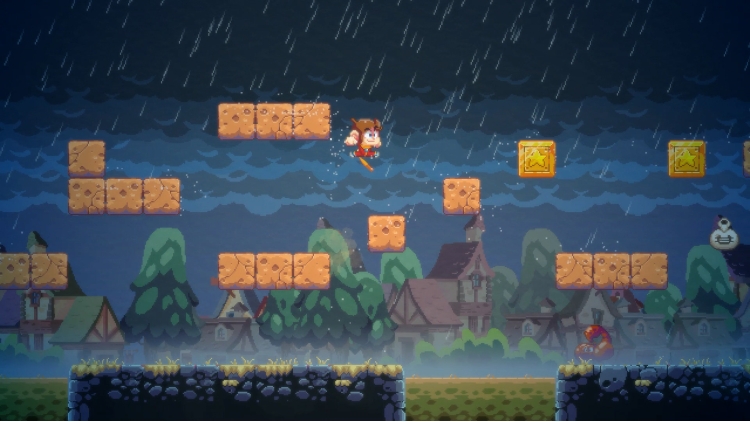
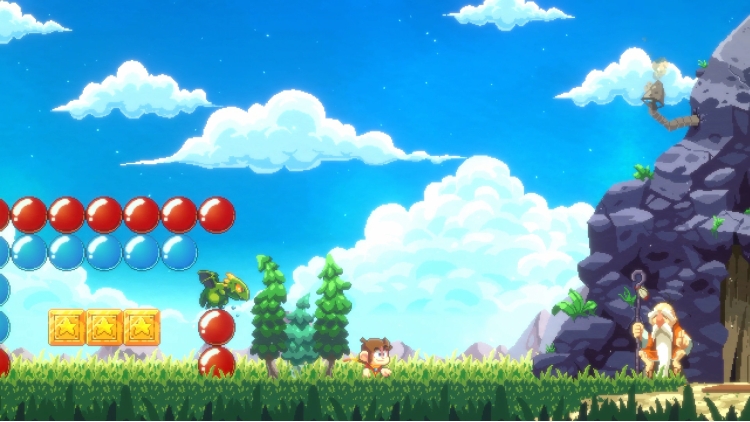

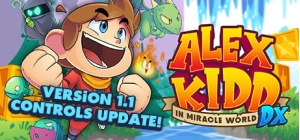
The legendary Alex Kidd returns with Alex Kidd in Miracle World DX!
Since his first appearance in 1986 with Alex Kidd in Miracle World, the iconic Alex Kidd makes his return to smash rocks, collect coins and tackle bosses once again in Alex Kidd in Miracle World DX!
Return The Kingdom of Radaxian to its former glory and destroy the evil Janken the Great!
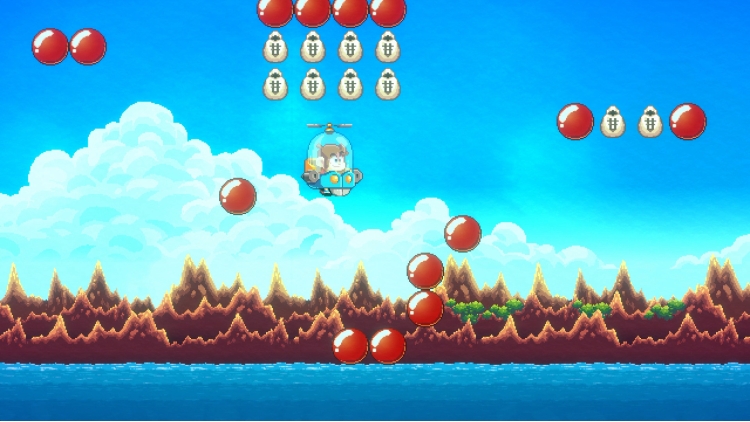
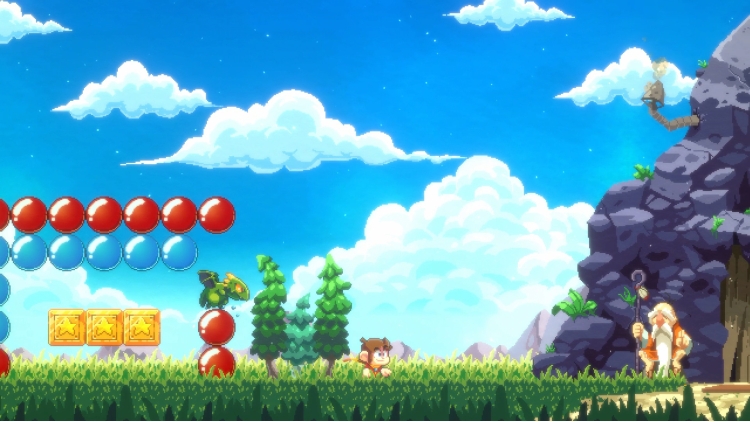
Comprising of all levels from the original title as well as brand new levels which expand the lore of Alex Kidd, experience Miracle World like you’ve never seen it before with new animations, graphical detail and gameplay improvements.
Relive legendary rock, paper scissors battles with Boss Rush Mode!
As well as including all of the original classic boss fights, Boss Rush Mode will give you the chance to experience none-stop boss action!
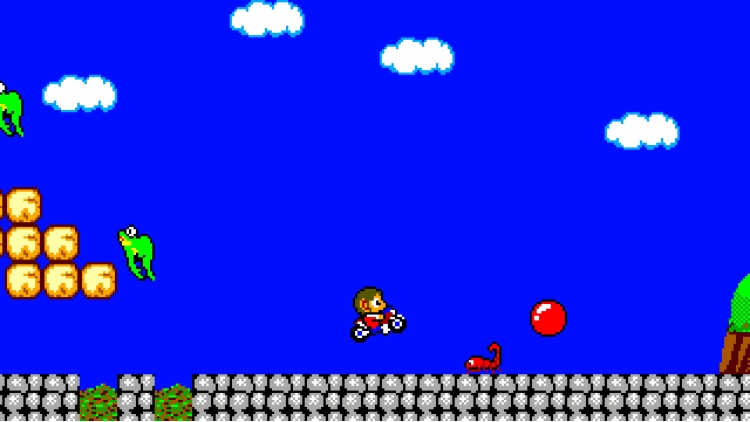
Transport straight into the classic with Retro Mode!
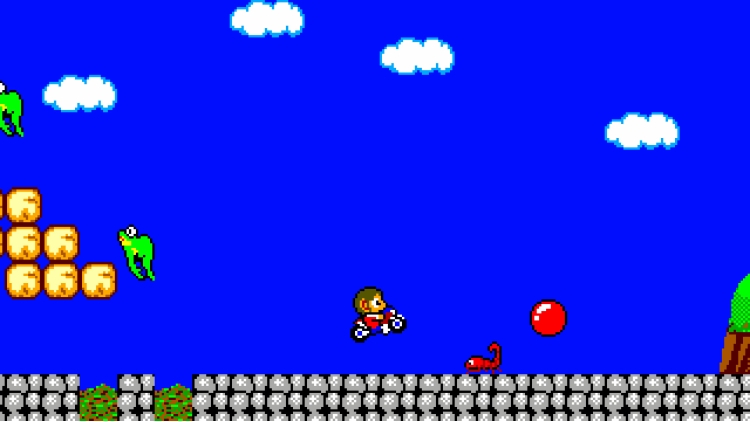
Jump straight into the original classic with the press of a button with Retro Mode! At any point during gameplay, switch between the enhanced graphics and a recreation of the original art style!
Feature Overview
A Legend Reborn – Dive into a stunning recreation of Alex Kidd in Miracle World with striking new art and tighter, more fluid controls.
New Modes – New modes such including ‘Classic Mode’ and ‘Boss Rush Mode’ will be available for players alongside the standard game.
New Levels – Experience new levels which expand the lore of the original game.
Alternative Boss Fights – New and improved boss fight mechanics with more intuitive combat.
Classic Mode – Experience the original game with boss fights, dialogue, levels and functions the same as the original Master System version.
New and remastered music - A wide array of reimagined music tracks as well as remastered tracks from the original classic game!
©SEGA, ©2020 Merge Games, Jankenteam all rights reserved.
Buy Alex Kidd in Miracle World DX PC game code quickly and safely at the best prices guaranteed via the official retailer usa.etail.market
©SEGA, ©2020 Merge Games, Jankenteam all rights reserved.
1)
Download & install the Steam client on your
computer from here.
2)
Open the Steam client, register and login. Then,
locate the Games tab on the top menu. Click that and select “Activate a Product
on Steam..”

3)
Enter your code that is showed on the orders page
of eTail. Market and and follow the steps showed to activate your game.

4)
The game can be monitored now and you can see it
on the "Library" section on Steam. You can download and install the
game now.
5)
If you need more information and support, you
can click here: https://help.steampowered.com/en/wizard/HelpWithSteam
 90%
Add To Cart
90%
Add To Cart
 12%
Add To Cart
12%
Add To Cart
 0%
Add To Cart
0%
Add To Cart
 91%
Add To Cart
91%
Add To Cart
 91%
Add To Cart
91%
Add To Cart
 66%
Add To Cart
66%
Add To Cart
 15%
Out of Stock
15%
Out of Stock
