

No Man's Sky
66%


 Add To Cart

 Out of Stock

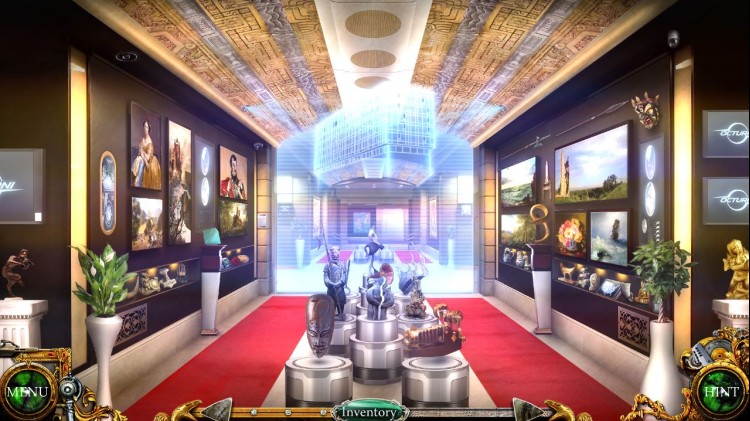
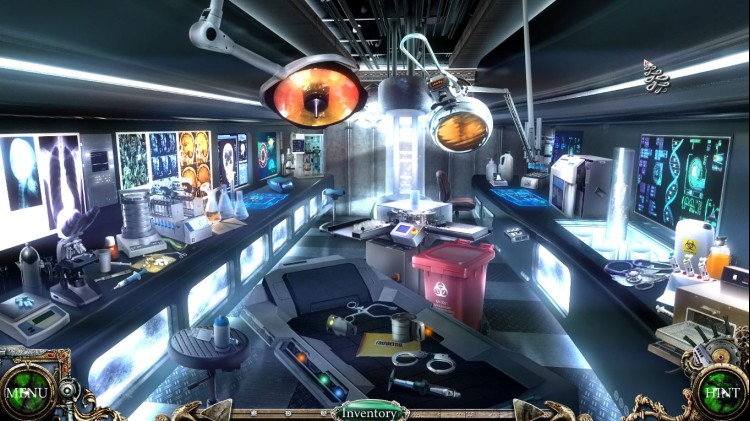
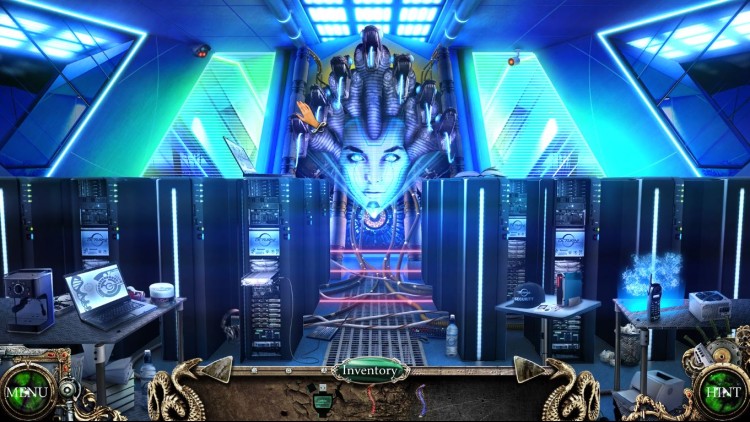
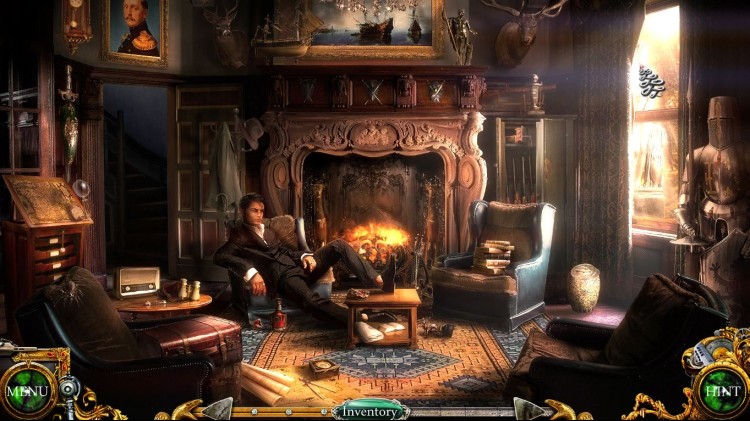
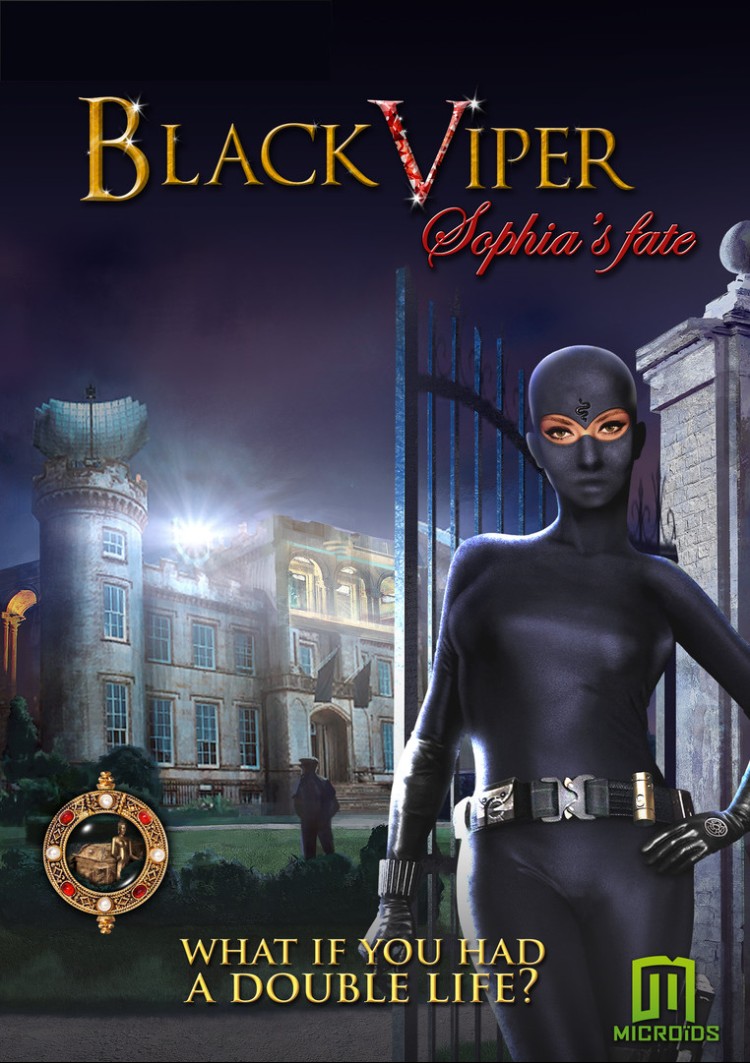
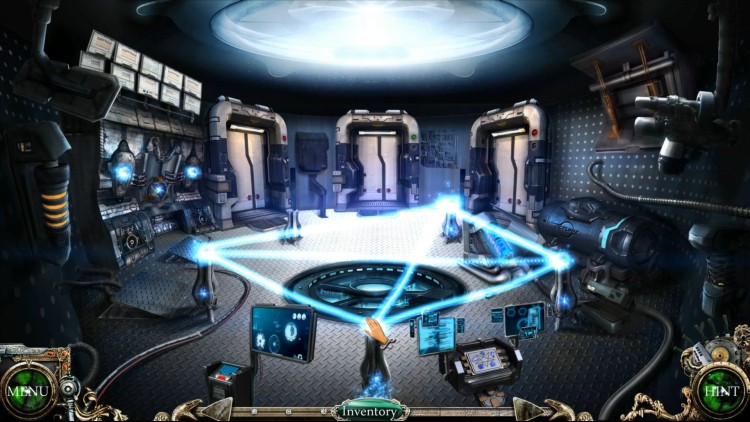
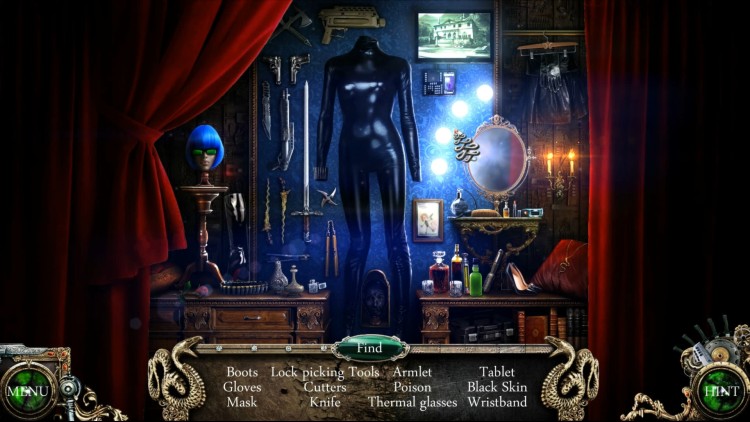
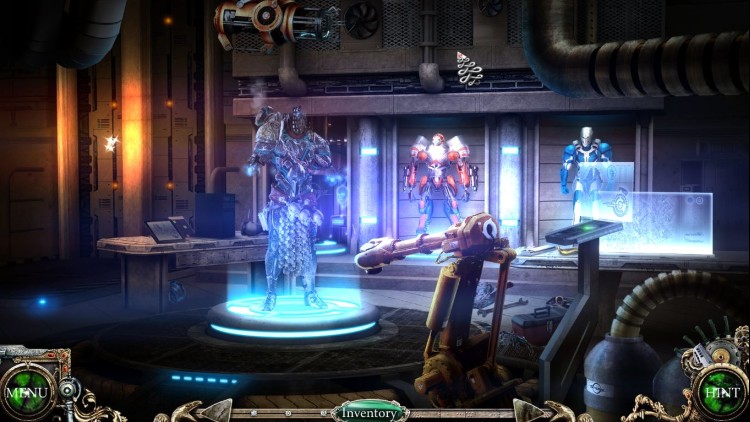
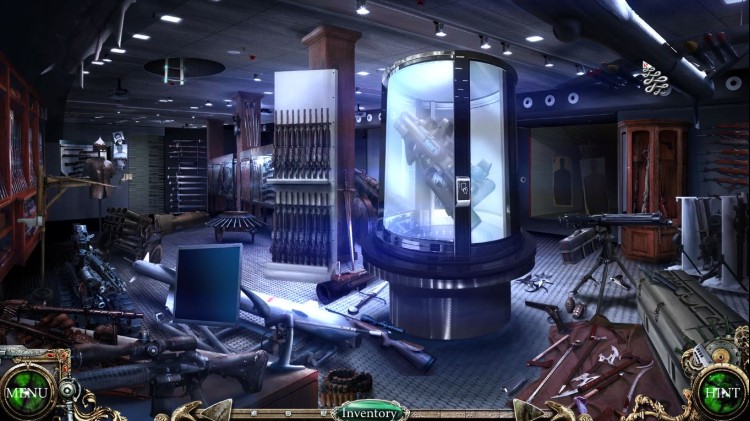
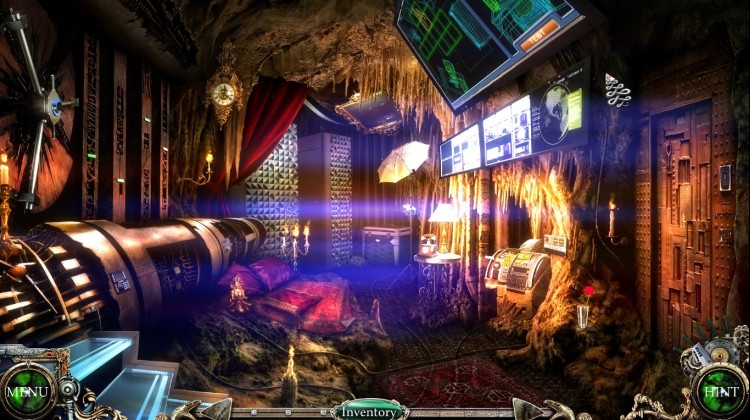
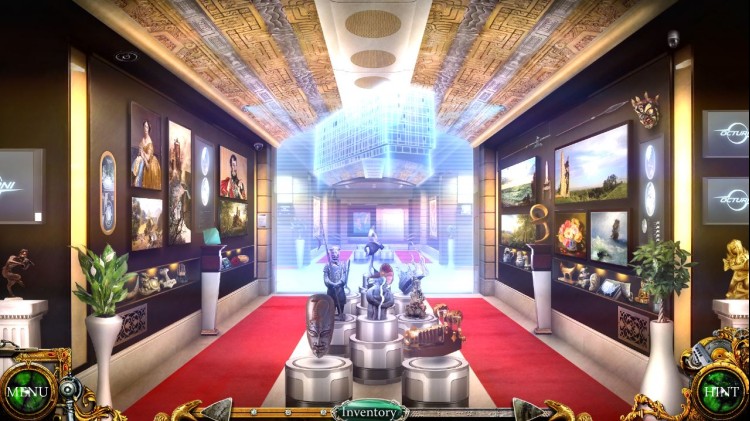
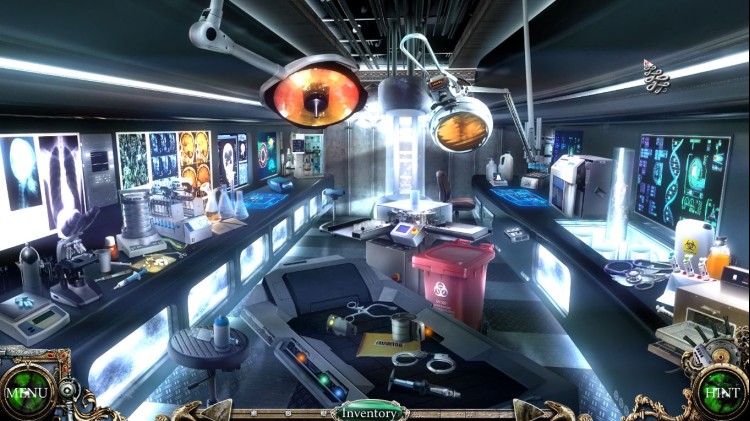
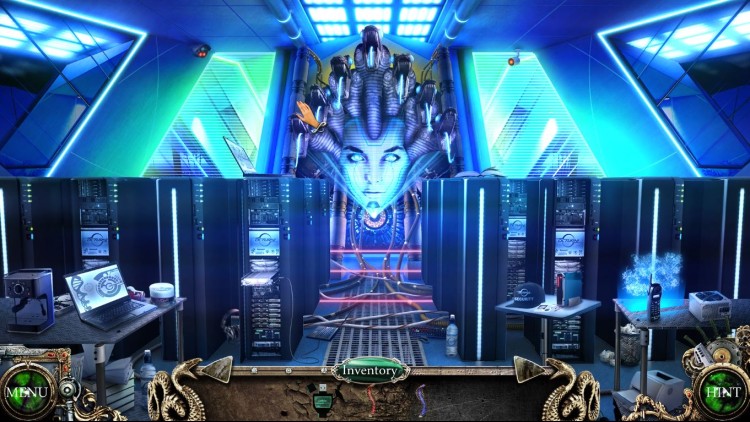
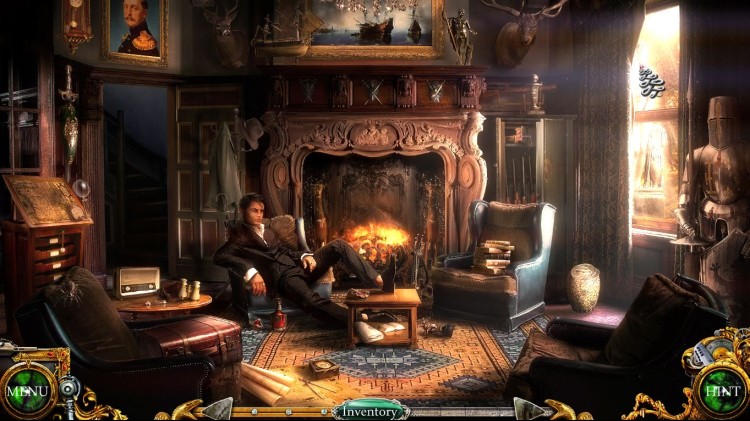
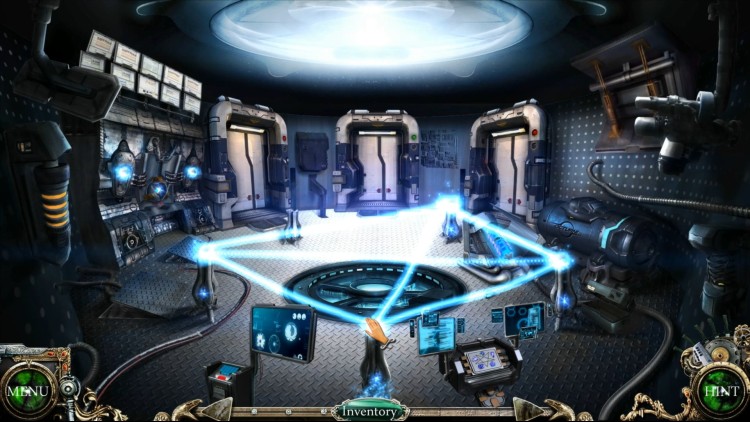
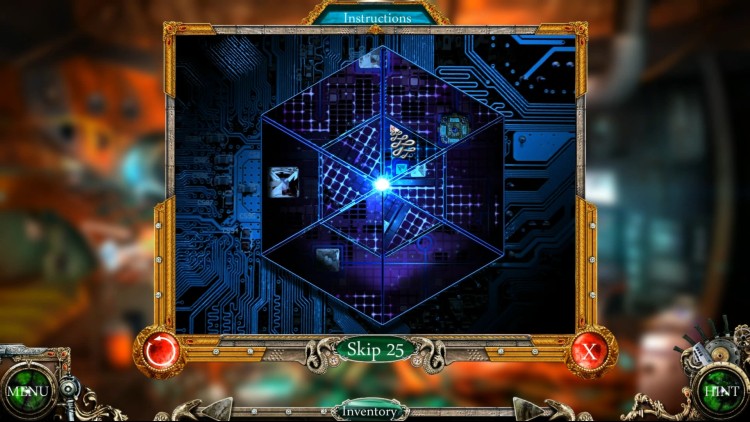
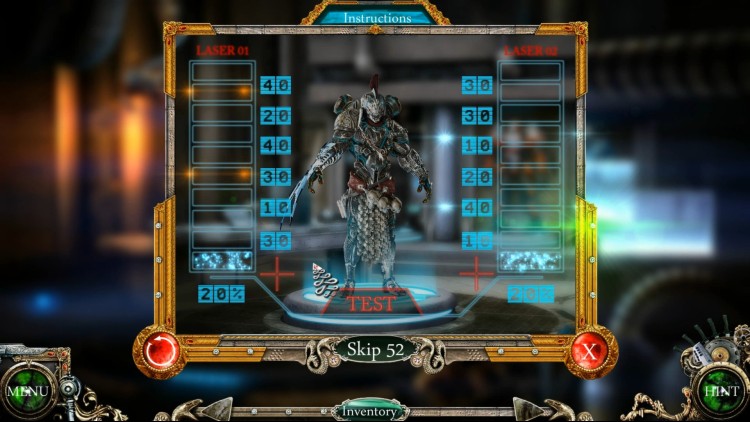
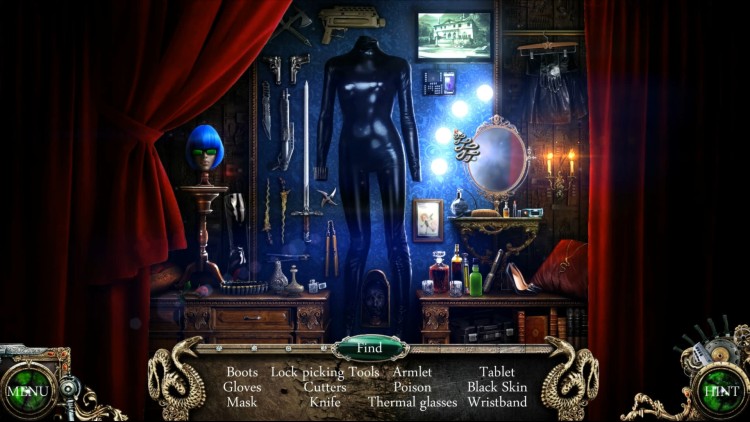
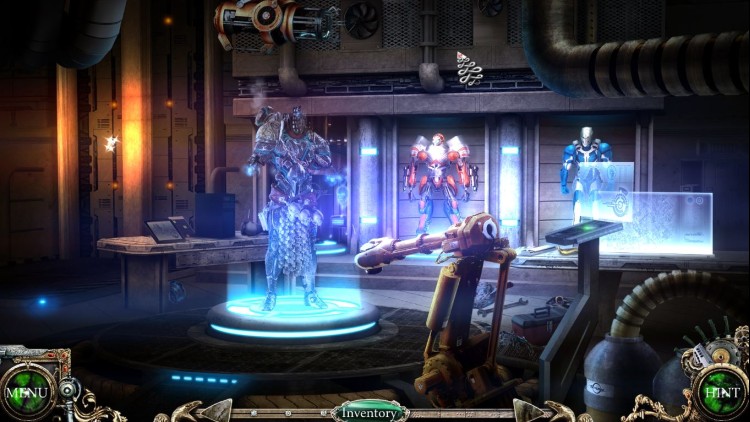
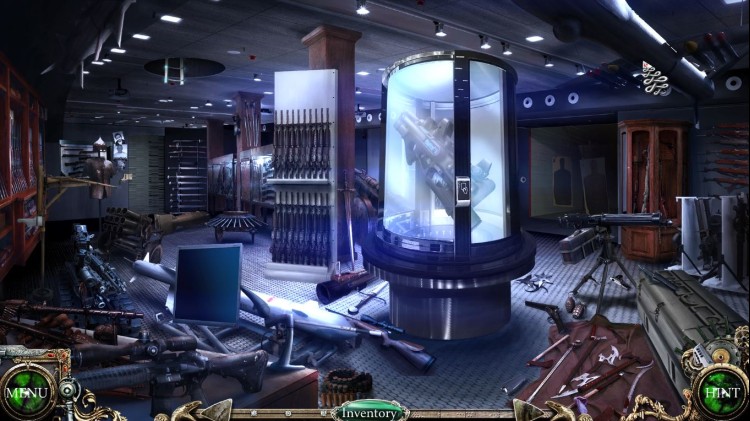
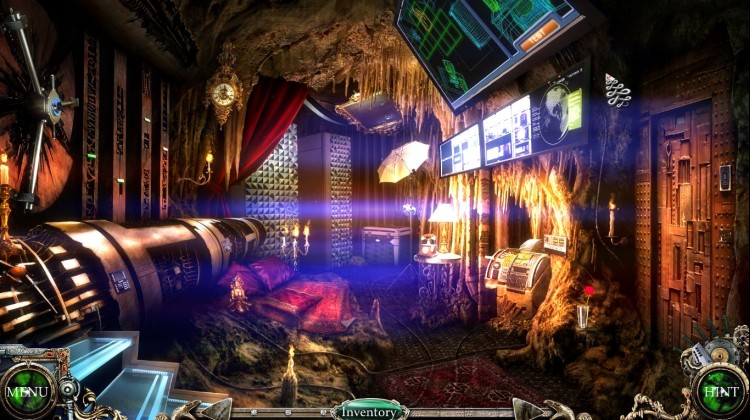
Discover the secret behind this strange murder by searching the many detailed and varied backgrounds: visit the Octurni manor and its secret hideout, and escape from a high-security laboratory…
Your double agent role will help you get to the truth: you’ll carry out the investigation as a cop, by collecting clues about the victim's death and questioning the suspects, and you'll finally unveil the mystery surrounding this murder thanks to your talents as a thief.
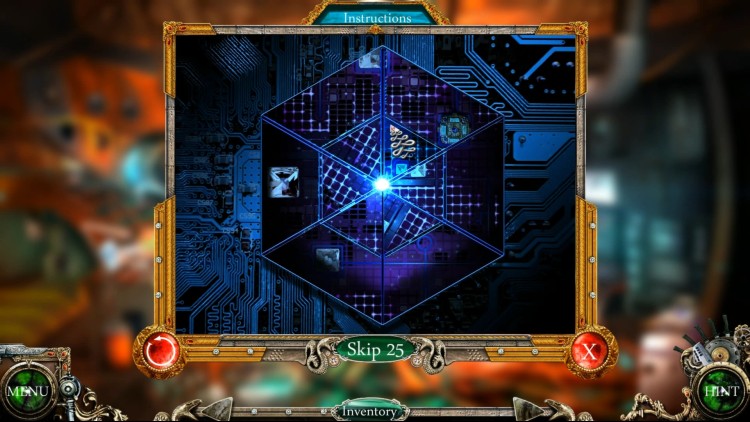
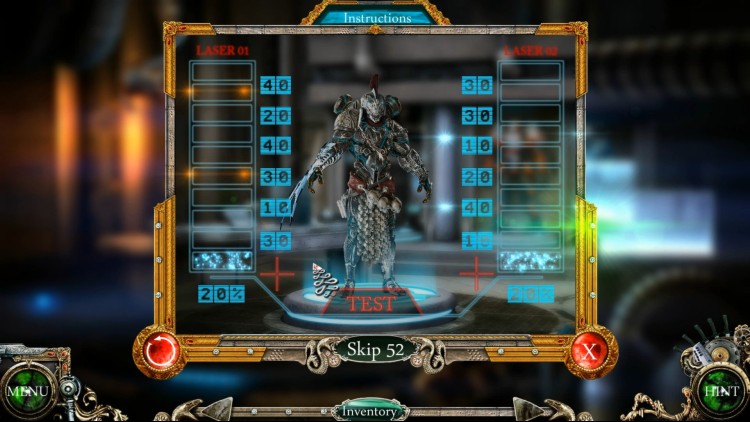
Search over 35 unique locations to find the elements that will help you make progress in your investigation and the game. Solving the many available mini-games will also open up new paths of inquiry. Your determination will help you complete the numerous hidden object scenes.
Key Features:
One heroine, two identities!
A thrilling universe where sensuality and justice go hand in hand.
Stunning, highly detailed graphics.
More than 40 places to discover, 29 hidden object scenes and 26 mini-games to test your patience and reasoning.
Three levels of difficulty.
Captivating and engaging music.
Shed some light on your past!
© 2014 Microïds. All Rights reserved.
© 2014 TiconBlu. All Rights reserved.
Buy Black Viper: Sophia's Fate PC game code quickly and safely at the best prices guaranteed via the official retailer usa.etail.market
© 2014 Microïds. All Rights reserved.© 2014 TiconBlu. All Rights reserved.
1)
Download & install the Steam client on your
computer from here.
2)
Open the Steam client, register and login. Then,
locate the Games tab on the top menu. Click that and select “Activate a Product
on Steam..”

3)
Enter your code that is showed on the orders page
of eTail. Market and and follow the steps showed to activate your game.

4)
The game can be monitored now and you can see it
on the "Library" section on Steam. You can download and install the
game now.
5)
If you need more information and support, you
can click here: https://help.steampowered.com/en/wizard/HelpWithSteam
 66%
Add To Cart
66%
Add To Cart
 0%
Add To Cart
0%
Add To Cart
 29%
Add To Cart
29%
Add To Cart
 91%
Add To Cart
91%
Add To Cart
 12%
Add To Cart
12%
Add To Cart
 15%
Out of Stock
15%
Out of Stock
 90%
Add To Cart
90%
Add To Cart
 51%
Add To Cart
51%
Add To Cart
 12%
Add To Cart
12%
Add To Cart
 91%
Add To Cart
91%
Add To Cart
