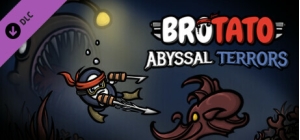
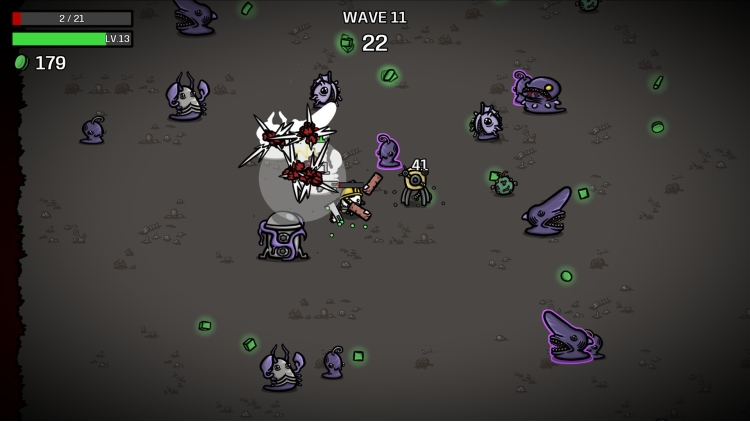
Brotato: Abyssal Terrors
$3.99
This product can be activated in United States.
Add to Cart Button Icon Add To Cart

  • Platform Steam Icon
  • Operating System
    Windows Icon Linux Icon
  • Genre Action , Indie , RPG
  • Developer Blobfish
  • Creator Blobfish Games GmbH
  • Release Date 2024-10-25 12:00 AM
  • Supported Languages English, French, German, Italian, Japanese, Korean, Polish, Russian, Spanish - Spain, Turkish, Portuguese-Brazil, Traditional Chinese, Simplified Chinese
Brotato: Abyssal Terrors

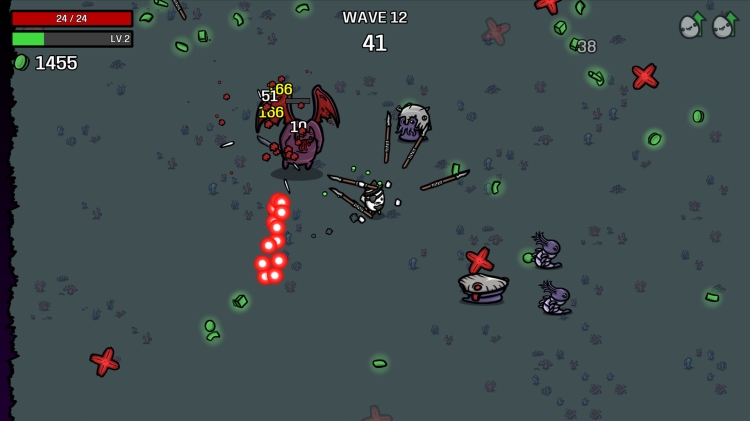
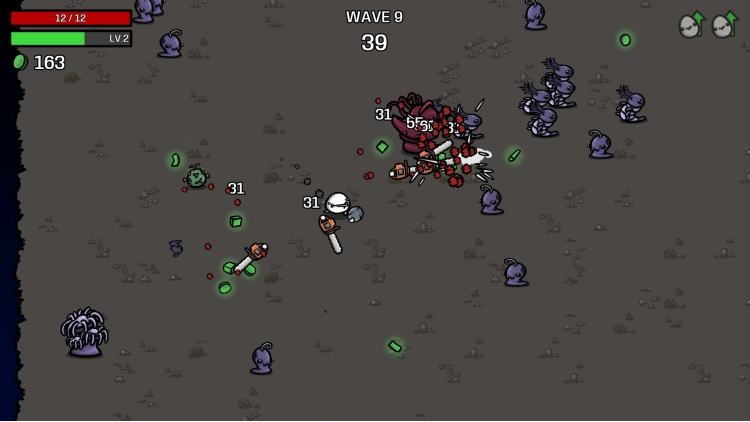
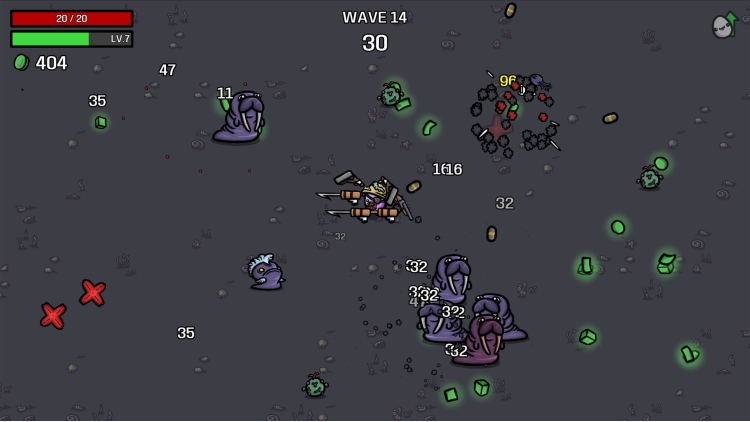
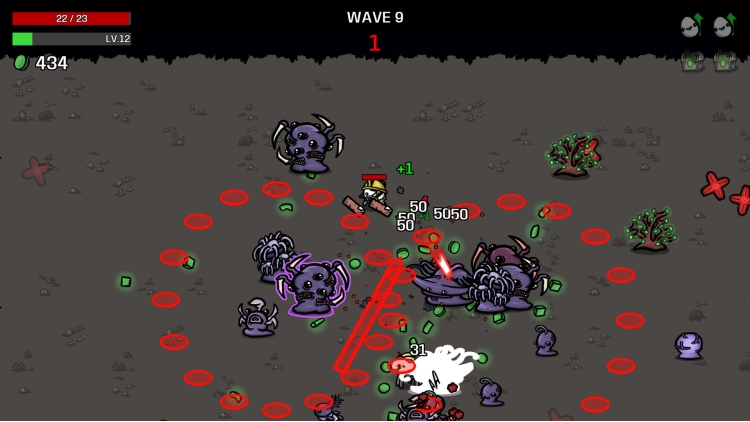
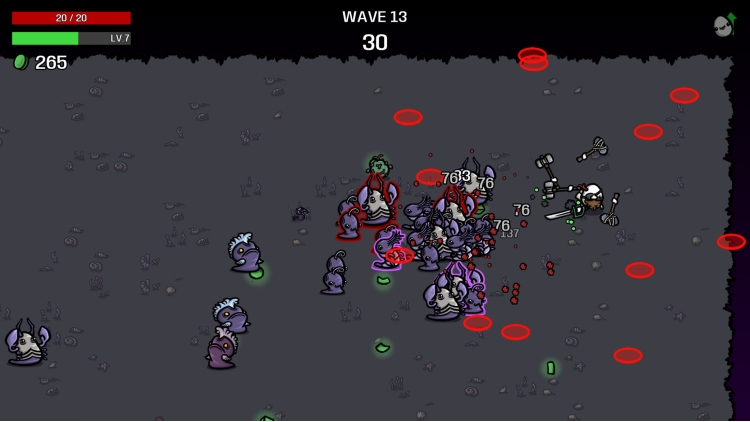
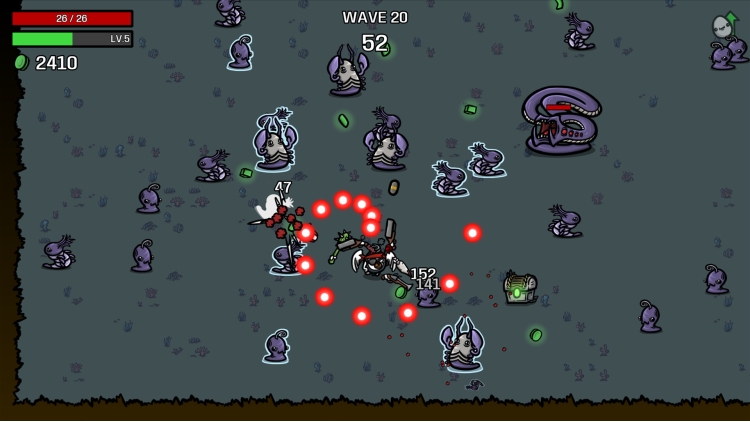
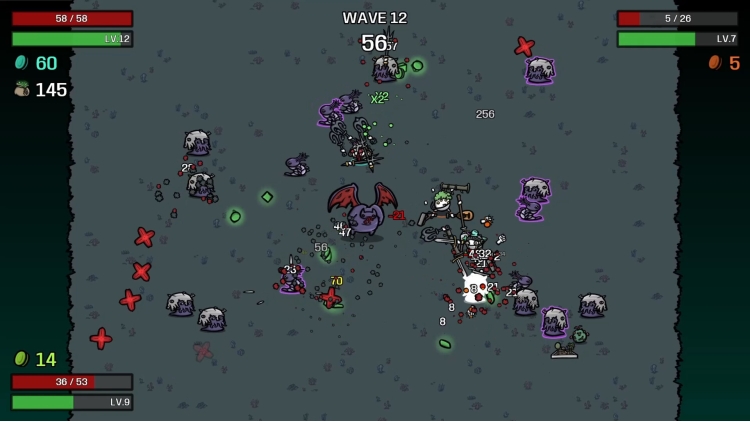
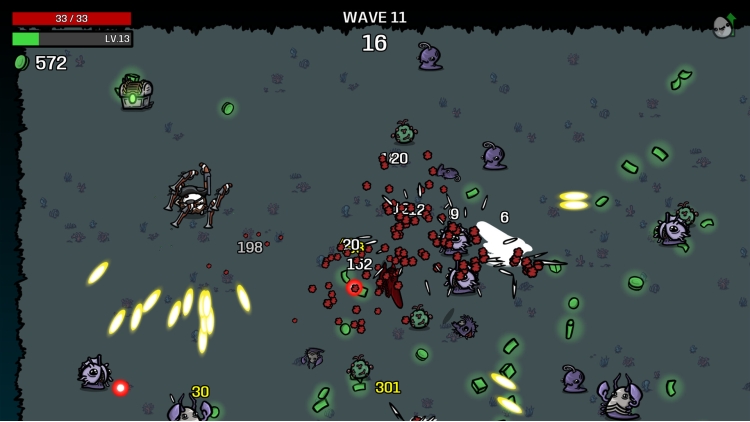
After countless nights battling fiends on the scorching grounds of a treacherous planet, Brotato has decided to take refuge in the depths of the oceans. But he will soon discover that he is not alone.


Features


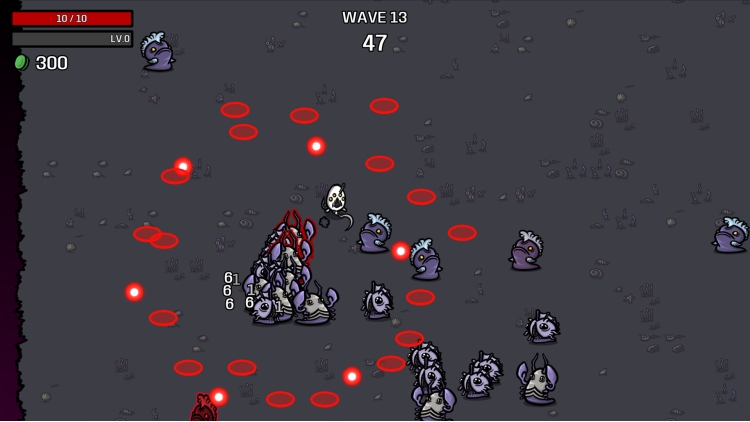
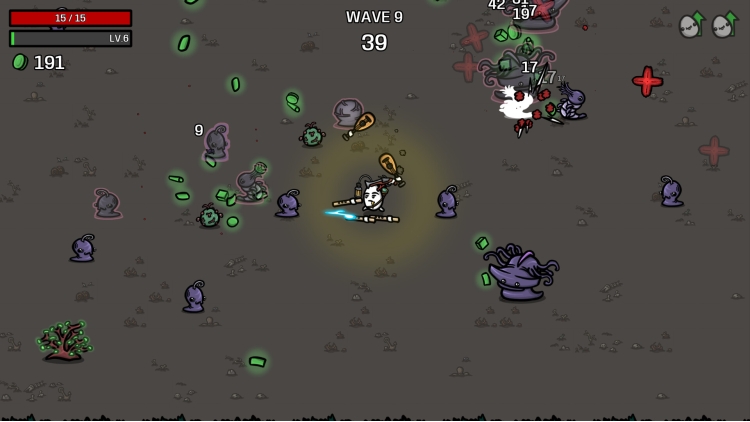
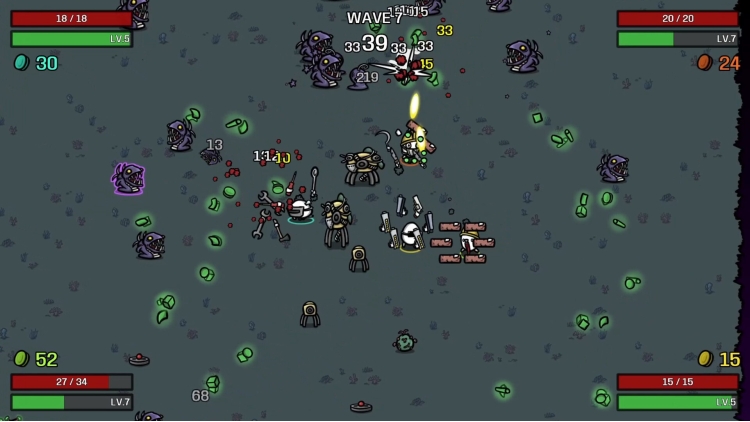
  • New map with 20 waves of new enemies, elites and bosses!
  • 14 new characters
  • 16 new weapons
  • 30+ new items
  • New game mechanics
  • New Music Tracks
  • New achievements
  • And more!


Buy Brotato: Abyssal Terrors PC Steam Game Code - Best Price | eTail

Buy Brotato: Abyssal Terrors PC game code quickly and safely at the best prices guaranteed via the official retailer usa.etail.market

Brotato: Abyssal Terrors Minimum System Requirements:
--Windows--
OS: Windows 7+
Processor: 2 Ghz
Memory: 4 GB RAM
Graphics: 128MB, OpenGL 3+
Storage: 200 MB available space

--macOS--
OS: 10.12
Processor: 2 Ghz
Memory: 4 GB RAM
Graphics: 128MB, OpenGL 3+
Storage: 200 MB available space

--Linux--
Processor: 2Ghz
Memory: 4 GB RAM
Graphics: 128MB, OpenGL 3+
Storage: 200 MB available space

Brotato: Abyssal Terrors Recommended System Requirements :

Activation on Steam

1)      Download & install the Steam client on your computer from   here.

2)      Open the Steam client, register and login. Then, locate the Games tab on the top menu. Click that and select “Activate a Product on Steam..”

       

3)      Enter your code that is showed on the orders page of eTail. Market and and follow the steps showed to activate your game.

       

4)      The game can be monitored now and you can see it on the "Library" section on Steam. You can download and install the game now.

5)      If you need more information and support, you can click here: https://help.steampowered.com/en/wizard/HelpWithSteam

RECOMMENDED