

Joe Danger
91%


 Add To Cart
 Add To Cart

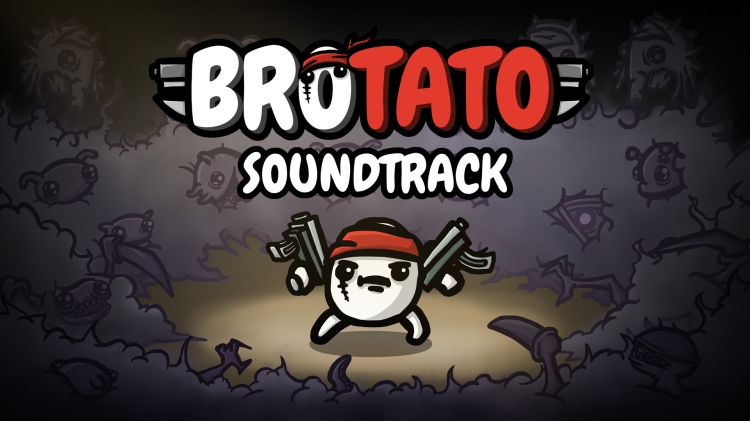
(!) Note: This soundtrack does not include the 6 legacy tracks originally used, as Blobfish Games does not own exclusive rights to them.
Relive the most adrenaline-pumping moments of surviving as a lone potato against an alien onslaught with this intense, pulse-pounding soundtrack, composed and produced by Adonai.
Track Listing
Disc 1
1 Liquid Glass 2:43
2 Phase Break 3:00
3 Turbine Kick 3:12
4 Wubs of the Deep 3:12
5 Hyperspace 3:26
Disc 2
1 Currents 3:20
2 Kora 2:45
3 Shipwrecked 2:54
4 Covert Sub 3:25
5 Thalassophobia 3:43
6 Sonar 3:24
Credits
Artist: Adonai
Composer: Adonai
Other Credits: ft. Rez, Subkey
Buy Brotato Soundtrack PC game code quickly and safely at the best prices guaranteed via the official retailer usa.etail.market
1)
Download & install the Steam client on your
computer from here.
2)
Open the Steam client, register and login. Then,
locate the Games tab on the top menu. Click that and select “Activate a Product
on Steam..”

3)
Enter your code that is showed on the orders page
of eTail. Market and and follow the steps showed to activate your game.

4)
The game can be monitored now and you can see it
on the "Library" section on Steam. You can download and install the
game now.
5)
If you need more information and support, you
can click here: https://help.steampowered.com/en/wizard/HelpWithSteam
 91%
Add To Cart
91%
Add To Cart
 29%
Add To Cart
29%
Add To Cart
 15%
Out of Stock
15%
Out of Stock
 66%
Add To Cart
66%
Add To Cart
 12%
Add To Cart
12%
Add To Cart
 90%
Add To Cart
90%
Add To Cart
 51%
Add To Cart
51%
Add To Cart
 0%
Add To Cart
0%
Add To Cart
 12%
Add To Cart
12%
Add To Cart
 91%
Add To Cart
91%
Add To Cart