

Joe Danger + Joe Danger 2: The Movie Bundle
90%


 Add To Cart

 Add To Cart

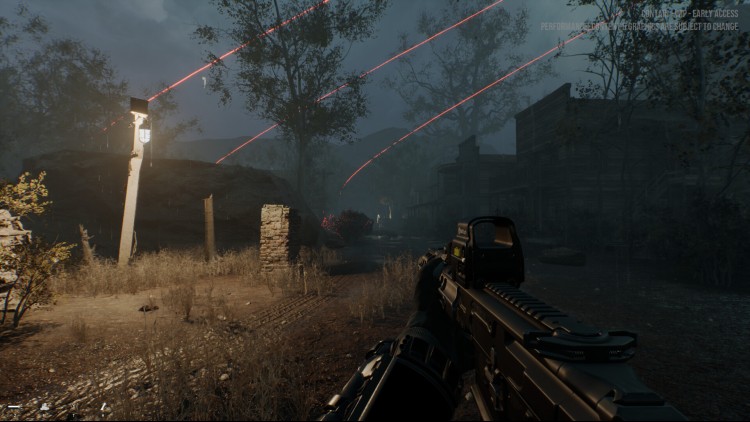
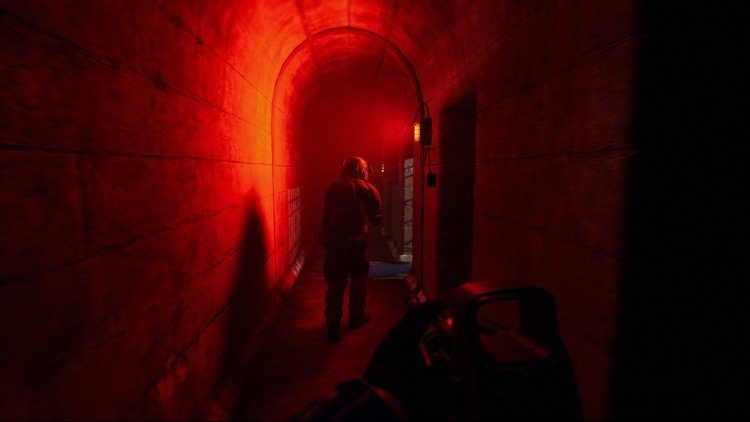
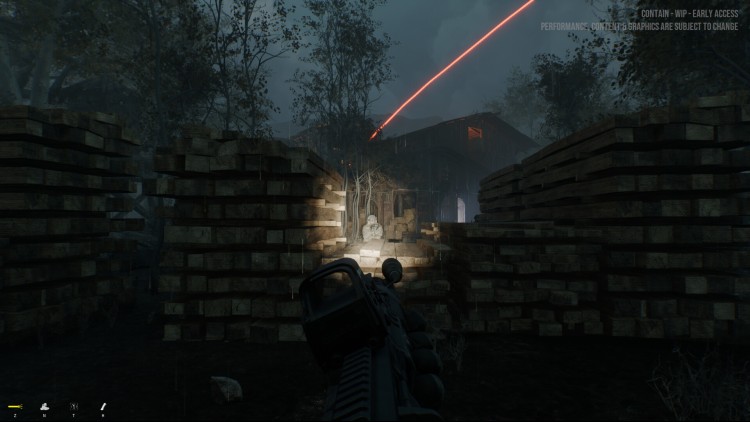
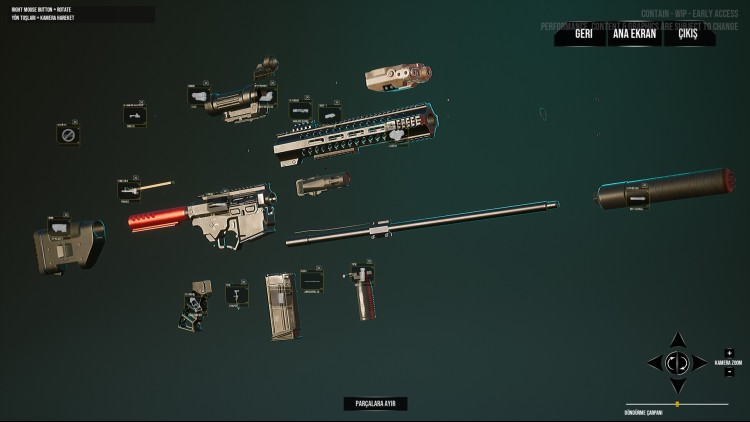
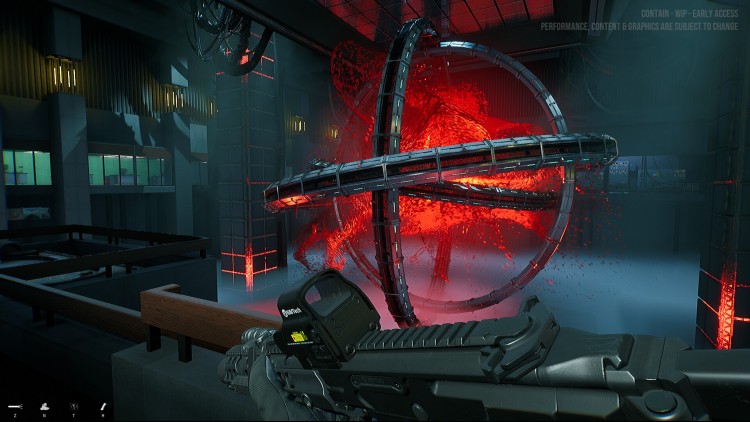
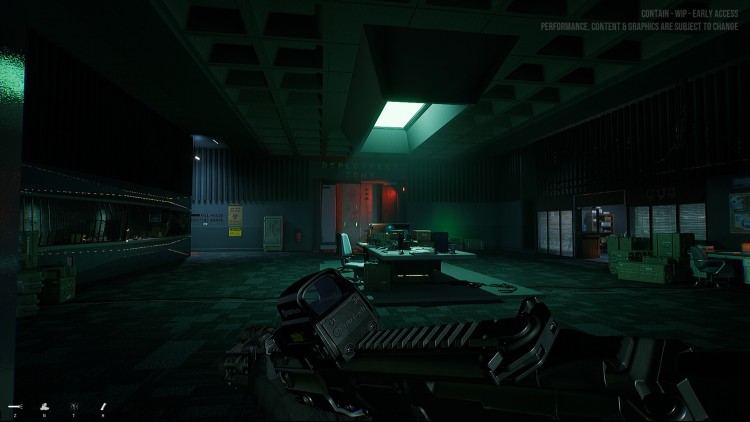
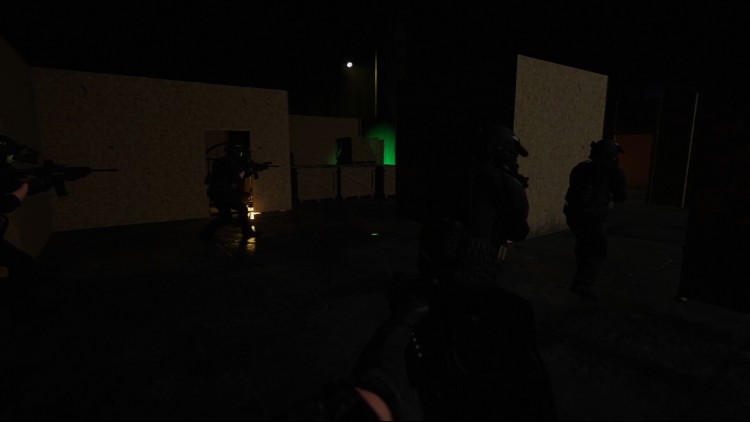
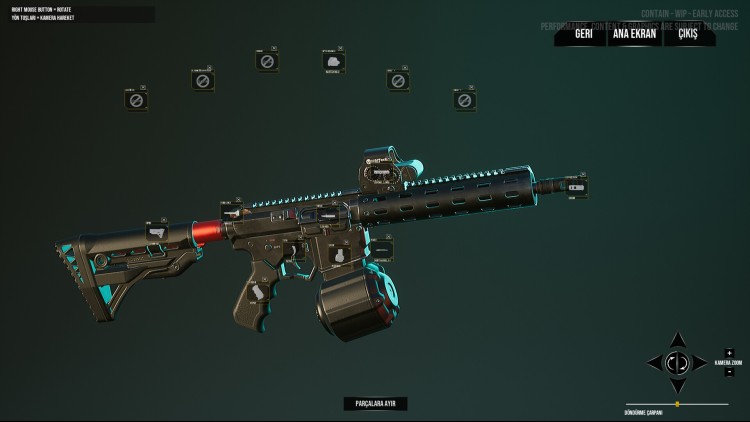
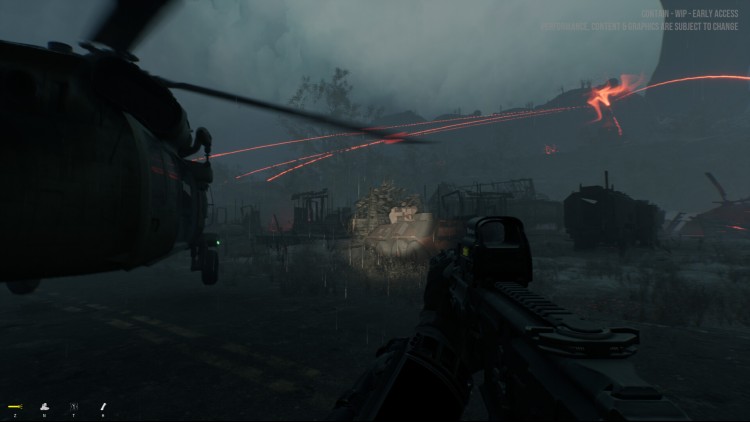
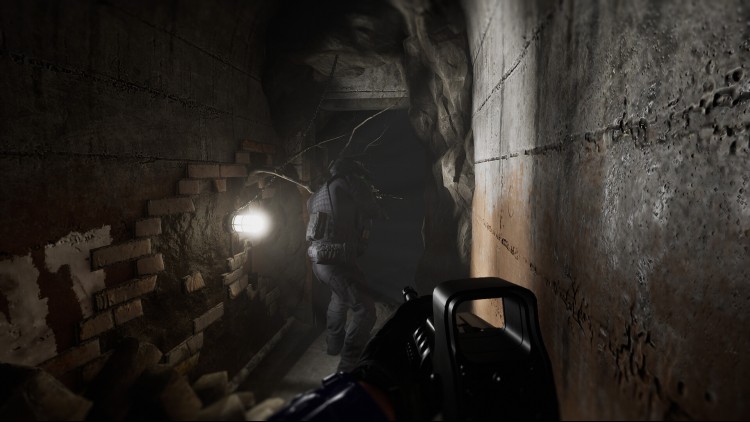
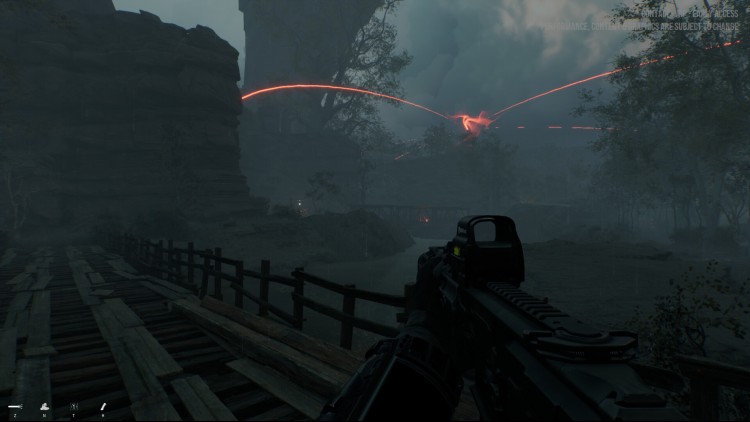
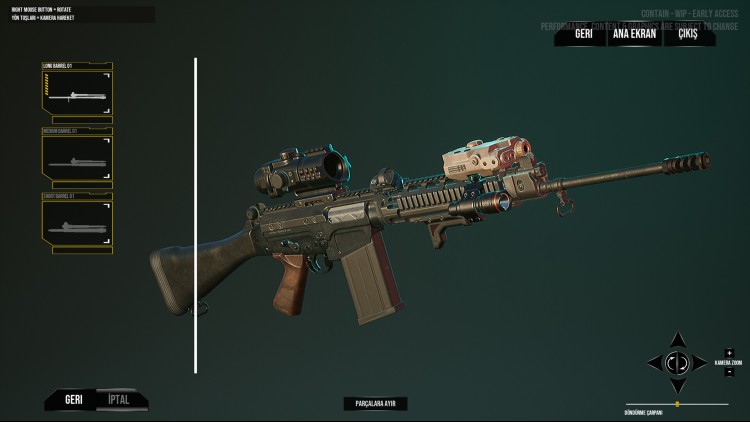
Contain is a first-person cooperative tactical shooter, but if you like you can play as a Lone Wolf. There is an organization that directs many task forces that are trying to control objects of supernatural origin that have fallen from space. The story centers on a special task force.
Fully customize your character from basic outfit and gear to in-depth customization, you decide on every pouch and attachment placement.
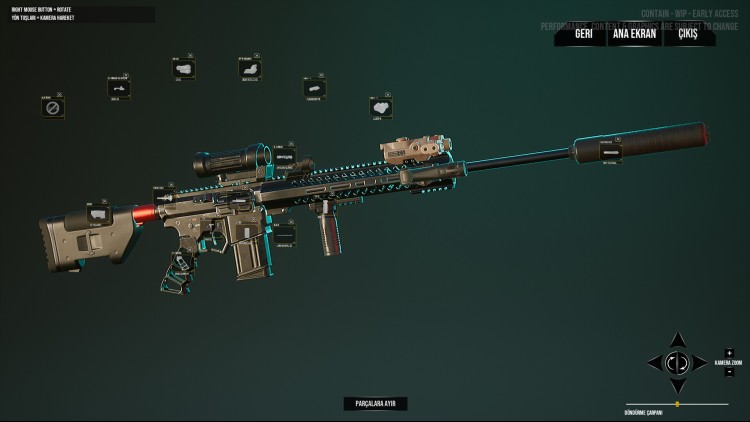
Like your outfit and gear, you can fully customize your guns with a gunsmith system.
Calculated teamwork is essential for all Entry Teams. Practice in the kill house and try your equipment before the mission.
You will be able to play all the missions by yourself as a Lone Wolf.
But we are also planning to add A.I. teammates with a complete commanding system.
Buy Contain PC game code quickly and safely at the best prices guaranteed via the official retailer usa.etail.market
1)
Download & install the Steam client on your
computer from here.
2)
Open the Steam client, register and login. Then,
locate the Games tab on the top menu. Click that and select “Activate a Product
on Steam..”

3)
Enter your code that is showed on the orders page
of eTail. Market and and follow the steps showed to activate your game.

4)
The game can be monitored now and you can see it
on the "Library" section on Steam. You can download and install the
game now.
5)
If you need more information and support, you
can click here: https://help.steampowered.com/en/wizard/HelpWithSteam
 90%
Add To Cart
90%
Add To Cart
 12%
Add To Cart
12%
Add To Cart
 0%
Add To Cart
0%
Add To Cart
 51%
Add To Cart
51%
Add To Cart
 66%
Add To Cart
66%
Add To Cart
 15%
Out of Stock
15%
Out of Stock
 91%
Add To Cart
91%
Add To Cart
 91%
Add To Cart
91%
Add To Cart