

No Man's Sky
16%


 Add To Cart
 Add To Cart

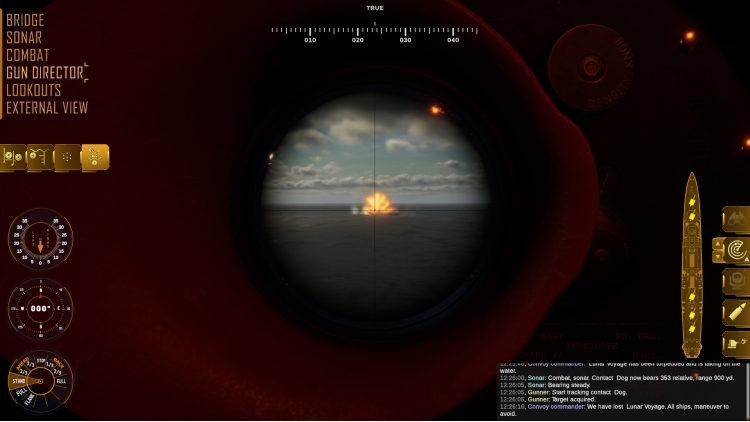
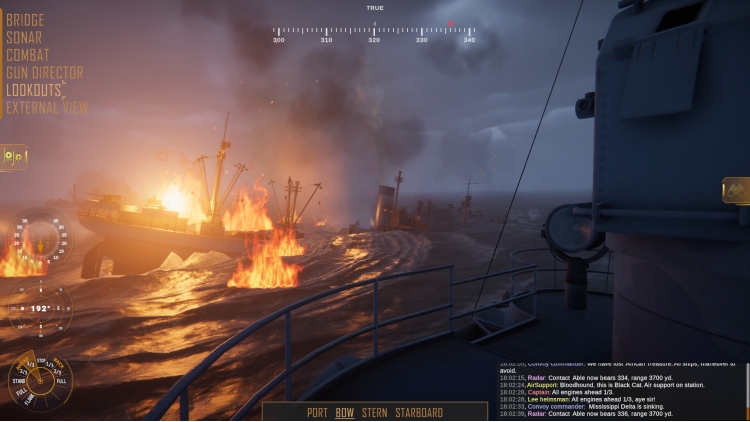
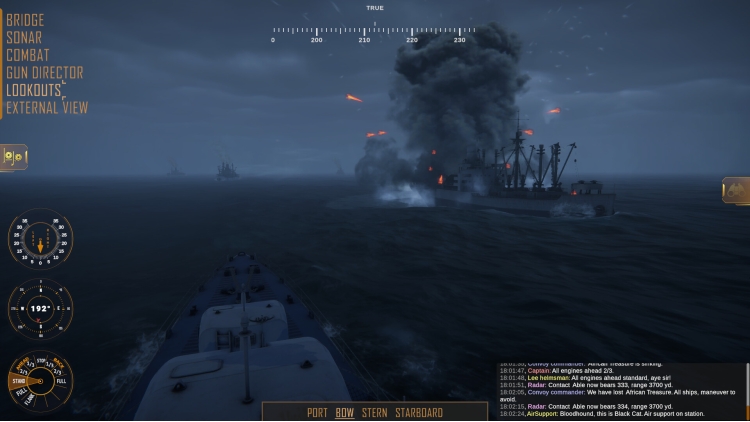
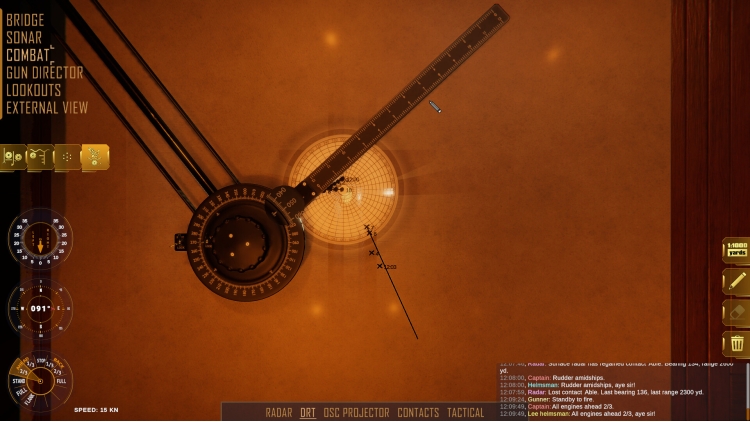
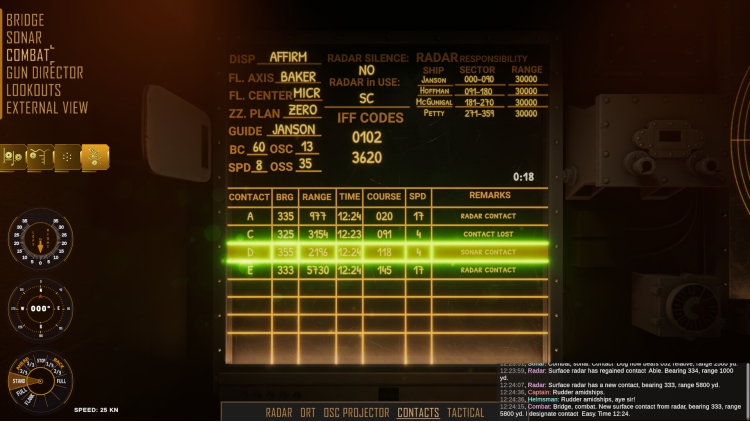
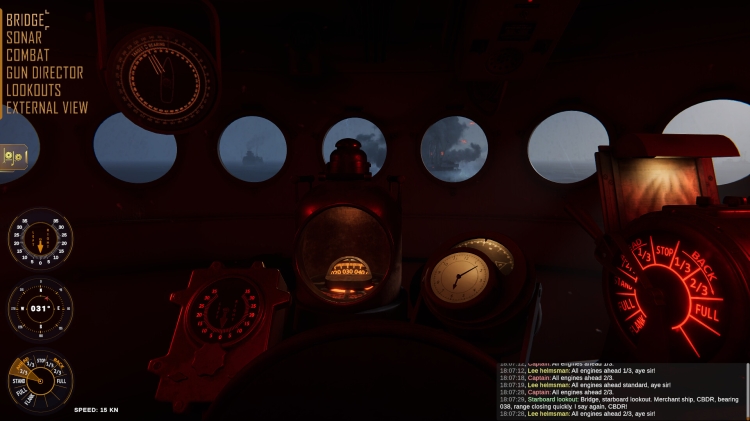
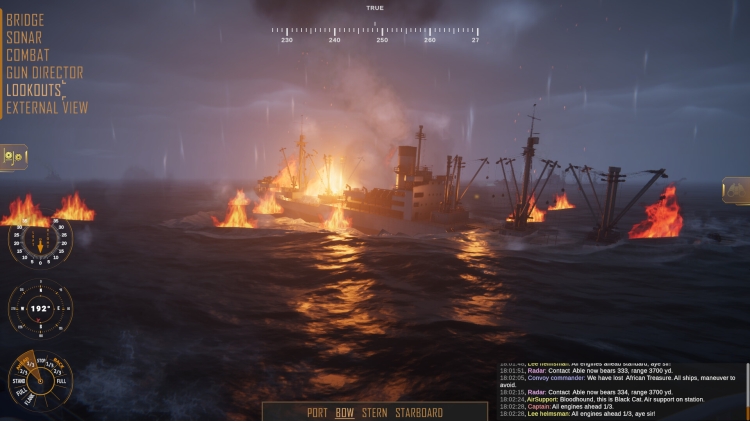
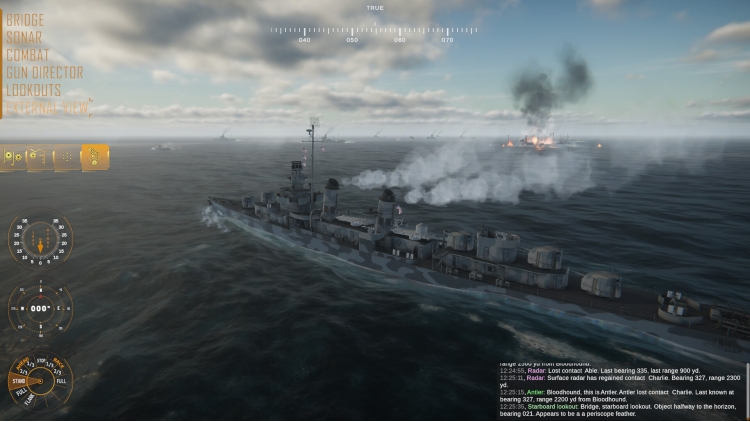
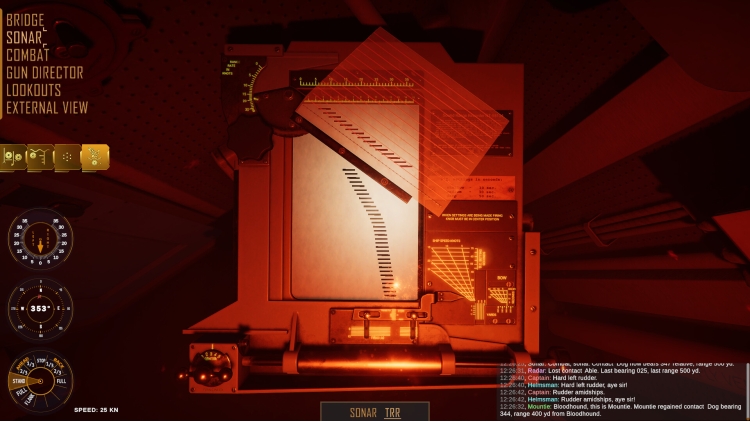
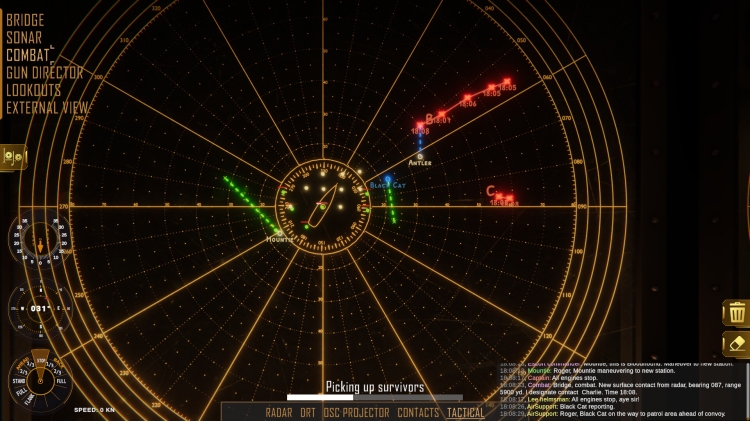
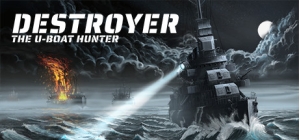
Destroyer: The U-Boat Hunter is an innovative, cross-genre destroyer simulation which truthfully depicts the struggle of escort groups protecting allied convoys against German U-boats during the Battle of the Atlantic. Take full control of a Fletcher-class destroyer, using authentic instruments and attack procedures to fully experience the full spectrum of anti-submarine warfare.
Destroyer combines the thrill of commanding an anti-submarine warship with the tactical challenge of managing a whole escort group protecting convoys against relentless wolfpacks. The game goes to great lengths to appeal to fans of realism and immersion, at the same time offering a great experience for beginners in the genre as well.
Whether a military sim veteran or a fledgling captain, immerse yourself in a cinematic naval warfare experience and feel the thrill of the hunt!
Key game features include:
- Procedural battle generation with randomized weather, time of day, and enemy attack patterns, allowing for a virtually infinite number of battle scenarios.
- A detailed Fletcher-class destroyer model with 5 locations meticulously recreated in state-of-the art 3D: the bridge, the combat information center, the sonar room, the gun director, and the lookouts’ station.
- Over 300 voice reports recorded by professional voice actors, navy school cadets and US Navy experts for unparalleled immersion and situational awareness.
- A total of 10 different battle stations covering the most essential duties of the anti-submarine attack team, each complete with its key instruments and gear to give you the edge over the enemy.
- 4 different convoy battle configurations (small, medium, large, and custom).
- A dark, thematic soundtrack comprising 4 multi-layered pieces that dynamically adjust to the level of tension between you and the enemy.
- Varied U-boat captain profiles: aggressive, sneaky, patient, or cold professional - each of them with an ace up their sleeve.
© 2022 Daedalic Entertainment GmbH and Iron Wolf Studio S.A. All rights reserved.
Daedalic and the Daedalic logo are trademarks of Daedalic Entertainment GmbH, Germany.
Buy Destroyer: The U-Boat Hunter PC game code quickly and safely at the best prices guaranteed via the official retailer usa.etail.market
© 2022 Daedalic Entertainment GmbH and Iron Wolf Studio S.A. All rights reserved.Daedalic and the Daedalic logo are trademarks of Daedalic Entertainment GmbH, Germany.
1)
Download & install the Steam client on your
computer from here.
2)
Open the Steam client, register and login. Then,
locate the Games tab on the top menu. Click that and select “Activate a Product
on Steam..”

3)
Enter your code that is showed on the orders page
of eTail. Market and and follow the steps showed to activate your game.

4)
The game can be monitored now and you can see it
on the "Library" section on Steam. You can download and install the
game now.
5)
If you need more information and support, you
can click here: https://help.steampowered.com/en/wizard/HelpWithSteam
 16%
Add To Cart
16%
Add To Cart
 Add To Cart
 82%
Add To Cart
82%
Add To Cart
 12%
Add To Cart
12%
Add To Cart
 0%
Add To Cart
0%
Add To Cart
 12%
Add To Cart
12%
Add To Cart
