

Joe Danger + Joe Danger 2: The Movie Bundle
90%


 Add To Cart

 Add To Cart

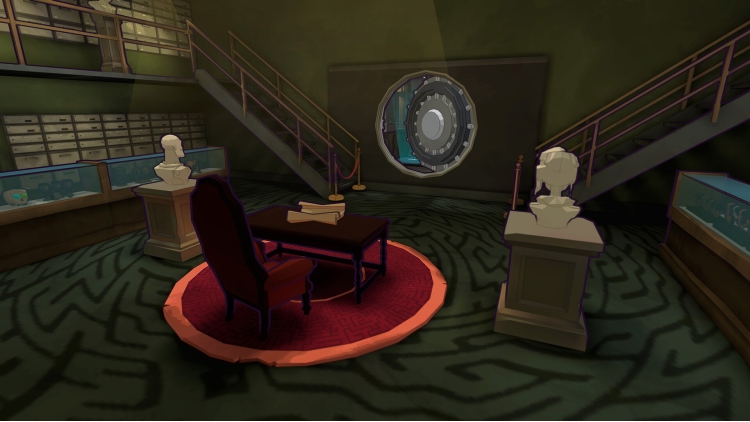

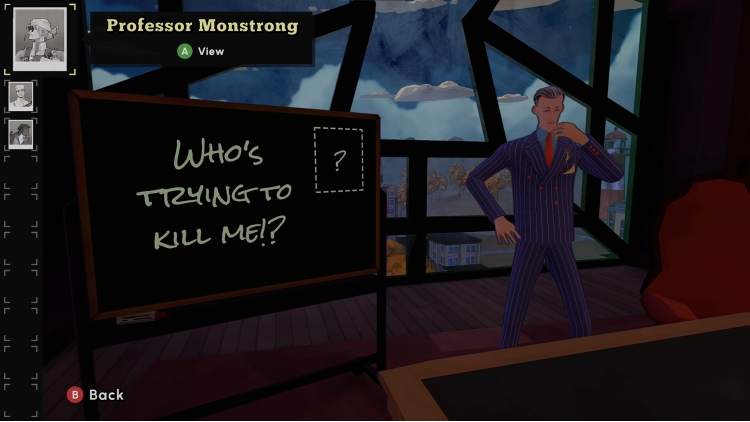
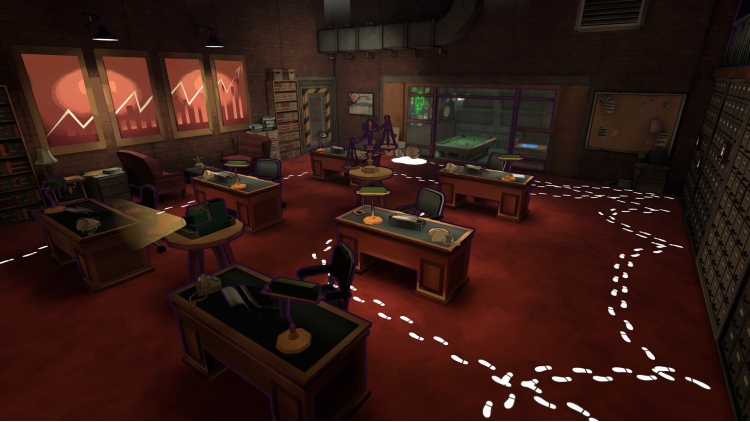




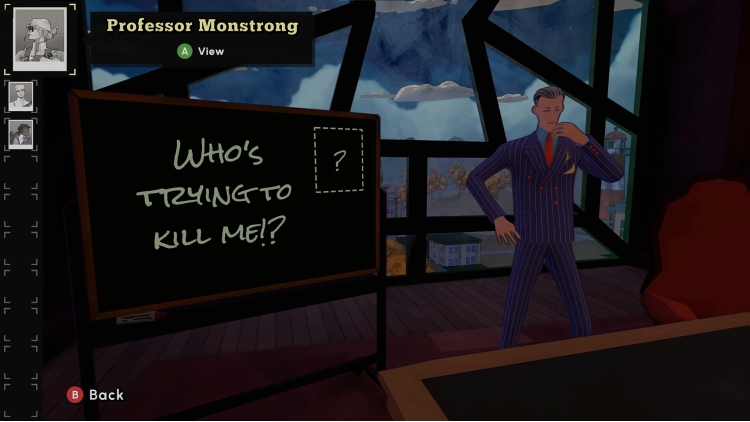
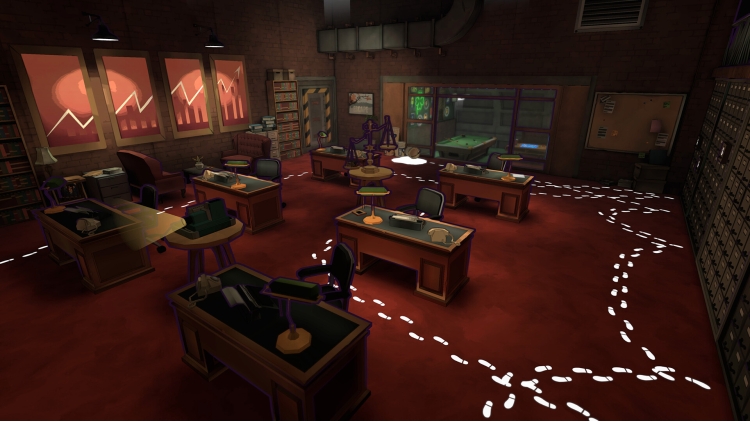
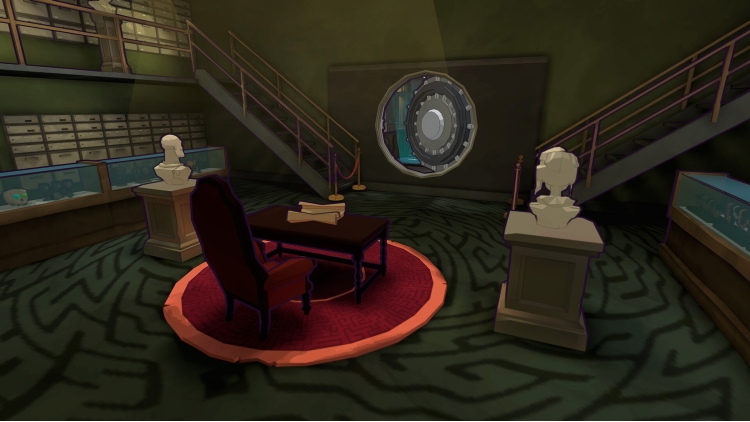




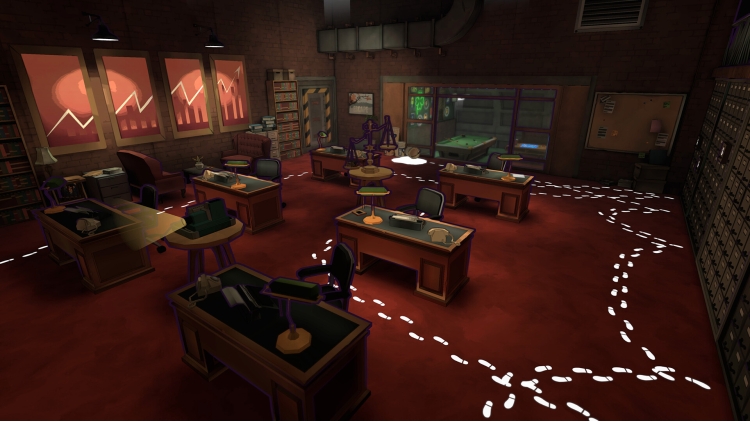



Visit the Escape Academy of yesteryear in Escape from the Past. This prequel DLC (included in the Escape Academy Season Pass) puts players in control of Sandra Solange and Eel Barnes all the way back when they began their journey as students at the Academy!
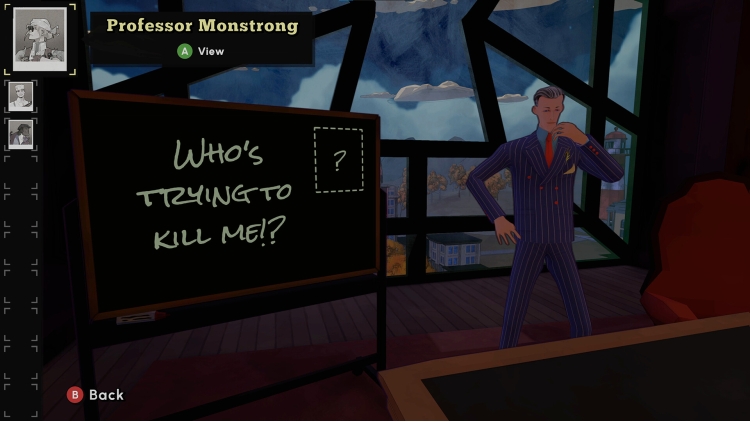
After a harrowing ""accident"" at an Academy sporting event nearly results in the death of Headmaster Horatio Windsor, he becomes certain that one of his faculty members is trying to MURDER HIM! Convinced that the murderer has eyes everywhere, he enlists Sandra and Eel as his undercover agents to investigate each of the suspected teachers.
As the ""accidents"" keep piling up, players must successfully navigate (and survive!) five, all new rooms while piecing together clues to deduce the would-be killer’s identity. It's an Escape Academy whodunnit!
iam8bit®, iam8bit Presents™, and the related logos are trademarks of iam8bit, Inc. All rights reserved.
Buy Escape Academy: Escape From the Past PC game code quickly and safely at the best prices guaranteed via the official retailer usa.etail.market
iam8bit®, iam8bit Presents™, and the related logos are trademarks of iam8bit, Inc. All rights reserved.
1)
Download & install the Steam client on your
computer from here.
2)
Open the Steam client, register and login. Then,
locate the Games tab on the top menu. Click that and select “Activate a Product
on Steam..”

3)
Enter your code that is showed on the orders page
of eTail. Market and and follow the steps showed to activate your game.

4)
The game can be monitored now and you can see it
on the "Library" section on Steam. You can download and install the
game now.
5)
If you need more information and support, you
can click here: https://help.steampowered.com/en/wizard/HelpWithSteam
 90%
Add To Cart
90%
Add To Cart
 66%
Add To Cart
66%
Add To Cart
 15%
Out of Stock
15%
Out of Stock
 12%
Add To Cart
12%
Add To Cart
 51%
Add To Cart
51%
Add To Cart
 91%
Add To Cart
91%
Add To Cart
 91%
Add To Cart
91%
Add To Cart
 12%
Add To Cart
12%
Add To Cart
 0%
Add To Cart
0%
Add To Cart
 29%
Add To Cart
29%
Add To Cart
