

NASCAR Heat 4 Gold Edition
15%


 Out of Stock

 Add To Cart

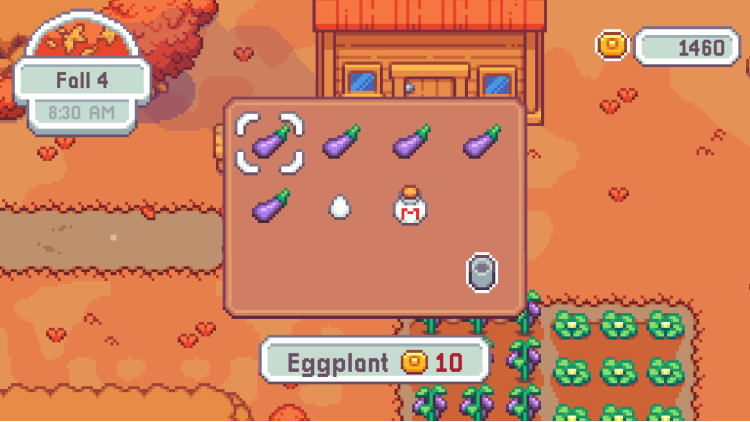
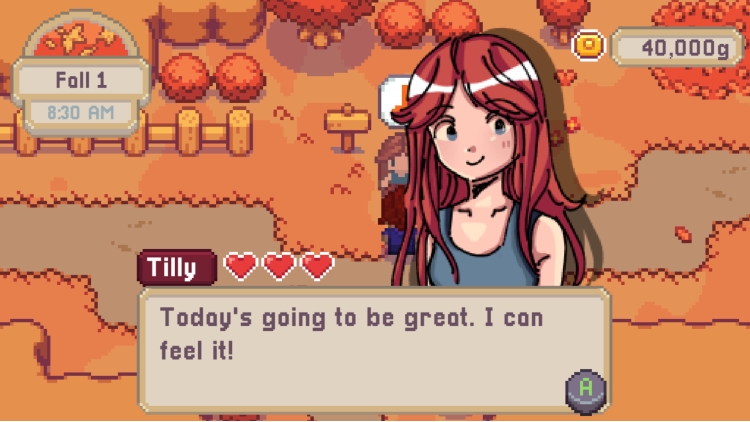
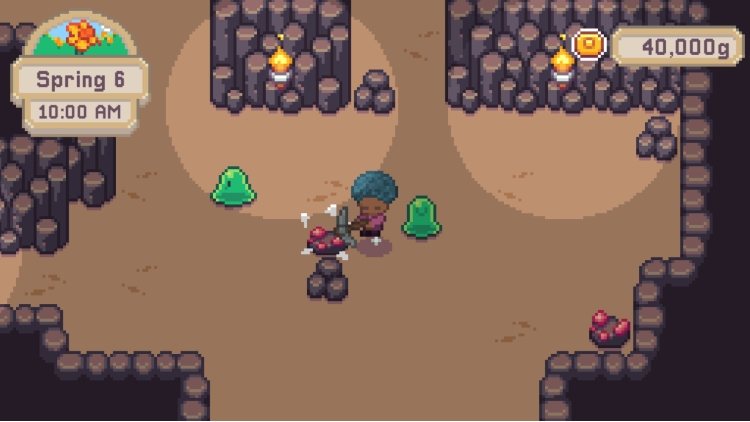
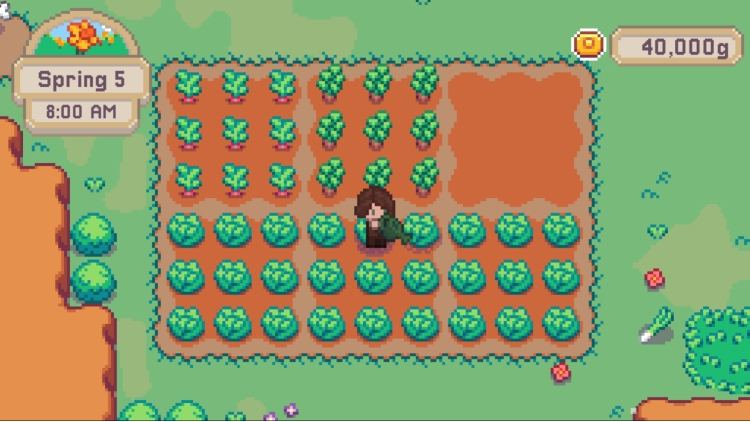
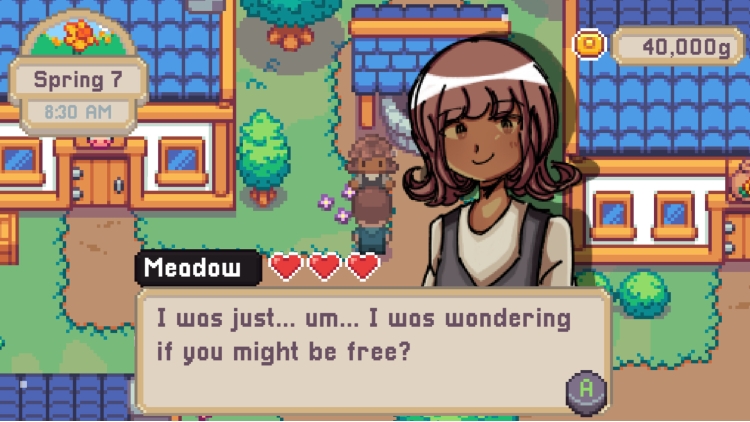
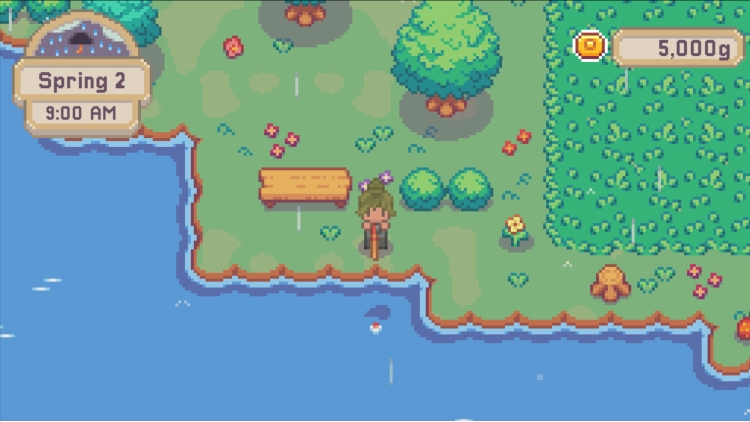
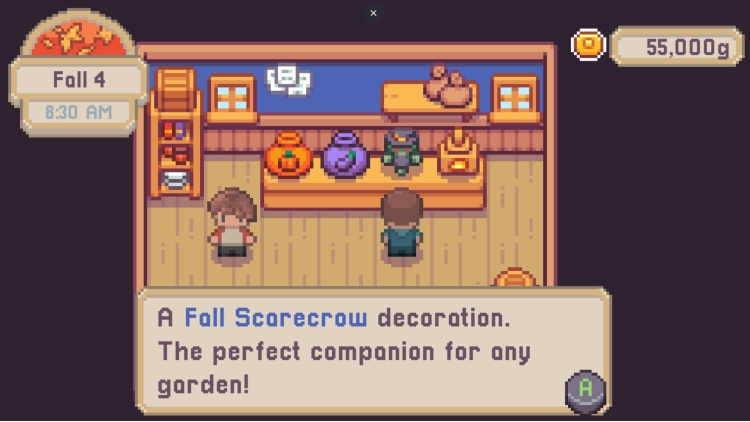
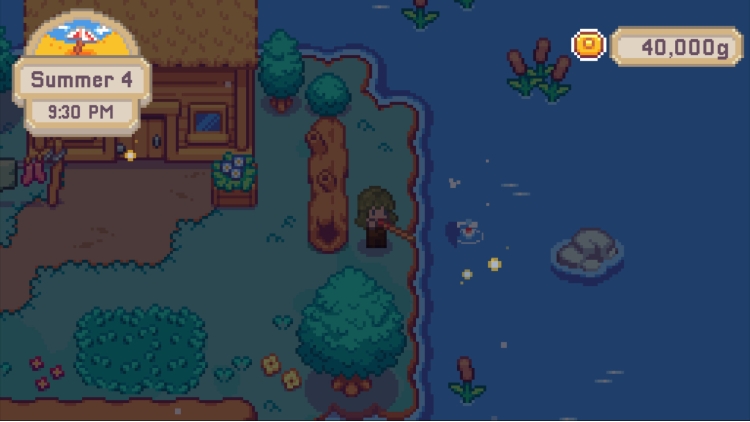
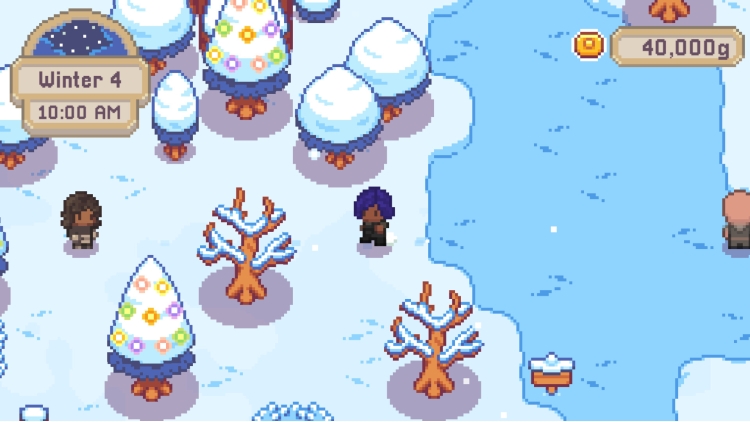
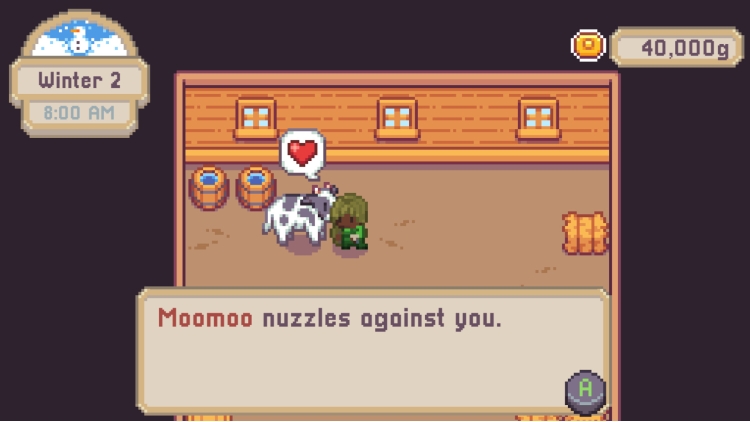
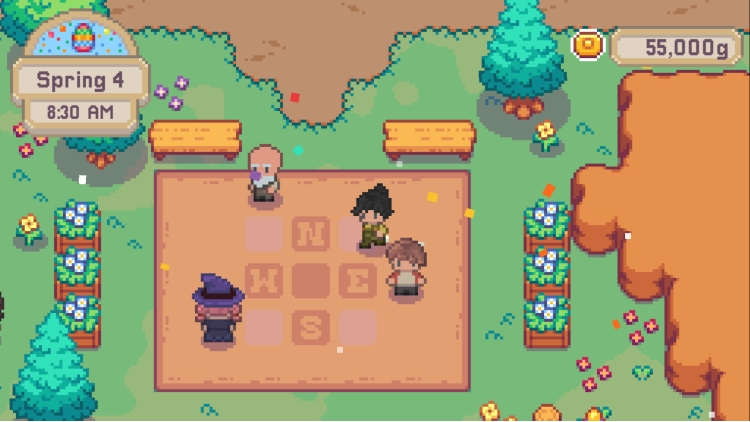
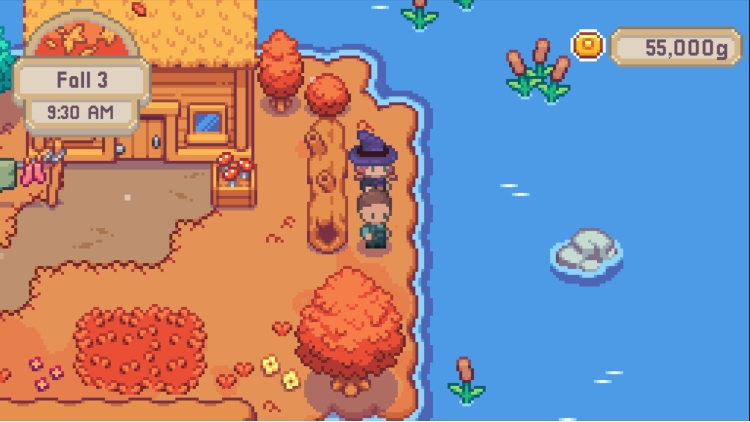
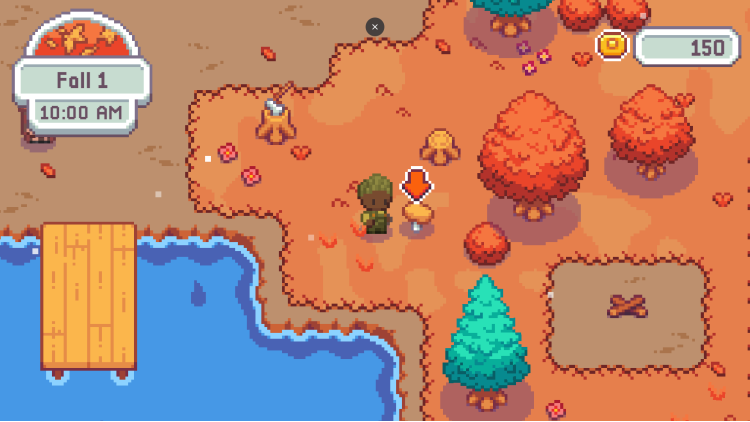
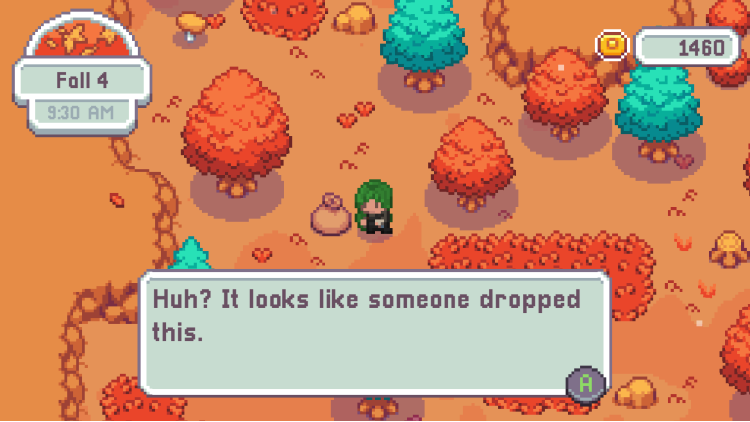
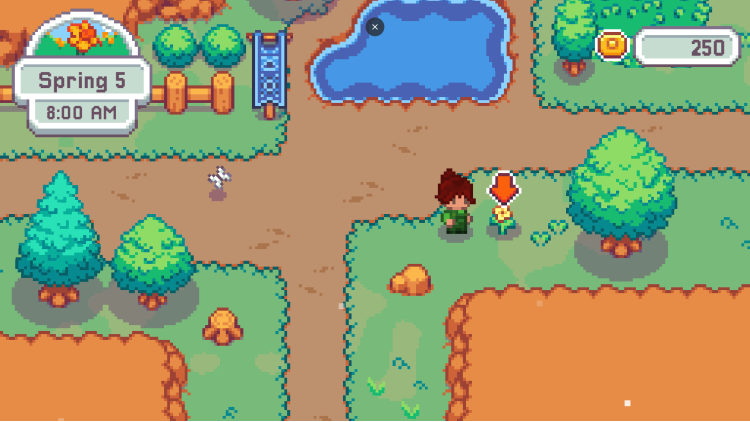
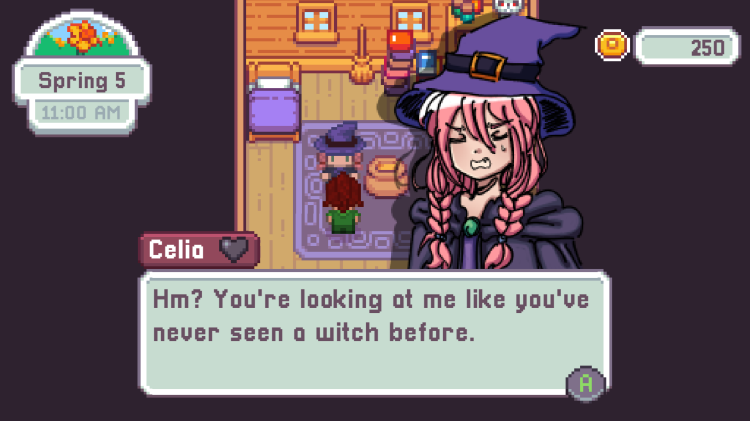
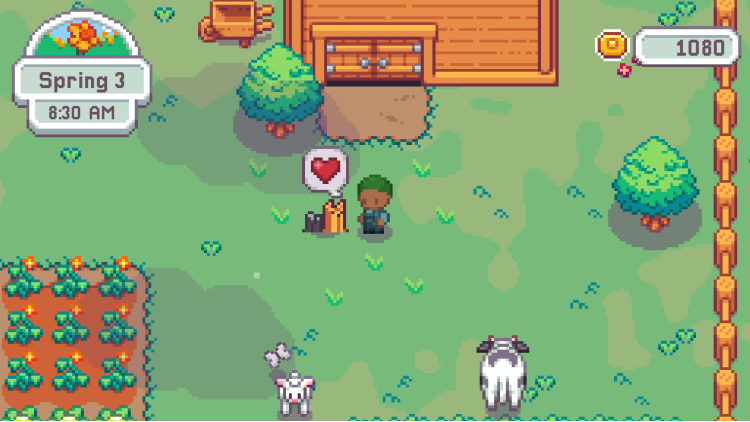
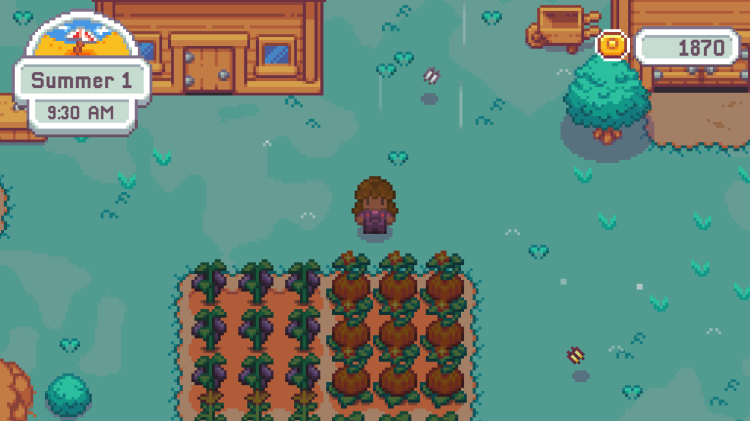
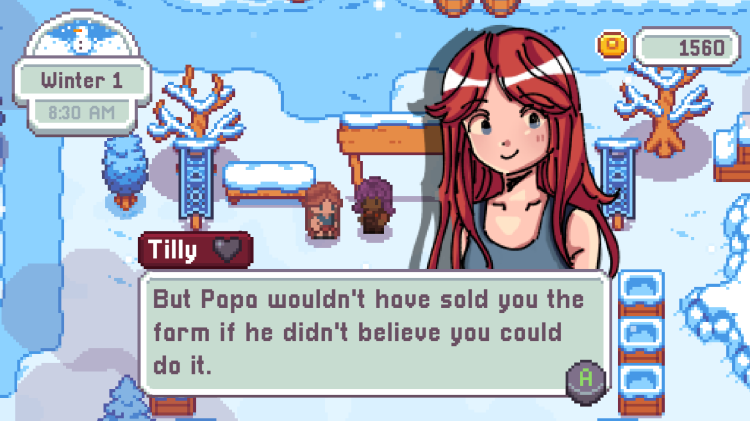
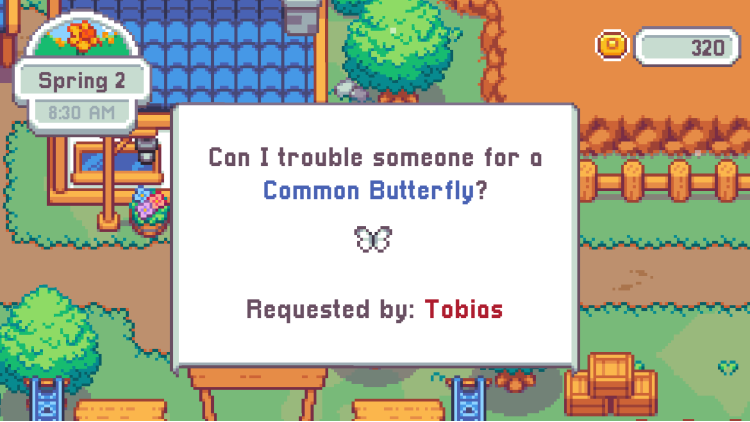
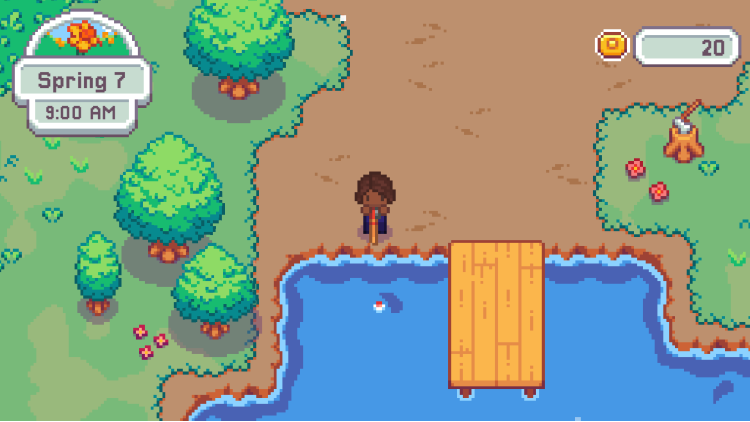
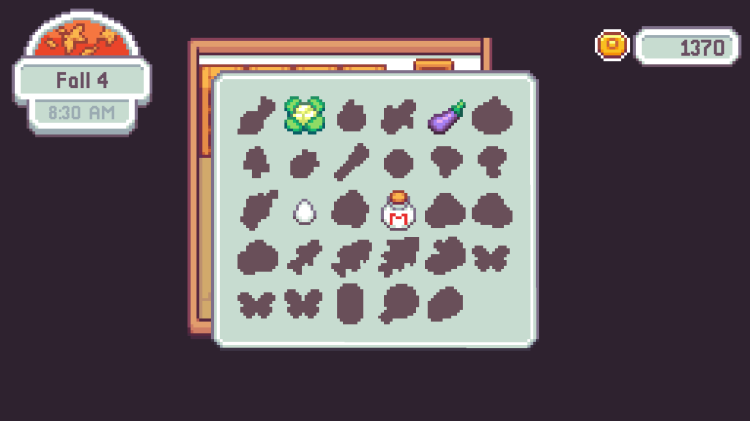
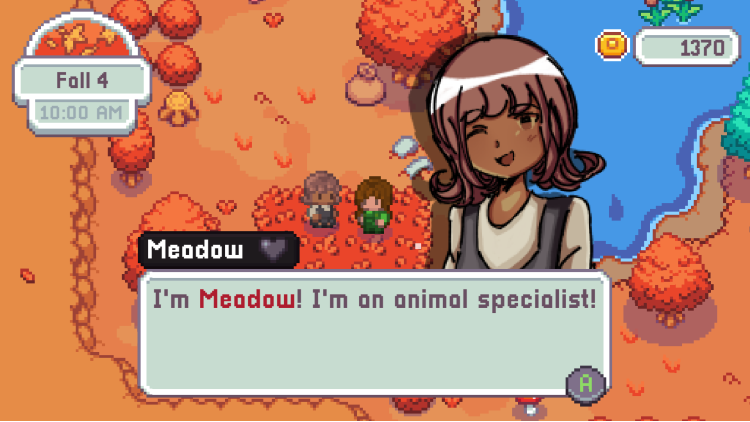
Welcome to Firefly Village! As its newest arrival, discover the joy of a simple, rural life, where there's no rush, no deadlines to meet, no arbitrary demands to fulfill, just you, a plot of land, and wholesome neighbors to meet, make friends, and become a part of this tight-knit community.
With 4-minute days and 7-day seasons, you’ll experience clear progression without the overwhelming tasks. Whether it’s the satisfying pluck of a harvest or the gentle splash of fishing, every action is crafted to bring joy - all at your own pace!
Firefly Village is built around streamlined gameplay, allowing you to relax and enjoy each passing day while tending to your little plot of land, meeting interesting people, or just watching the land flourish as the seasons pass - free of the pressure of conventional farming games.
Buy Firefly Village PC game code quickly and safely at the best prices guaranteed via the official retailer usa.etail.market
© Josh Koenig Games & Freedom Games - All Rights Reserved
1)
Download & install the Steam client on your
computer from here.
2)
Open the Steam client, register and login. Then,
locate the Games tab on the top menu. Click that and select “Activate a Product
on Steam..”

3)
Enter your code that is showed on the orders page
of eTail. Market and and follow the steps showed to activate your game.

4)
The game can be monitored now and you can see it
on the "Library" section on Steam. You can download and install the
game now.
5)
If you need more information and support, you
can click here: https://help.steampowered.com/en/wizard/HelpWithSteam
 15%
Out of Stock
15%
Out of Stock
 51%
Add To Cart
51%
Add To Cart
 27%
Add To Cart
27%
Add To Cart
 0%
Add To Cart
0%
Add To Cart
 91%
Add To Cart
91%
Add To Cart
 90%
Add To Cart
90%
Add To Cart
 91%
Add To Cart
91%
Add To Cart
 66%
Add To Cart
66%
Add To Cart
