

Joe Danger 2: The Movie
12%


 Add To Cart

 Add To Cart


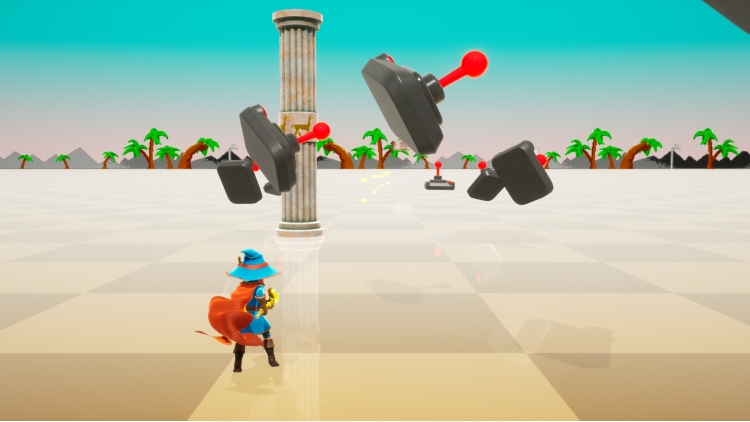
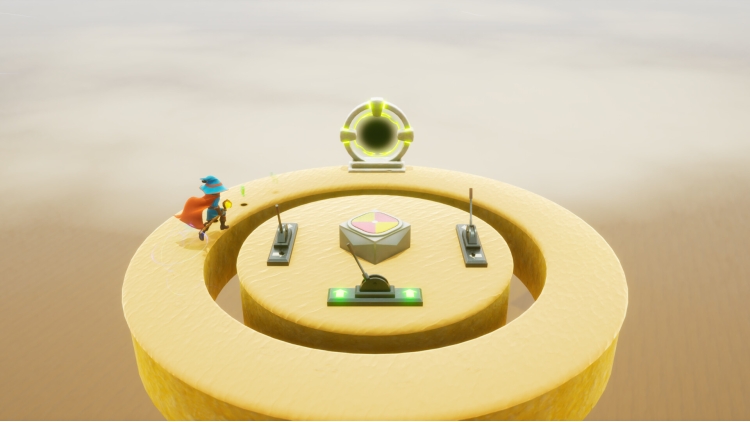
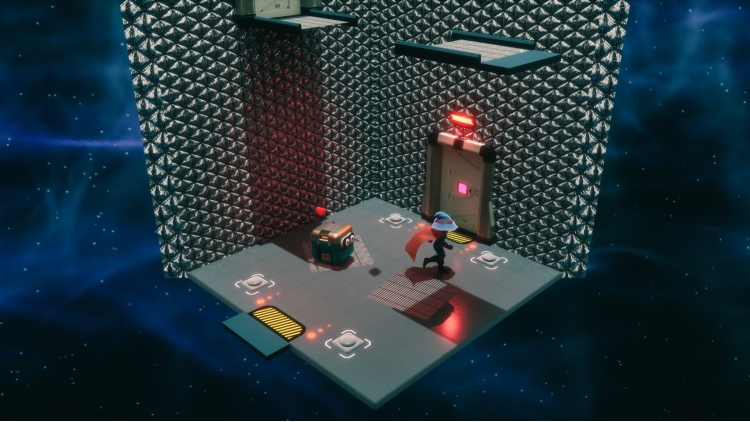
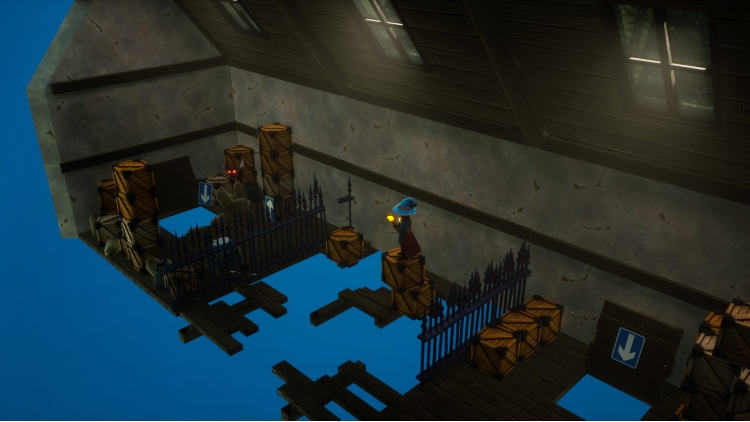
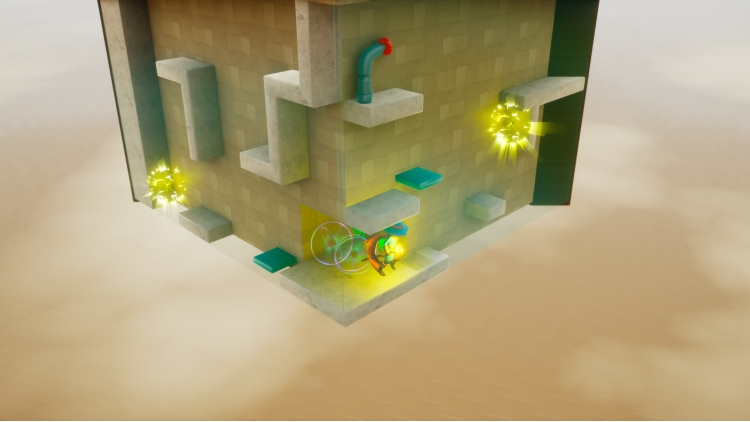
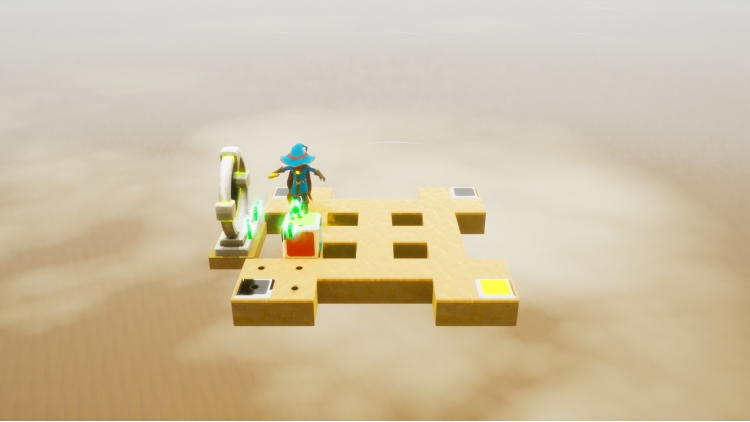
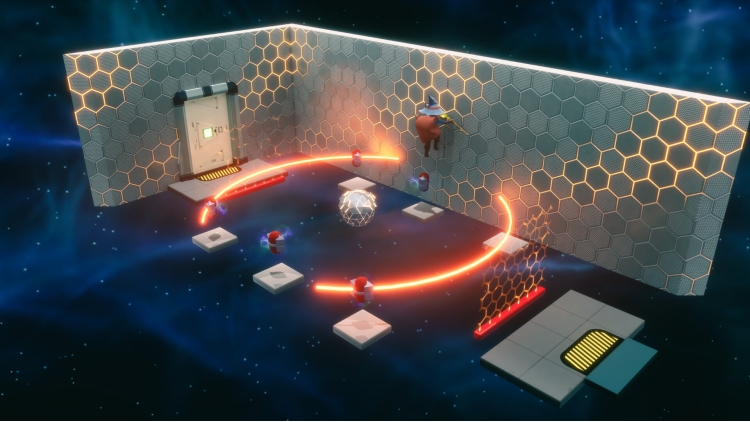
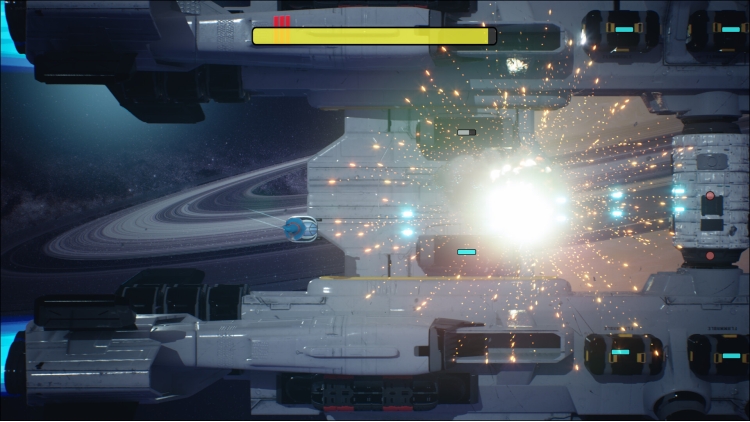
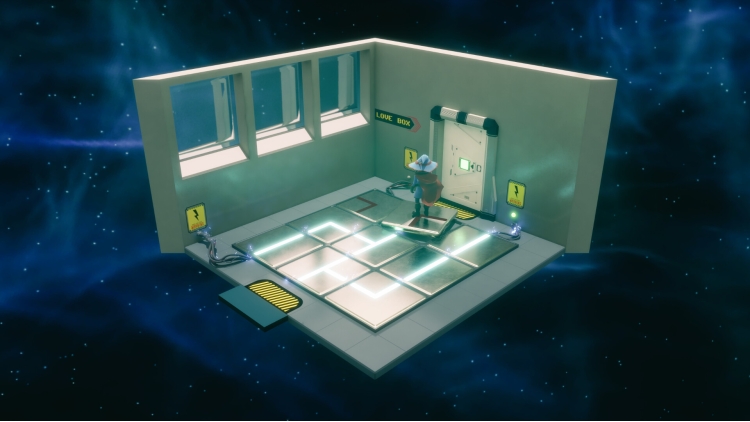
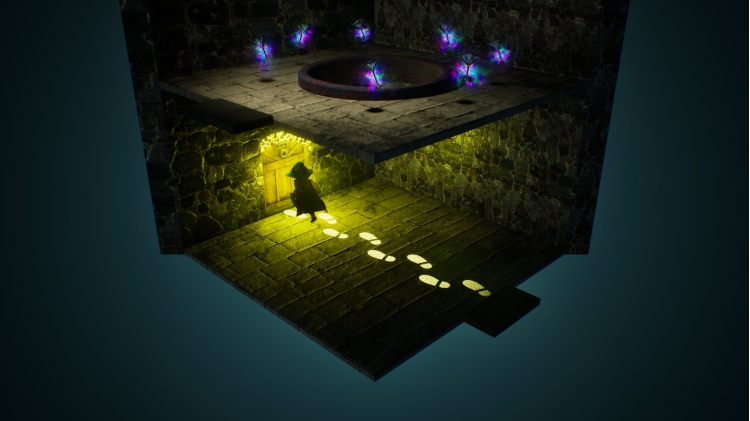
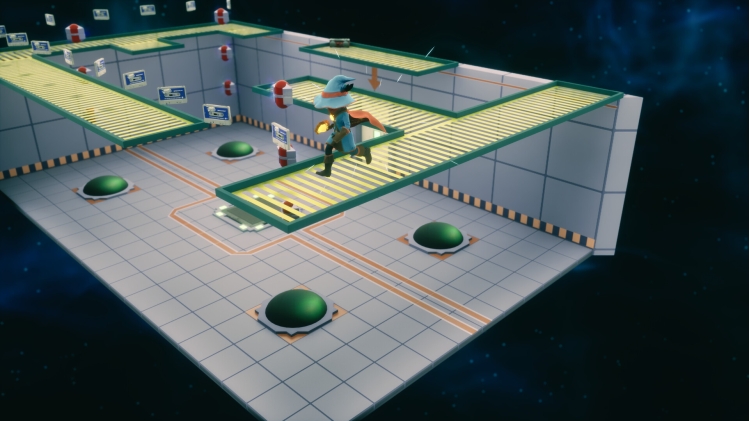
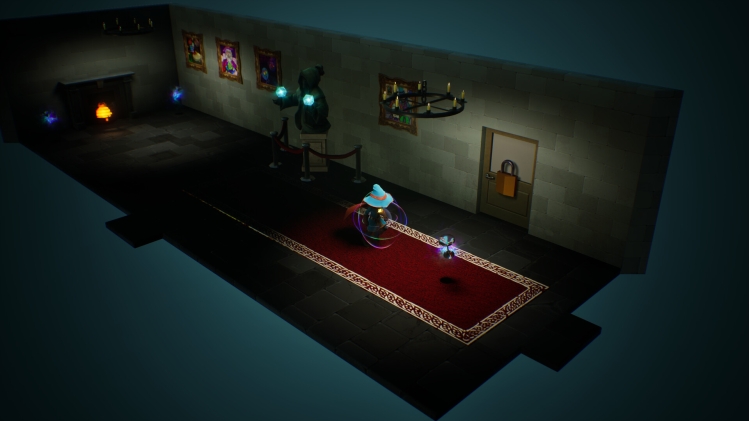
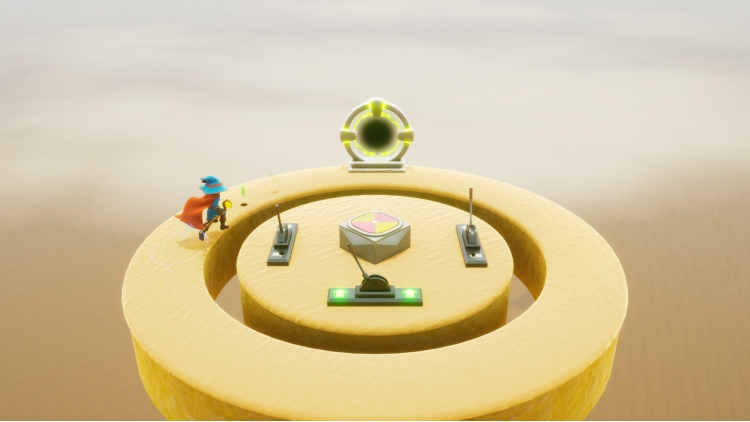

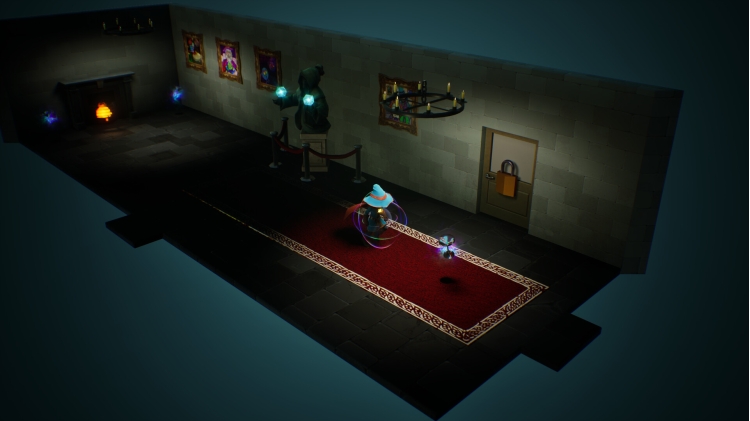
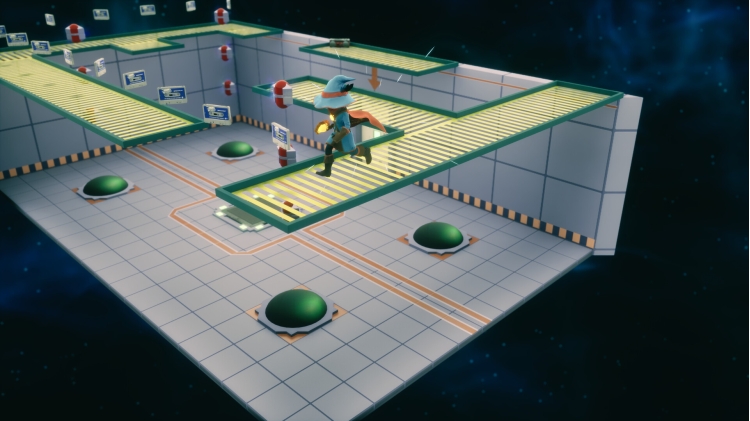
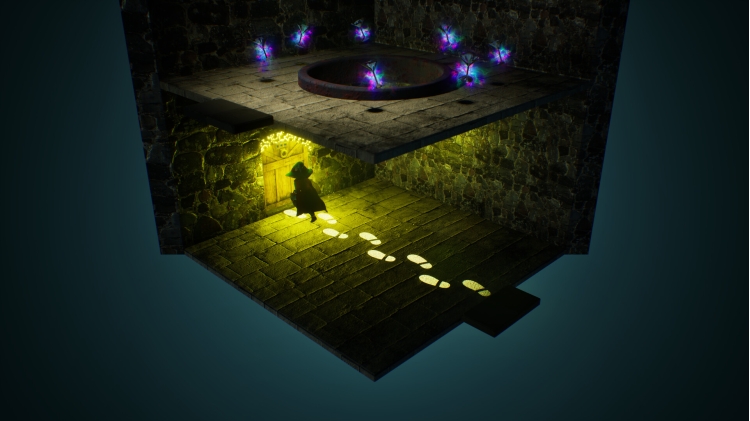
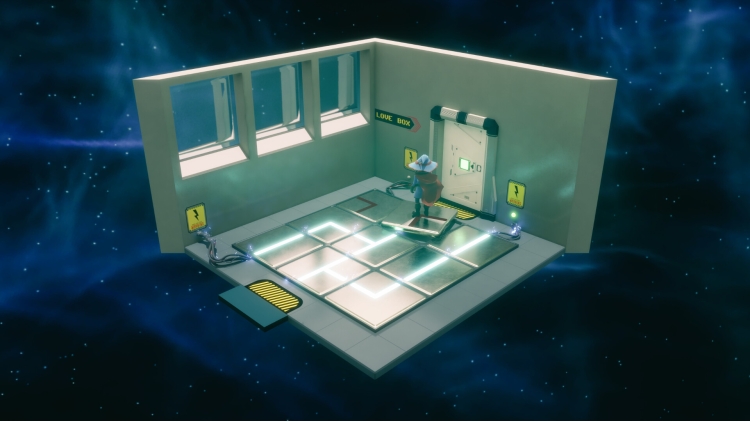
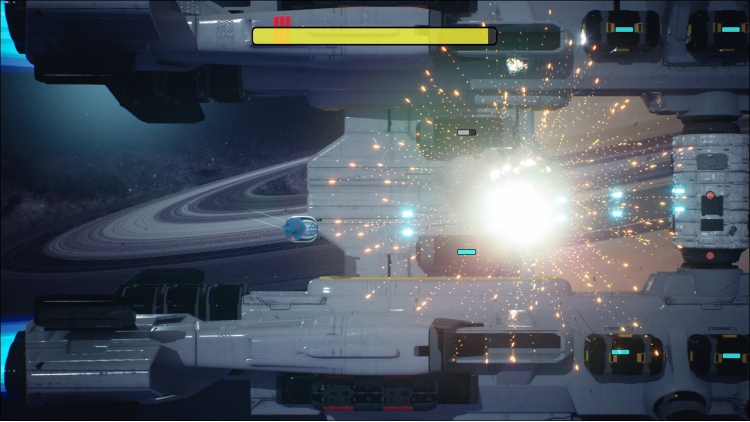
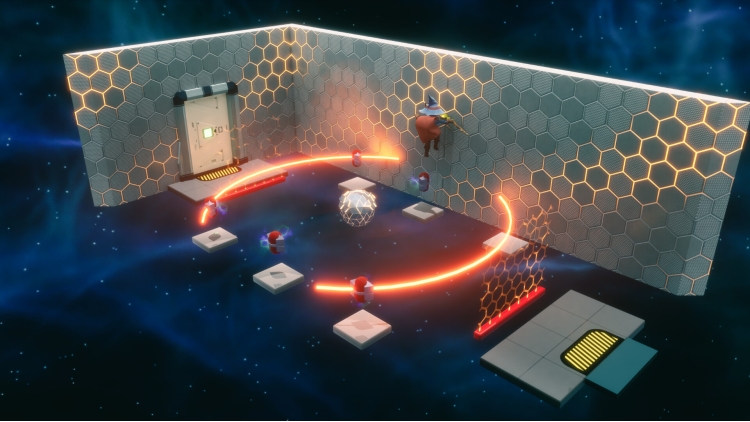
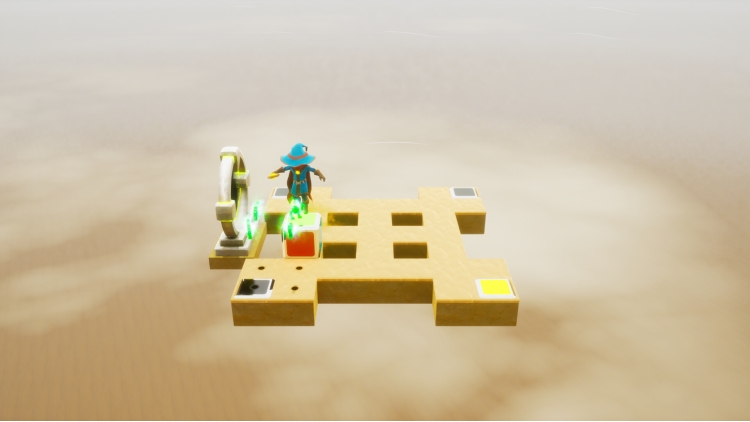
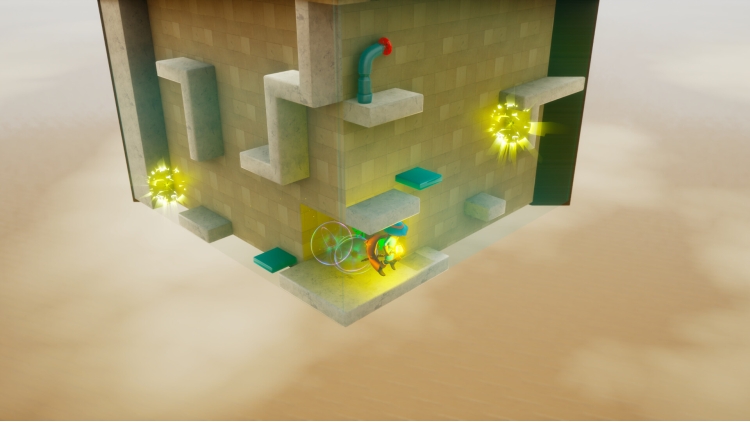
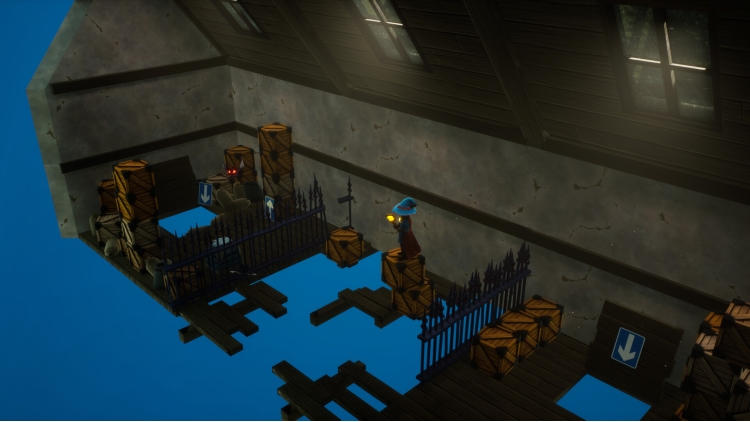
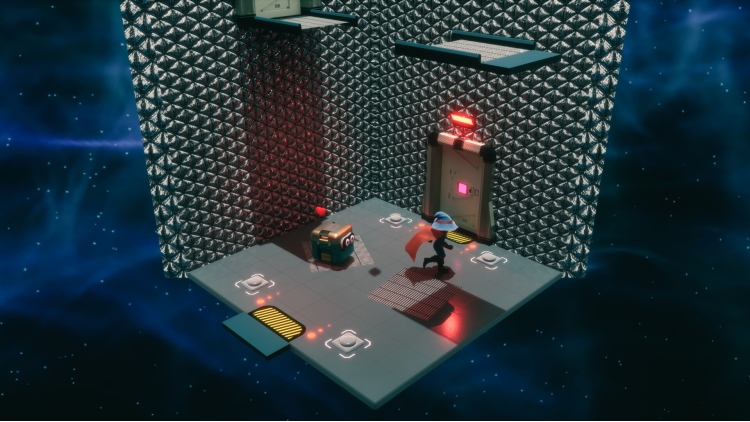
Lumo 2 invites you into a vibrant world of puzzle-platforming and layered exploration, where every room is a challenge and every challenge brings something new. From tricky jumps to clever logic puzzles, you'll navigate shifting perspectives and evolving mechanics as you unlock new paths and abilities. Whether you're chasing secrets or just enjoying the ride, there's always something unexpected around the corner.
Sharpen your reflexes, observation, and puzzle-solving skills as you chart your own path through a world of shifting challenges. One moment you're dodging traps in a 3D maze, the next you're solving a top-down puzzle or racing through an arcade-style mini-game. No two areas are quite the same, and each new space is built to keep you curious.
Lumo 2 is designed to welcome players of all ages. Whether you're a seasoned explorer or just getting started, you'll find a rhythm that works for you.
Building on the charm of the original, Lumo 2 introduces three stunning new environments to explore. Each space brings its own surprises, with shifting platforms, collapsing floors, and hidden hazards that keep you moving and alert.
The puzzles are just as varied, mixing quick reflexes with clever thinking. Every solved challenge feels rewarding, and every discovery invites you to keep exploring.
Lumo 2 is packed with personality, featuring mischievous ducks, collectible cassette tapes, and subtle winks to classic games. You won’t need to catch everything to finish the story, but taking the time to look around often pays off in delightful ways.
Play at your own pace, chase every secret, or just enjoy the journey. However you play, Lumo 2 promises a charming, challenging, and consistently surprising experience. Add it to your wishlist today and get ready to explore.
· Over 100 rooms packed with platforming challenges and puzzles
· 3 standalone mini-games to discover and master
· 25 hidden cassette tapes to hunt down
· 20 elusive ducks to collect — only for those who truly master the controls!
©2025 Triple Eh? Ltd. Licensed to & published by Numskull Games Ltd.
Buy Lumo 2 PC game code quickly and safely at the best prices guaranteed via the official retailer usa.etail.market
©2025 Triple Eh? Ltd. Licensed to & published by Numskull Games Ltd.
1)
Download & install the Steam client on your
computer from here.
2)
Open the Steam client, register and login. Then,
locate the Games tab on the top menu. Click that and select “Activate a Product
on Steam..”

3)
Enter your code that is showed on the orders page
of eTail. Market and and follow the steps showed to activate your game.

4)
The game can be monitored now and you can see it
on the "Library" section on Steam. You can download and install the
game now.
5)
If you need more information and support, you
can click here: https://help.steampowered.com/en/wizard/HelpWithSteam
 12%
Add To Cart
12%
Add To Cart
 15%
Out of Stock
15%
Out of Stock
 82%
Add To Cart
82%
Add To Cart
 16%
Add To Cart
16%
Add To Cart
 Add To Cart
 12%
Add To Cart
12%
Add To Cart
 0%
Add To Cart
0%
Add To Cart