Machine Party
Machine Party
$7.99
This product can be activated in United States.
Add to Cart Button Icon Add To Cart

  • Platform Steam Icon
  • Operating System
    Windows Icon Linux Icon
  • Genre Action , Indie
  • Developer Mike Klubnika, GDeavid
  • Creator Oro Interactive
  • Release Date 2026-07-30 12:00 AM
  • Supported Languages English, Estonian, Finnish, French, German, Japanese, Korean, Polish, Russian, Spanish - Spain, Swedish, Turkish, Ukrainian, Portuguese-Brazil, Traditional Chinese, Simplified Chinese, Spanish - Latin America
Machine Party
Machine Party
Machine Party
Machine Party
Machine Party
Machine Party
Machine Party
Machine Party
Machine Party
Machine Party
Machine Party
Machine Party
Machine Party
Machine Party
Machine Party
Machine Party
Machine Party
Machine Party
Machine Party
Machine Party
Machine Party
Machine Party

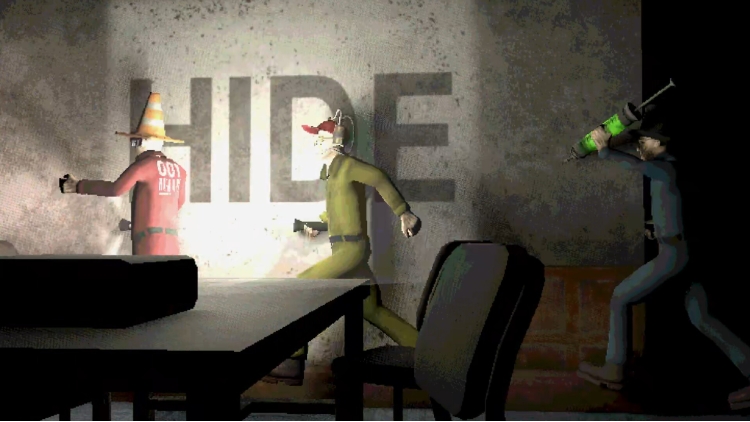
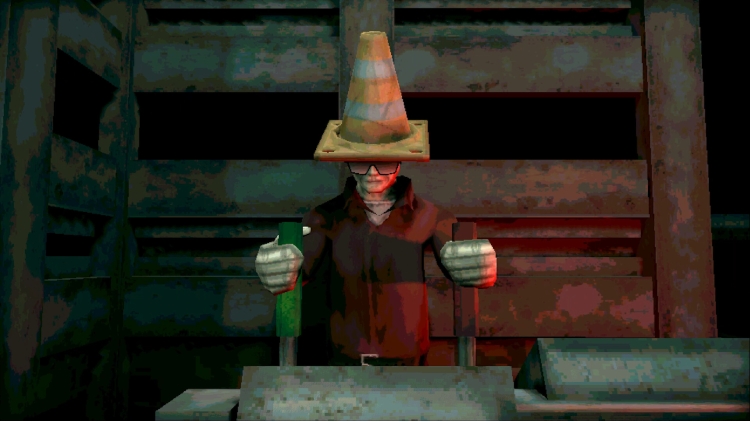
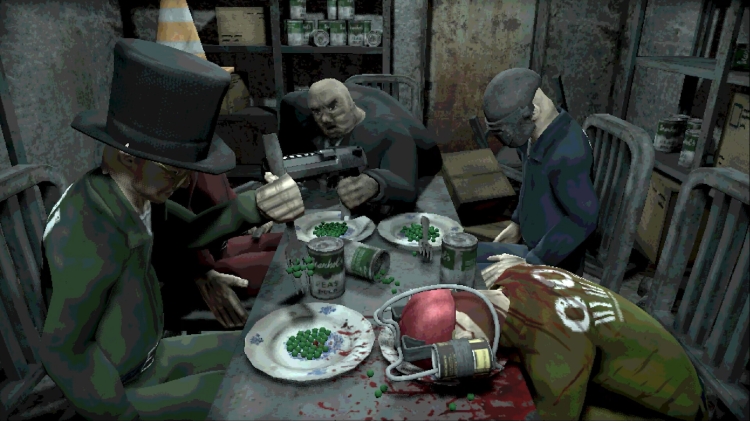
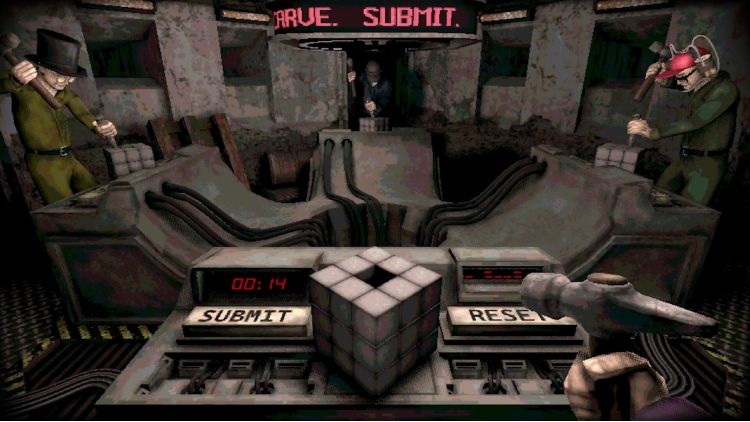
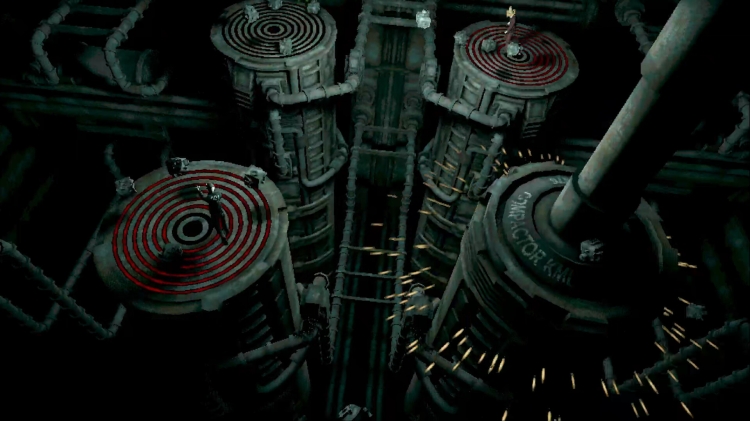
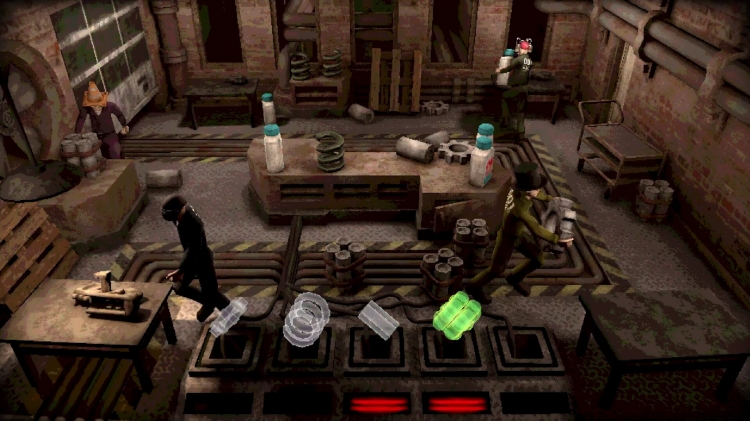
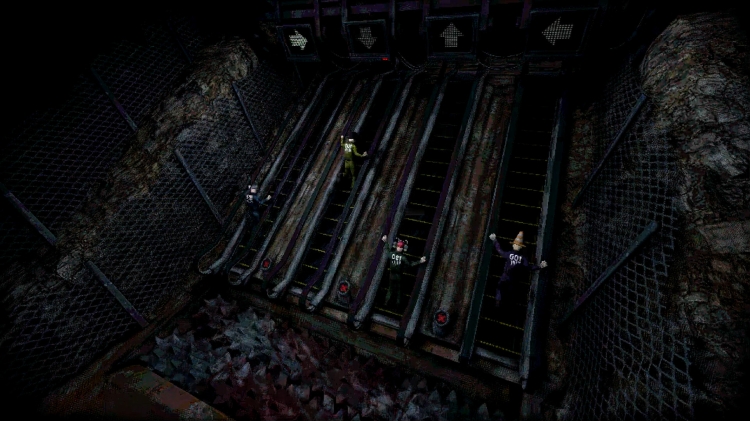
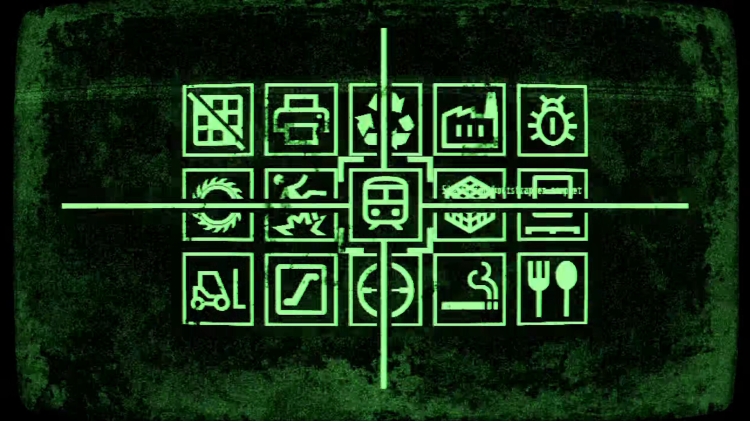
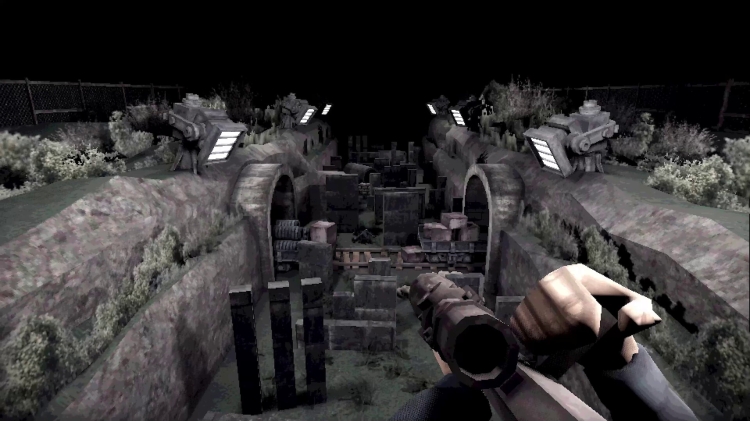
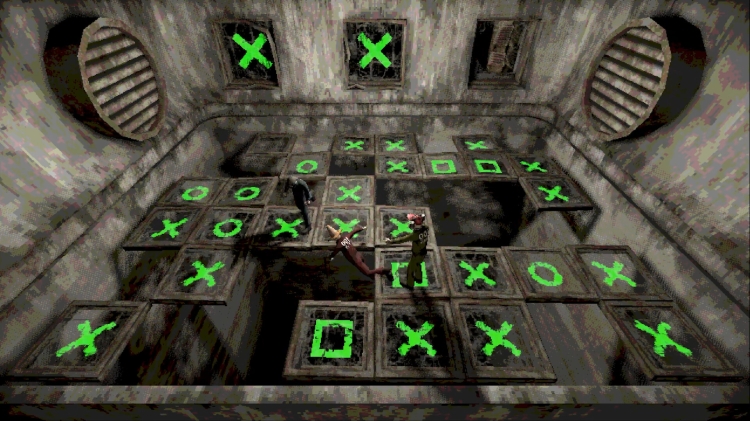
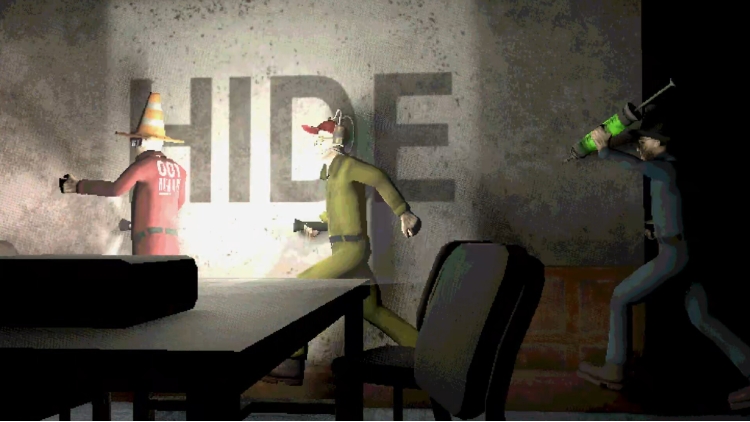
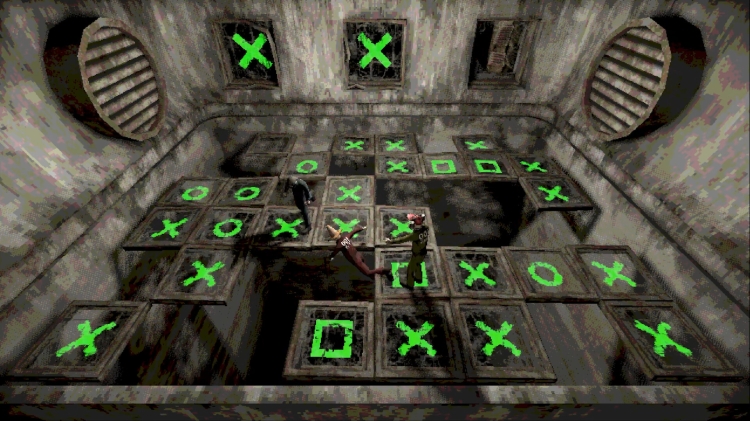
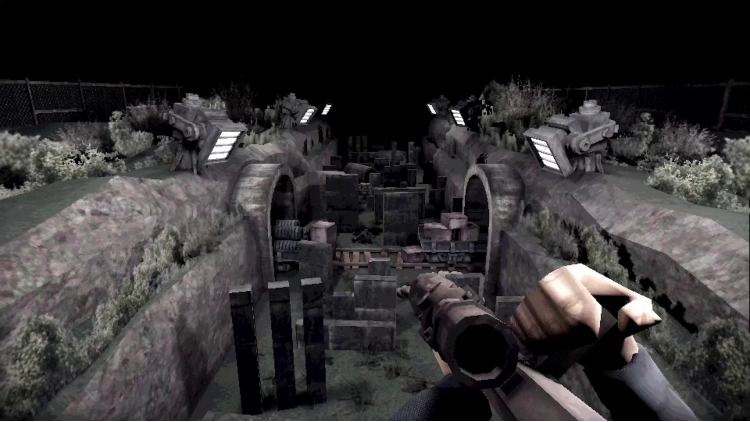
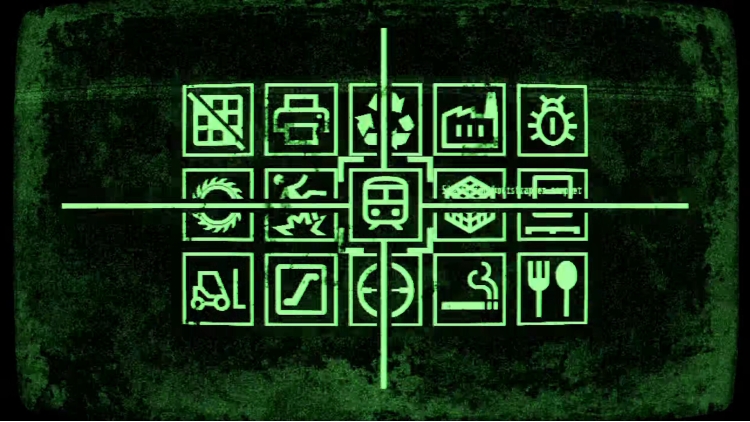
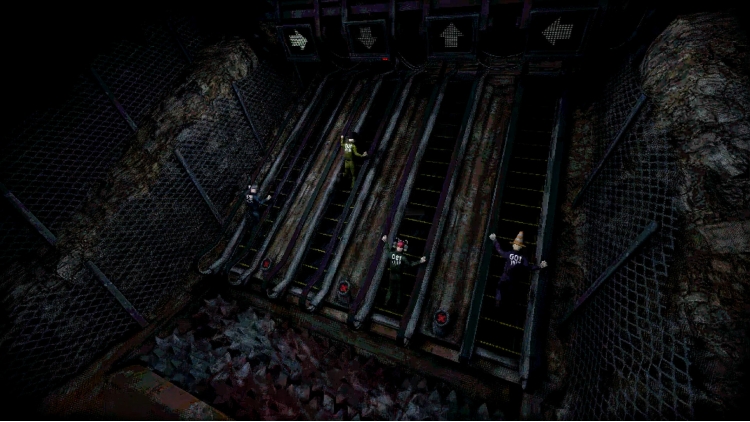
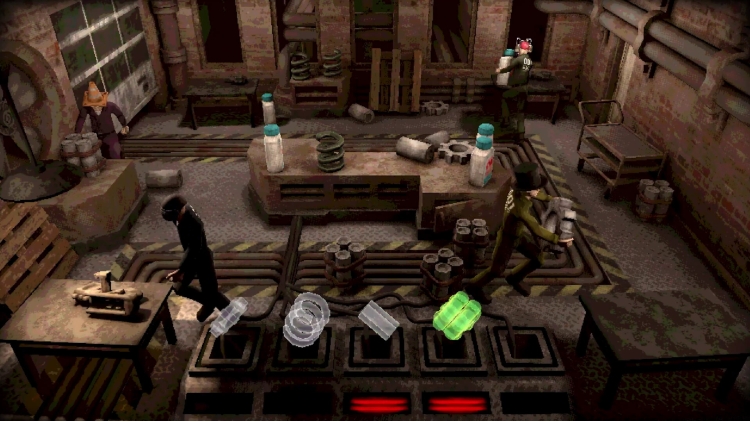
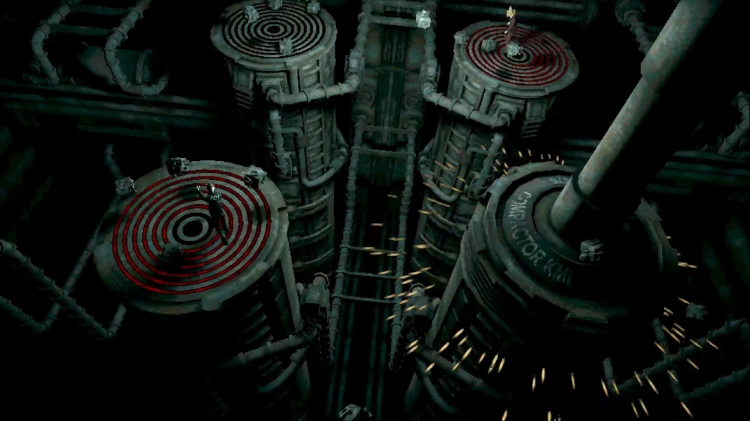
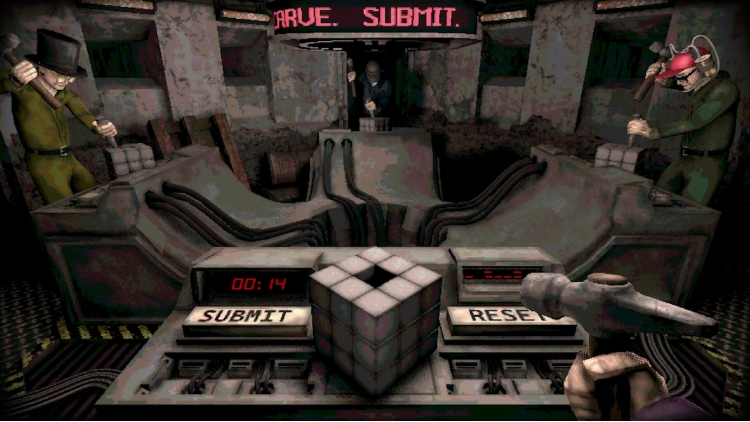
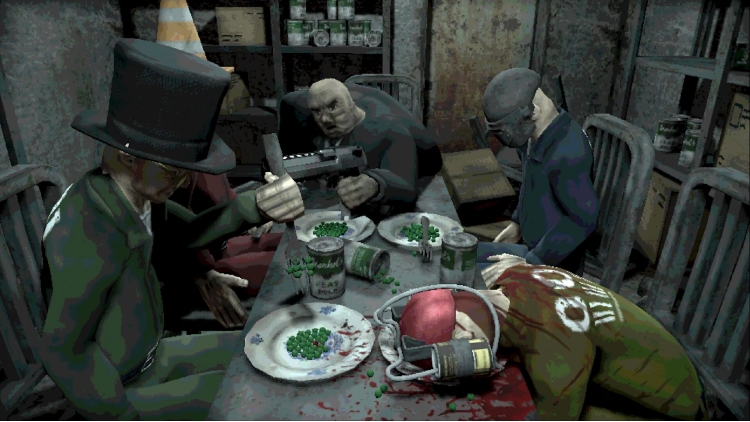
Welcome to Machine Party. In this series of dangerous, and some would say highly illegal, party games you will have to use every trick in the book to survive. Play through classic party game formats and new twists on the genre for sessions of fun, screaming, and horror. 


Features 

  • A collection of uniquely violent party games 
  • Support for 2 - 4 players 
  • An industrial soundtrack by Alex Peipman
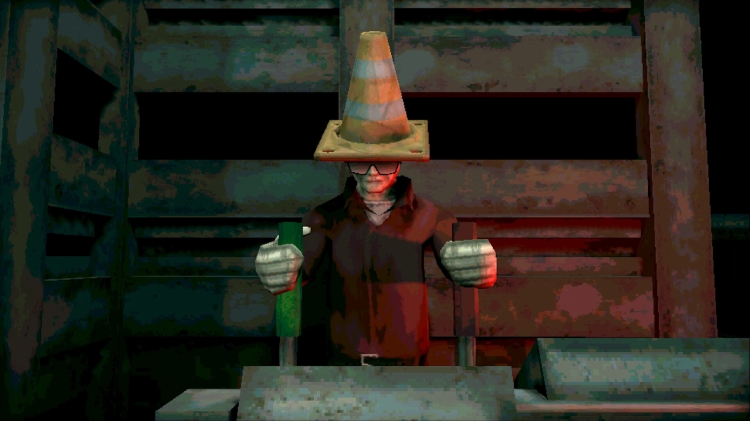
  • Customize your test subject
  • Multiple devious ways of screwing your friends over


Buy Machine Party PC Steam Game Code - Best Price | eTail

Buy Machine Party PC game code quickly and safely at the best prices guaranteed via the official retailer usa.etail.market

Machine Party Minimum System Requirements:
--Windows--
Requires a 64-bit processor and operating system
OS: Windows 11
Processor: Dual Core 2.4 GHz
Memory: 8 GB RAM
Graphics: Radeon RX 6500 XT / Nvidia 1660
Storage: 1 GB available space
Additional Notes: Vulkan support required

--Linux--
OS: Ubuntu 12.04 LTS
Processor: Intel Core i3
Memory: 4 GB RAM
Graphics: Relatively modern graphics card
Storage: 1 GB available space
Additional Notes: Vulkan support required

Machine Party Recommended System Requirements :
--Windows--
Requires a 64-bit processor and operating system
Activation on Steam

1)      Download & install the Steam client on your computer from   here.

2)      Open the Steam client, register and login. Then, locate the Games tab on the top menu. Click that and select “Activate a Product on Steam..”

       

3)      Enter your code that is showed on the orders page of eTail. Market and and follow the steps showed to activate your game.

       

4)      The game can be monitored now and you can see it on the "Library" section on Steam. You can download and install the game now.

5)      If you need more information and support, you can click here: https://help.steampowered.com/en/wizard/HelpWithSteam

RECOMMENDED