


HyperBrawl Tournament - Celebration Pack 2
29%


 Add To Cart

 Out of Stock
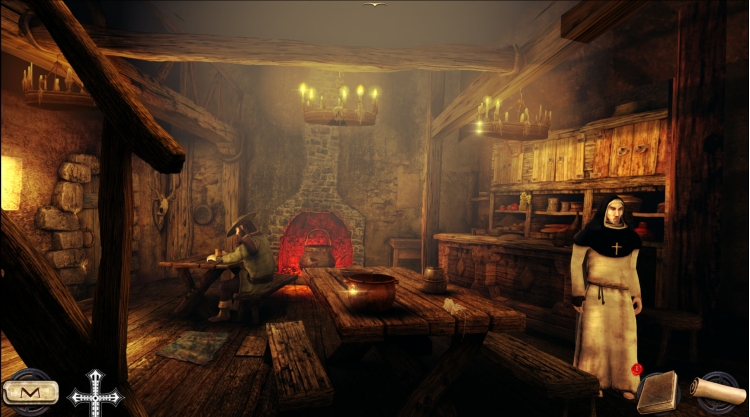
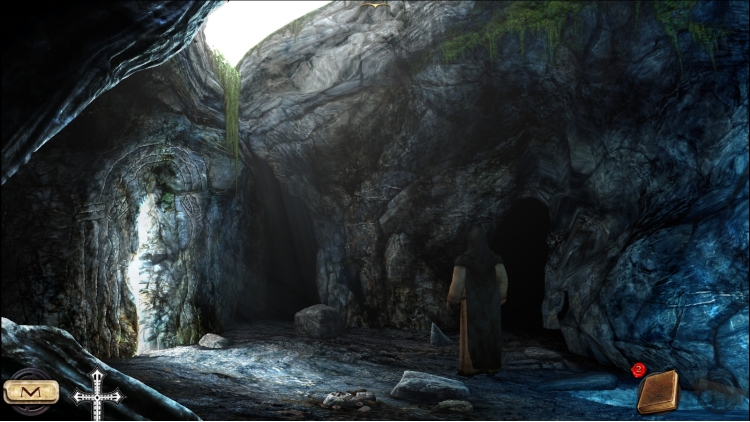
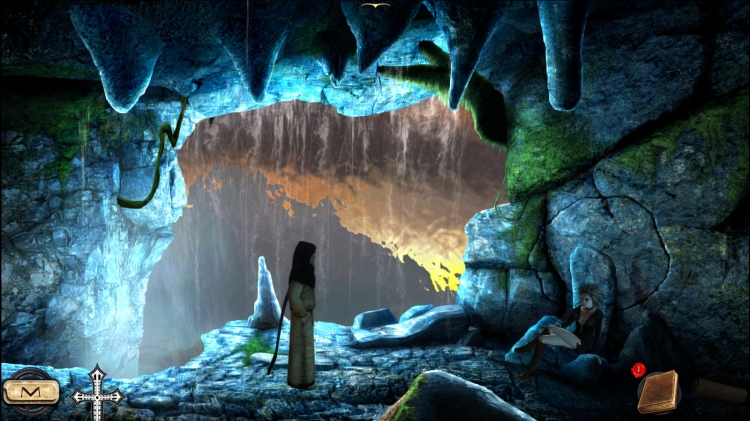
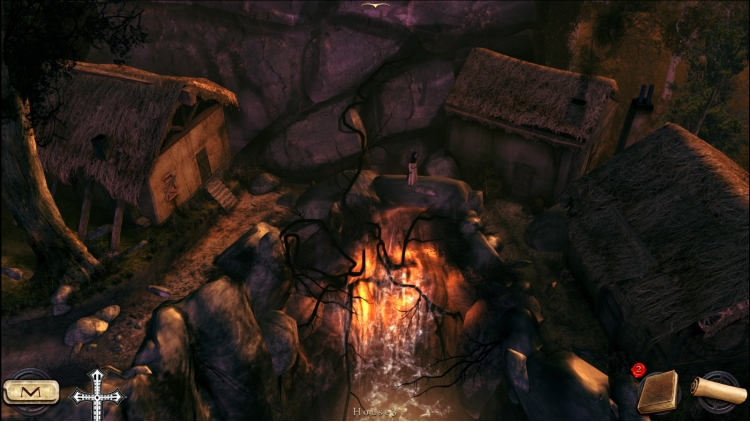
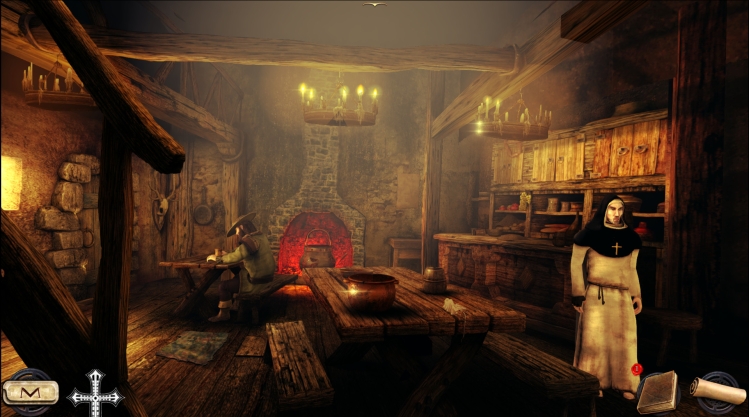




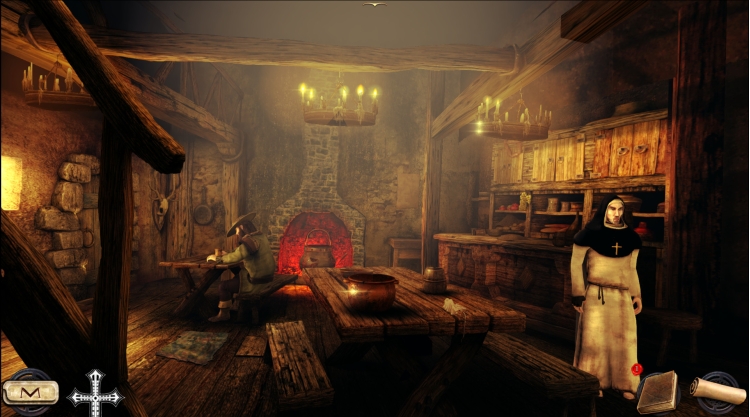
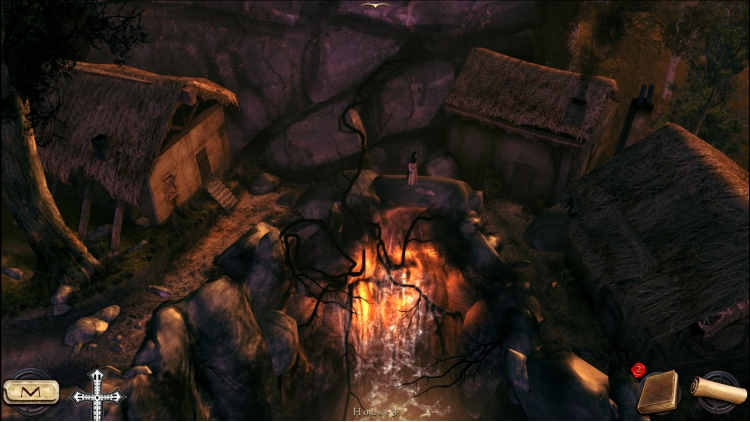
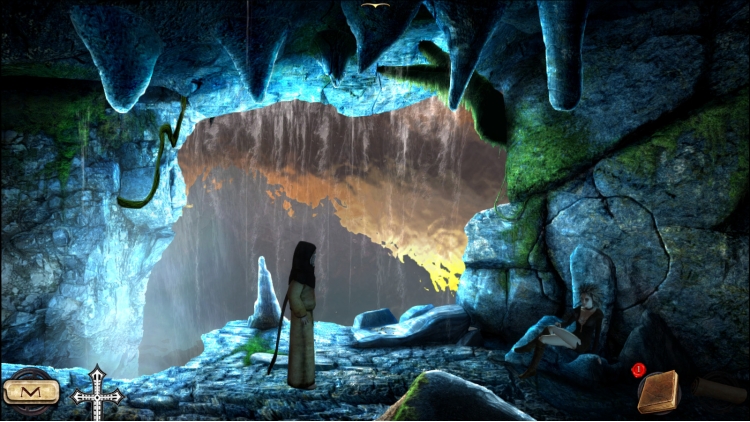
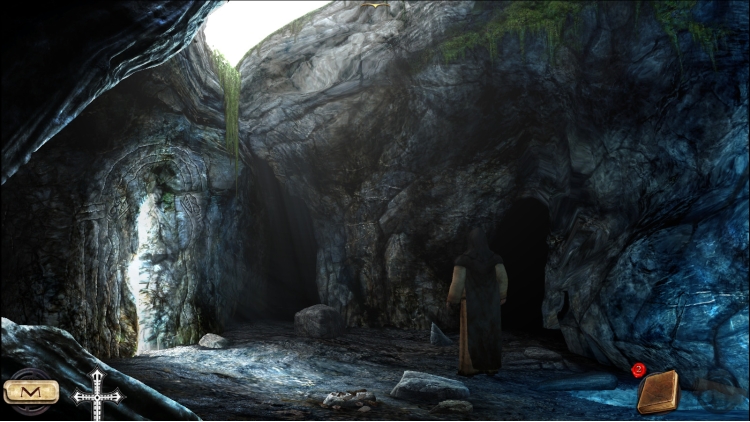

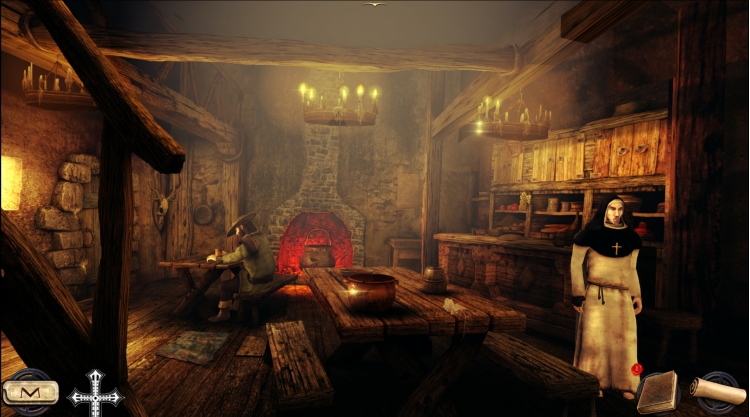
Discover a hero who is more determined than ever and continue the original story adapted from the bestseller by Valerio Evangelisti.
Eymerich is asked to investigate the heresy reining in Calcarès, a remote village inhabited by the worst demons the world has ever known. Eymerich will have to learn about its inhabitants’ fiendish secrets and, with the help of a handful of survivors, attempt to cleanse this village soiled by the Devil.
KEY POINTS:
The sequel to an epic and action-packed adventure
More than 25 different puzzles and enigmas
Over 31 full-detailed enviornments
Original and immersive soundtrack
Menus and Sub-titles in French, English, Italian, German, Spanish
© 2014 Anuman Interactive, Microids is a trademark of Anuman Interactive. All Rights reserved. Published by Anuman Interactive.
© 2014 Ticonblu Srl.
Buy Nicolas Eymerich The Inquisitor Book II : The Village PC game code quickly and safely at the best prices guaranteed via the official retailer usa.etail.market
© 2014 Anuman Interactive, Microids is a trademark of Anuman Interactive. All Rights reserved. Published by Anuman Interactive.© 2014 Ticonblu Srl.
1)
Download & install the Steam client on your
computer from here.
2)
Open the Steam client, register and login. Then,
locate the Games tab on the top menu. Click that and select “Activate a Product
on Steam..”

3)
Enter your code that is showed on the orders page
of eTail. Market and and follow the steps showed to activate your game.

4)
The game can be monitored now and you can see it
on the "Library" section on Steam. You can download and install the
game now.
5)
If you need more information and support, you
can click here: https://help.steampowered.com/en/wizard/HelpWithSteam
 29%
Add To Cart
29%
Add To Cart
 0%
Add To Cart
0%
Add To Cart
 90%
Add To Cart
90%
Add To Cart
 12%
Add To Cart
12%
Add To Cart
 12%
Add To Cart
12%
Add To Cart
 91%
Add To Cart
91%
Add To Cart
 51%
Add To Cart
51%
Add To Cart
 15%
Out of Stock
15%
Out of Stock
 66%
Add To Cart
66%
Add To Cart
 91%
Add To Cart
91%
Add To Cart