Pawnbroker Simulator
$14.99
This product can be activated in United States.
Add to Cart Button Icon Add To Cart

  • Platform Steam Icon
  • Operating System
    Windows Icon Linux Icon
  • Genre Indie , Simulation , Casual
  • Developer Next Sky Games
  • Creator Ultimate Games SA
  • Release Date 2026-03-11 2:00 PM
  • Supported Languages English, French, German, Italian, Japanese, Korean, Polish, Russian, Spanish - Spain, Turkish, Portuguese-Brazil, Simplified Chinese
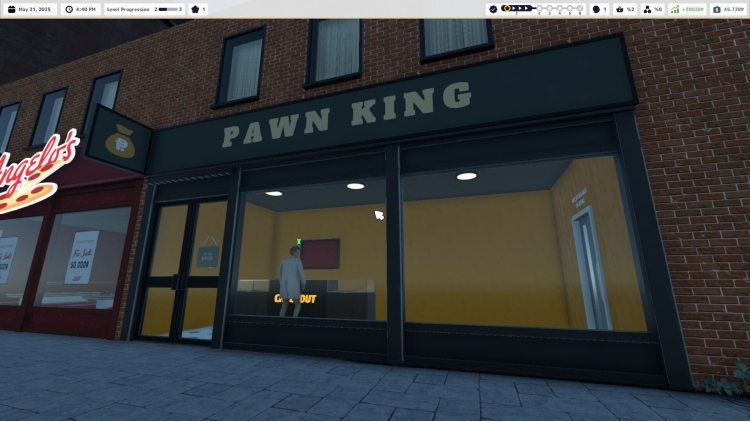
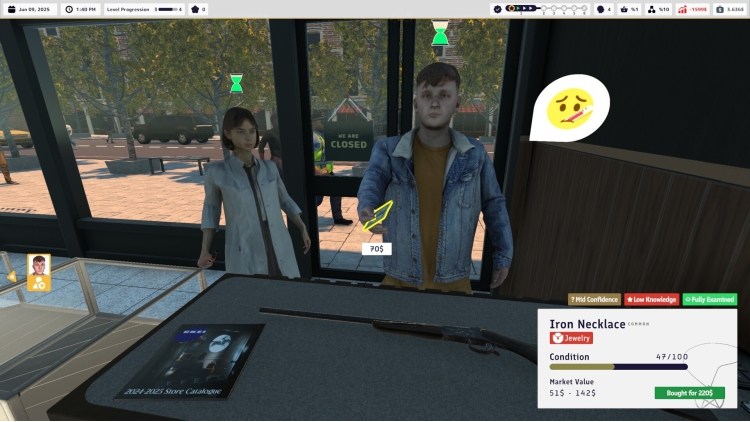
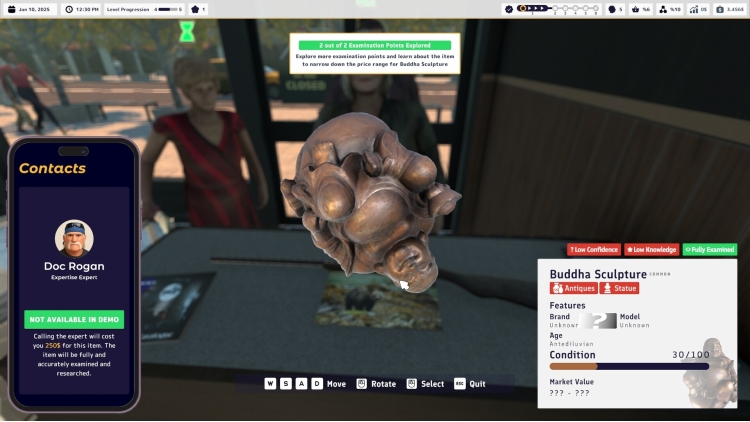
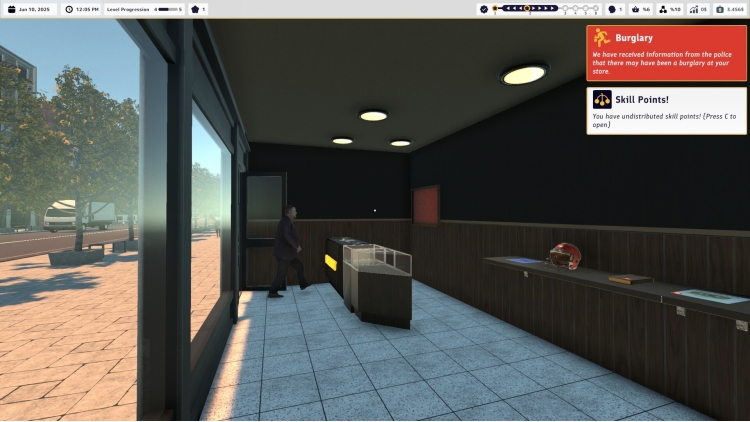
Pawnbroker Simulator

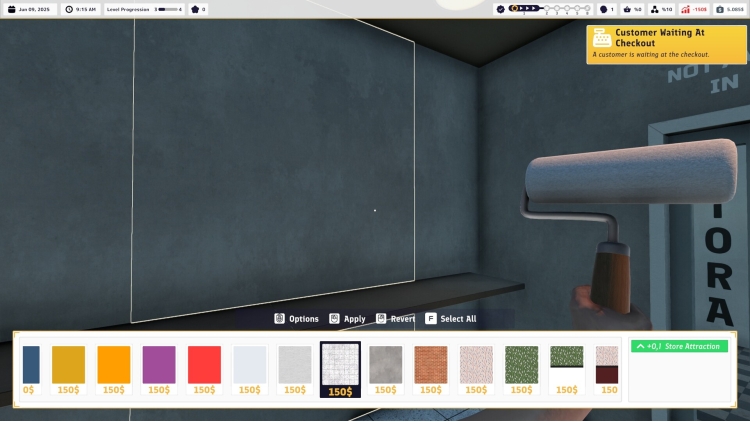
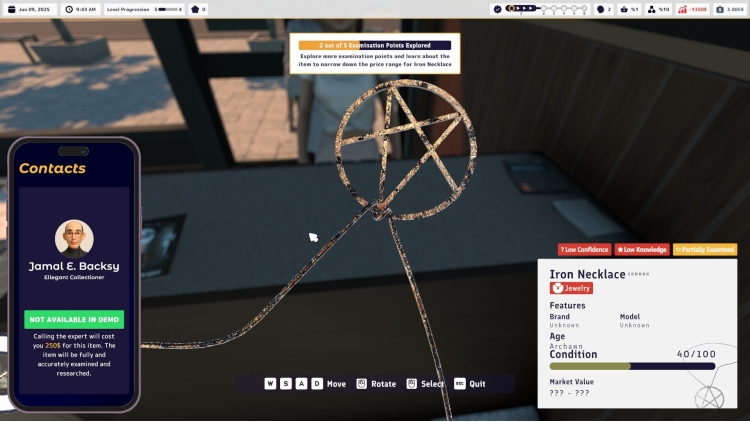
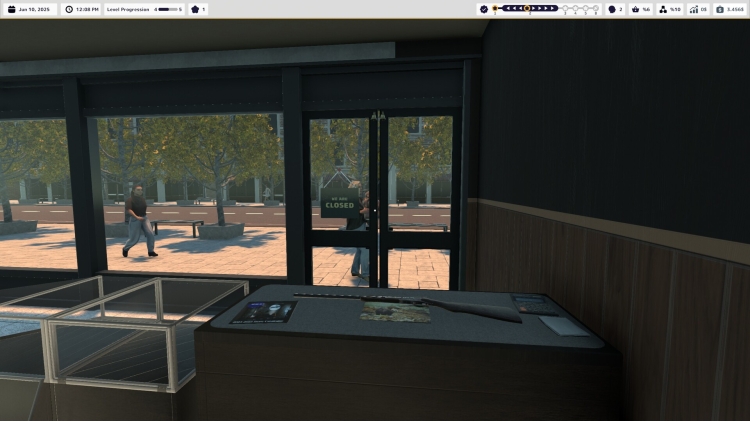
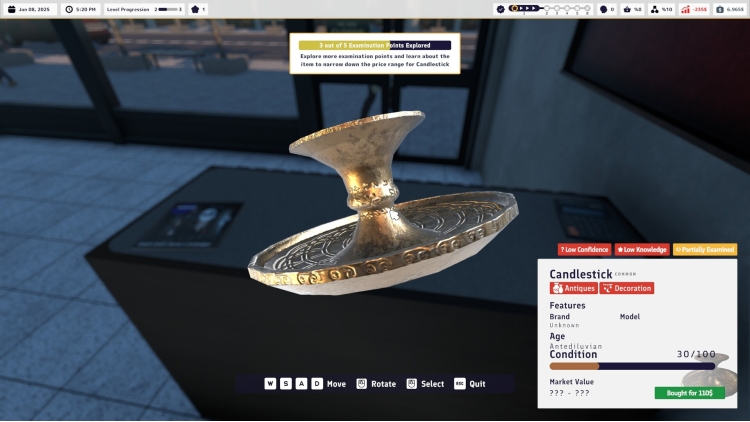
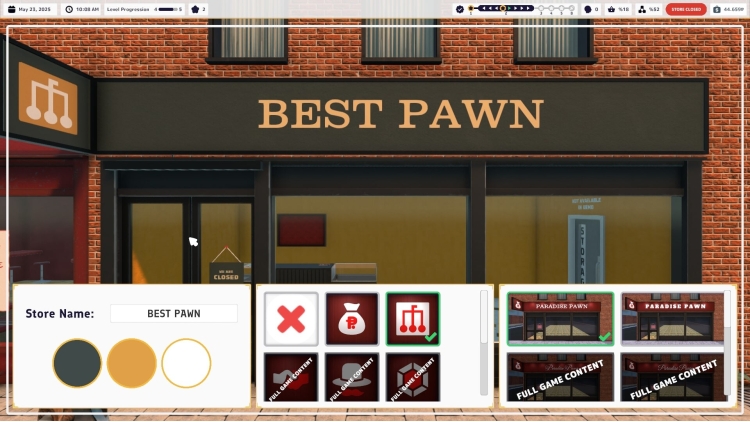
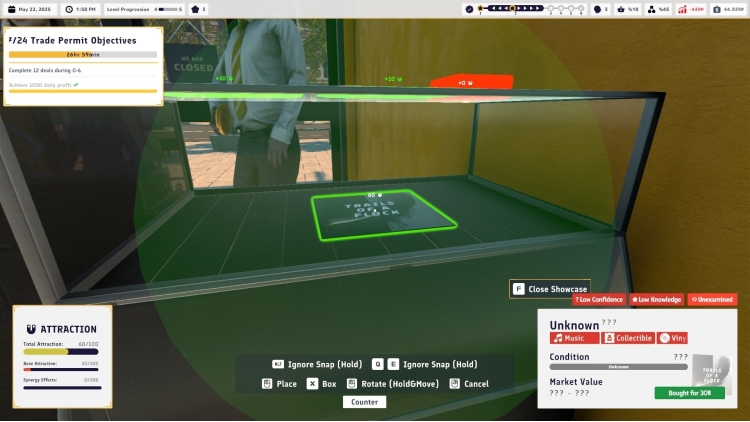
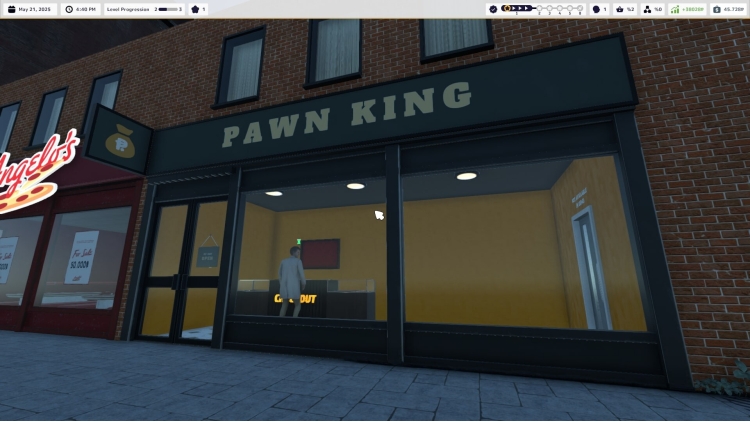
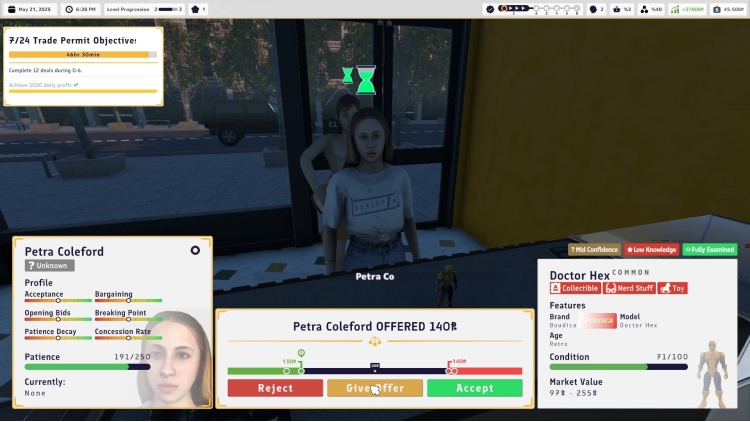
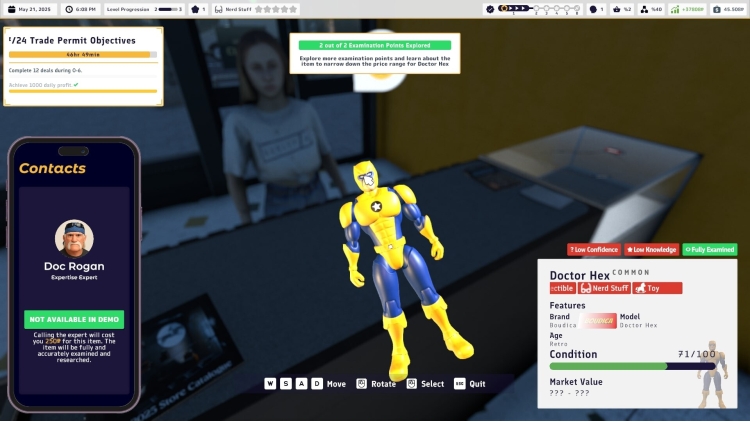
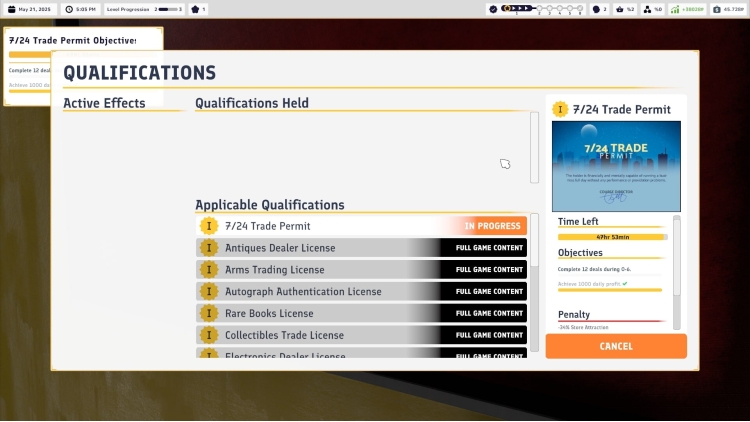
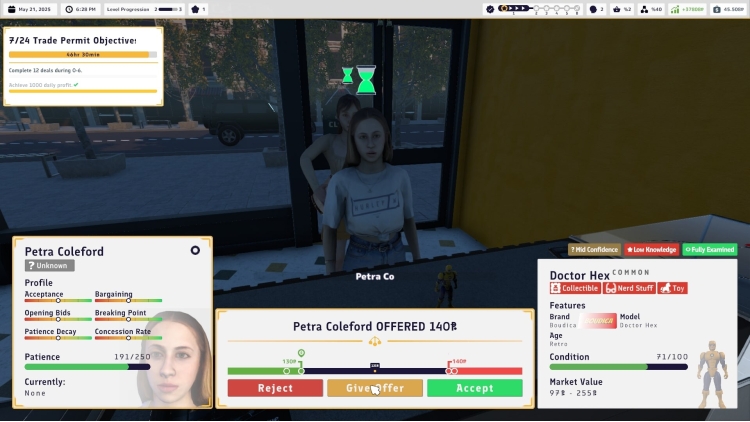
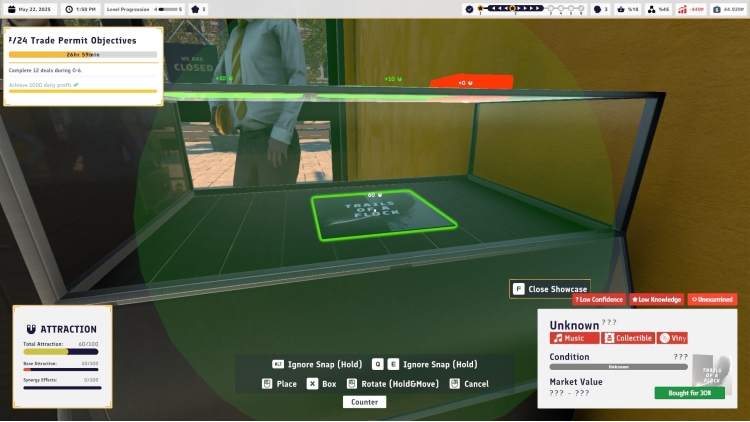
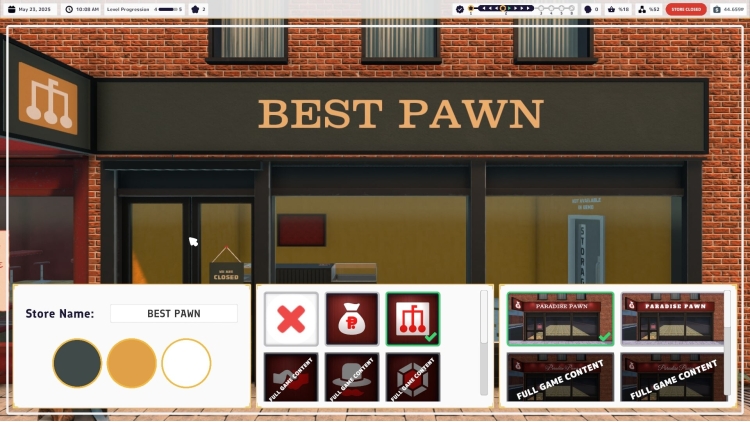
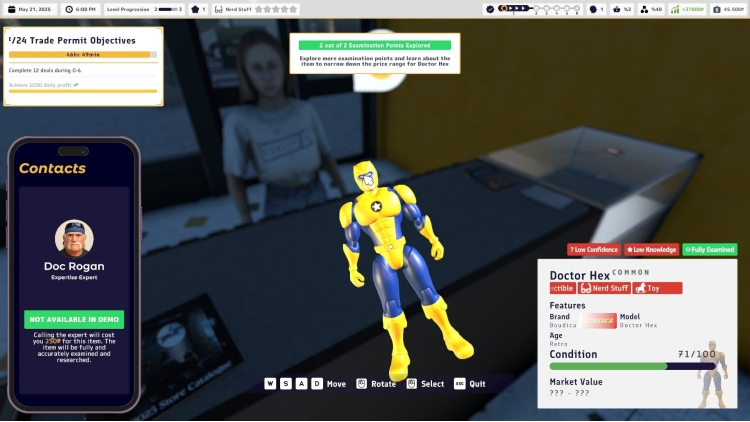
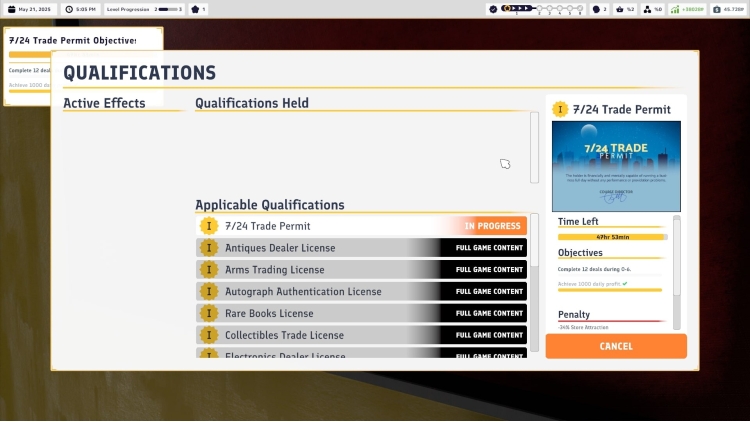
RUN A PAWN SHOP

  • Build, expand, and customize your store!

Buy Pawnbroker Simulator PC Steam Game Code - Best Price | eTail

Buy Pawnbroker Simulator PC game code quickly and safely at the best prices guaranteed via the official retailer usa.etail.market

Pawnbroker Simulator Minimum System Requirements:
Requires a 64-bit processor and operating system
OS: Windows 10 64-bit
Processor: Intel Core i5-9400F / AMD Ryzen 5 1600
Memory: 8 GB RAM
Graphics: NVIDIA GeForce GTX 960 / AMD Radeon RX 560
DirectX: Version 9.0c
Storage: 16 GB available space
Sound Card: DirectX Compatible

Pawnbroker Simulator Recommended System Requirements :
Requires a 64-bit processor and operating system
OS: Windows 11 64-bit
Processor: Intel i9 9900k or equivalent
Memory: 16 GB RAM
Graphics: Nvidia GTX 1660 or equivalent
DirectX: Version 11
Storage: 16 GB available space
Sound Card: DirectX Compatible
Activation on Steam

1)      Download & install the Steam client on your computer from   here.

2)      Open the Steam client, register and login. Then, locate the Games tab on the top menu. Click that and select “Activate a Product on Steam..”

       

3)      Enter your code that is showed on the orders page of eTail. Market and and follow the steps showed to activate your game.

       

4)      The game can be monitored now and you can see it on the "Library" section on Steam. You can download and install the game now.

5)      If you need more information and support, you can click here: https://help.steampowered.com/en/wizard/HelpWithSteam

RECOMMENDED