

Elite Dangerous: Odyssey Deluxe Edition
0%


 Add To Cart

 Add To Cart

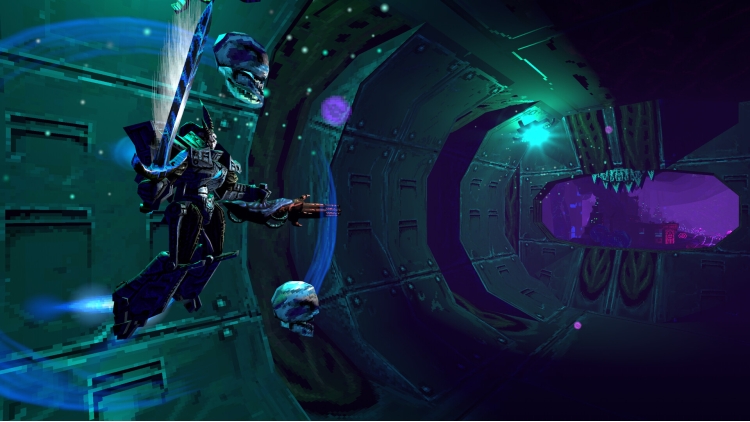
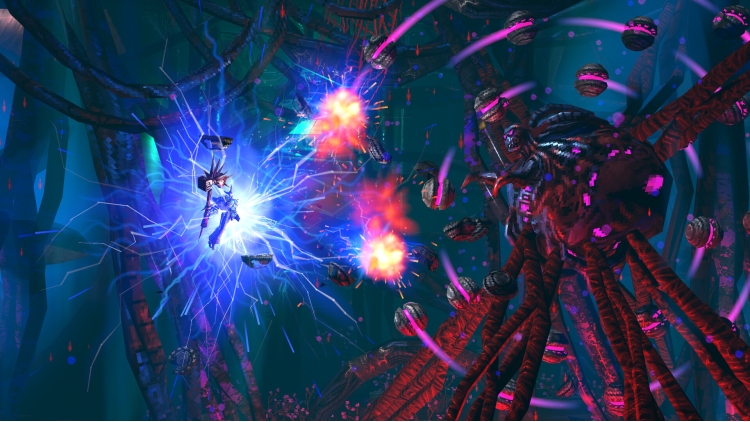
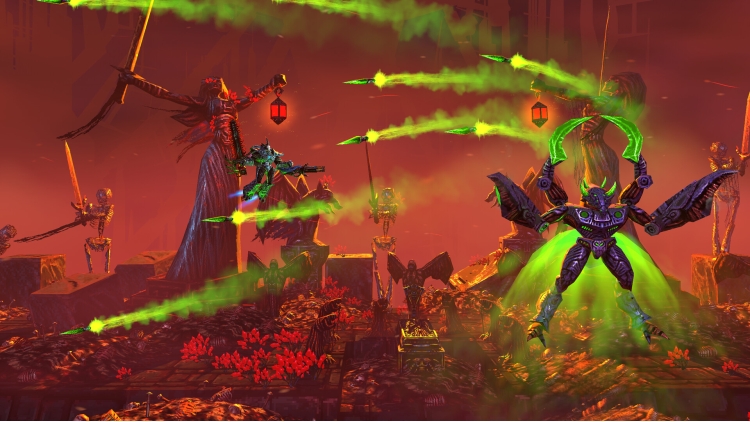
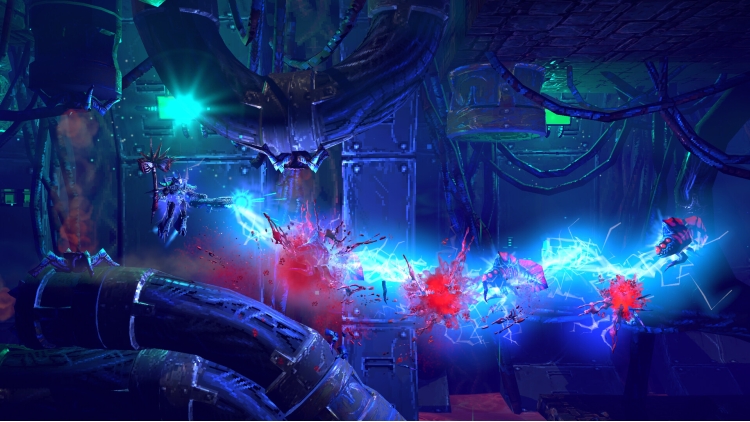
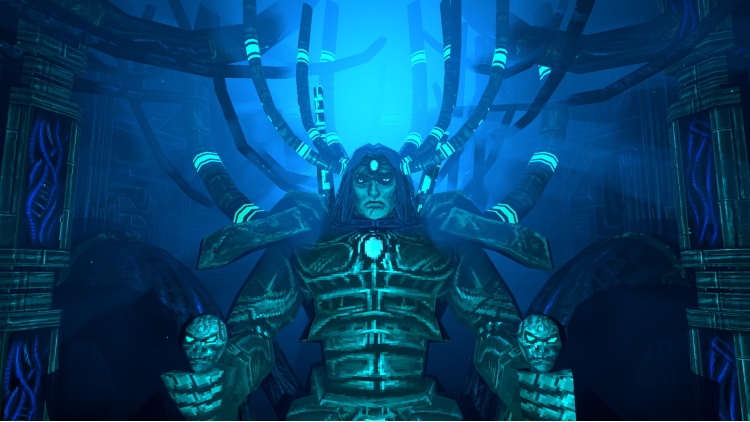
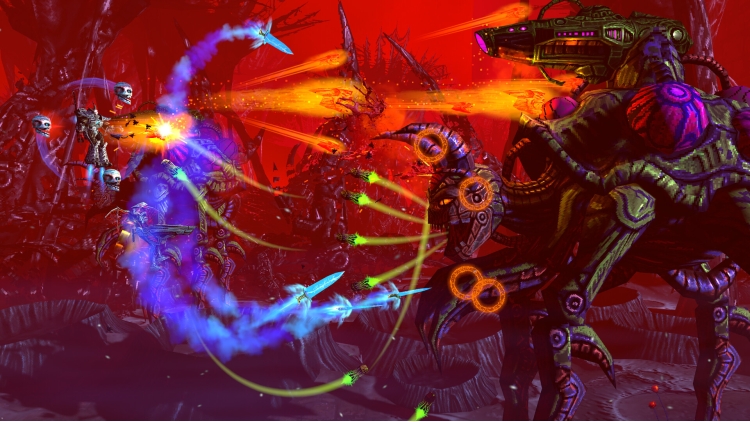
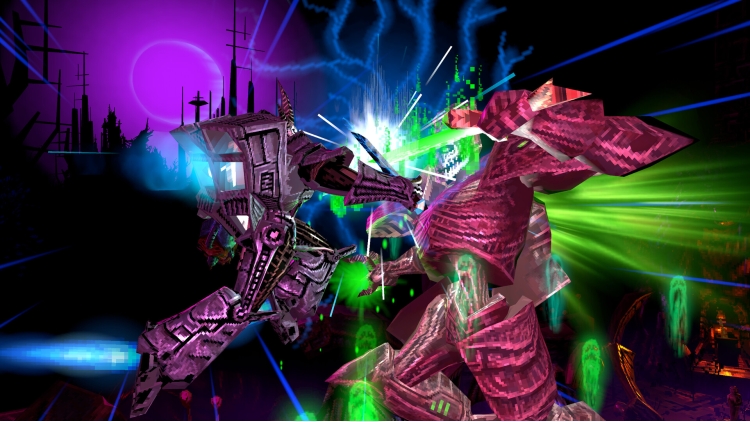
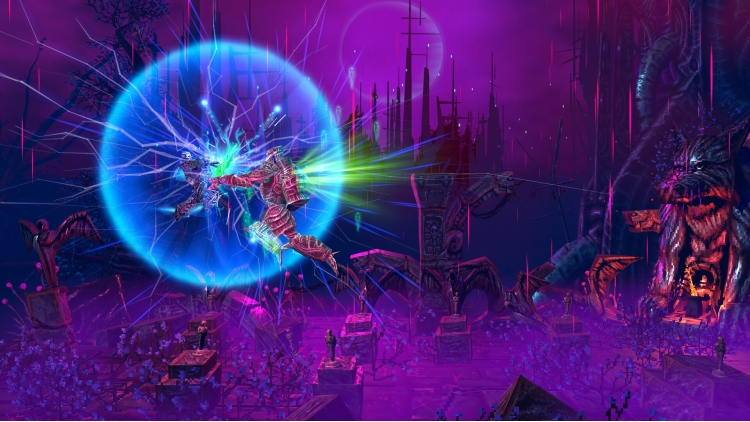
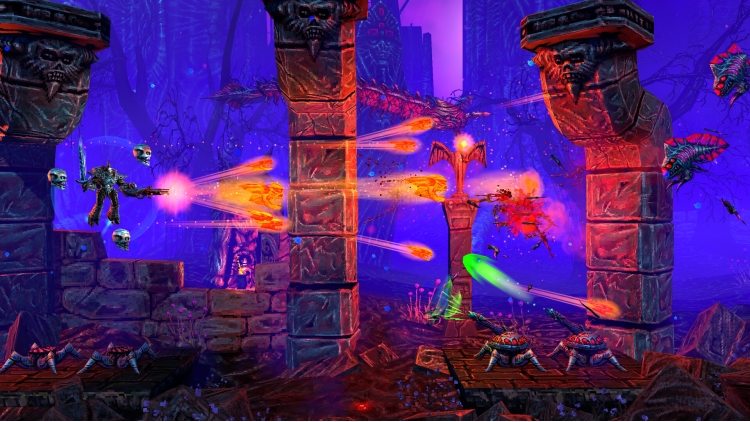
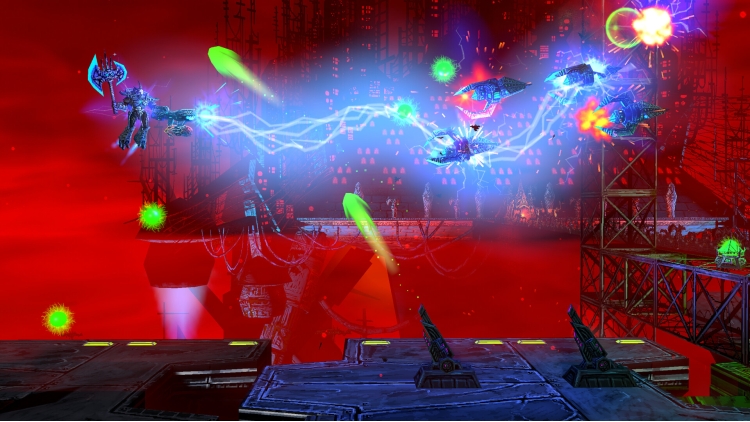
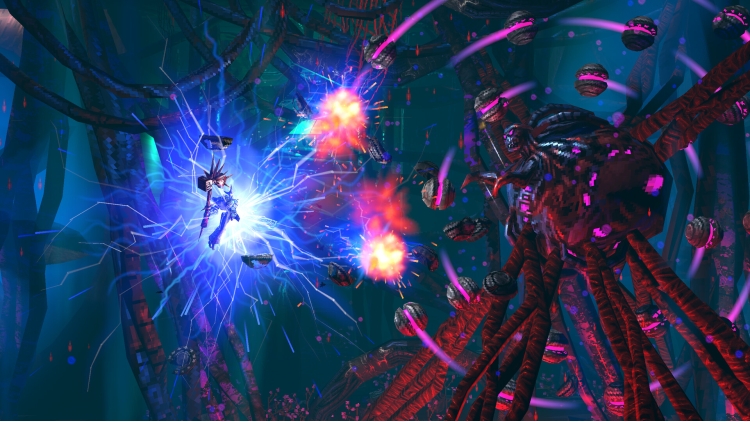
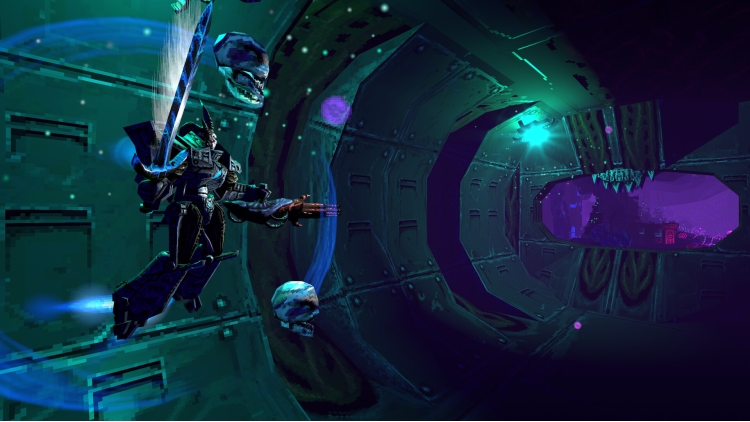
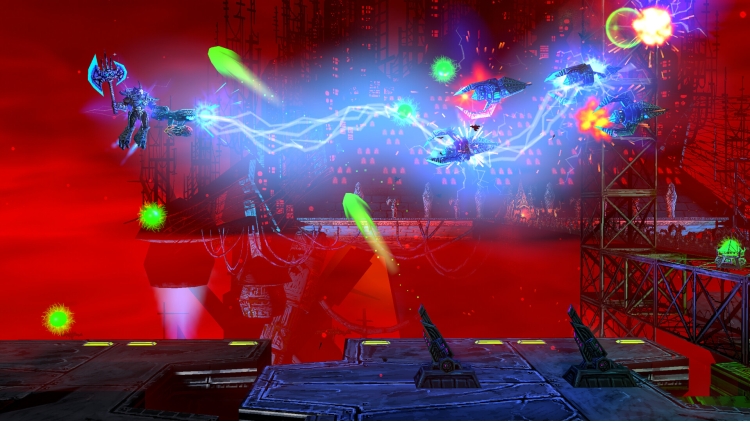
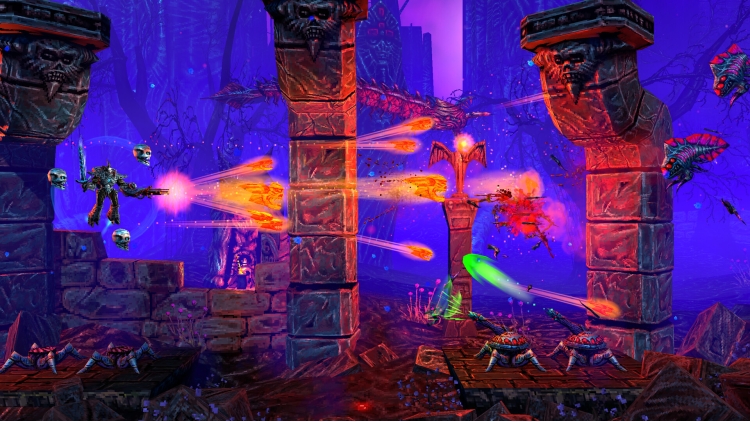
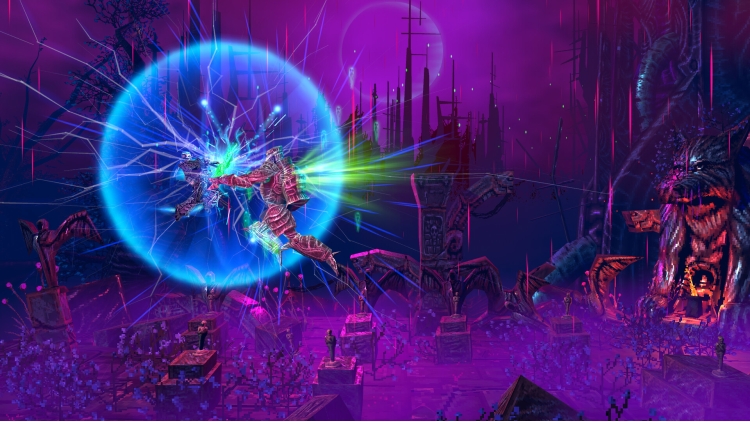
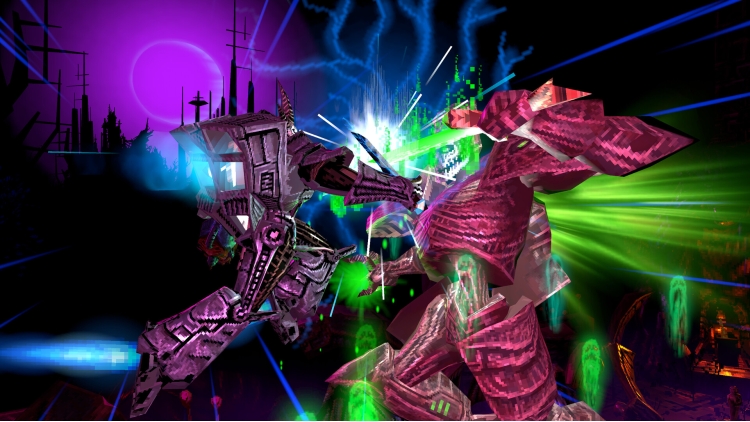
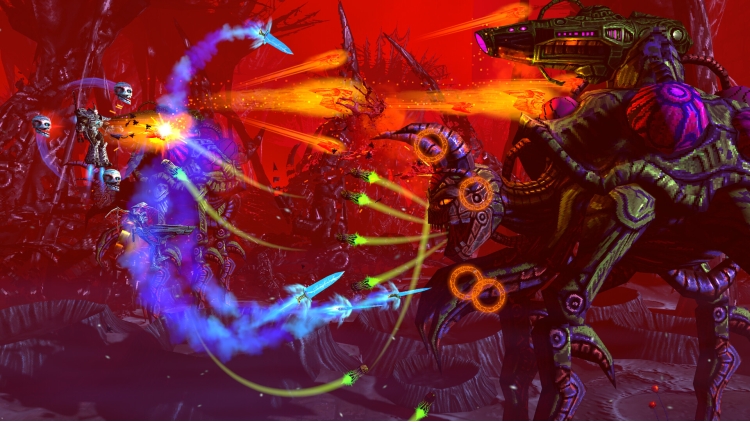
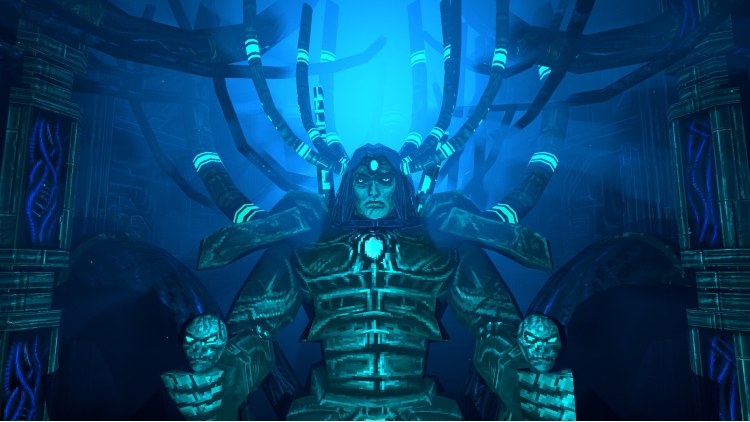
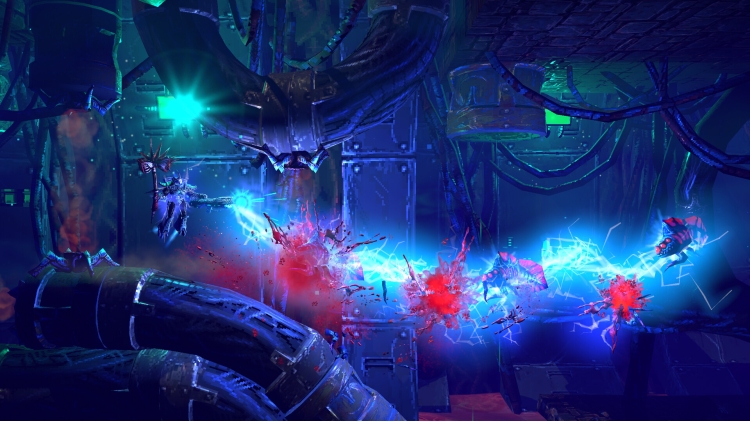
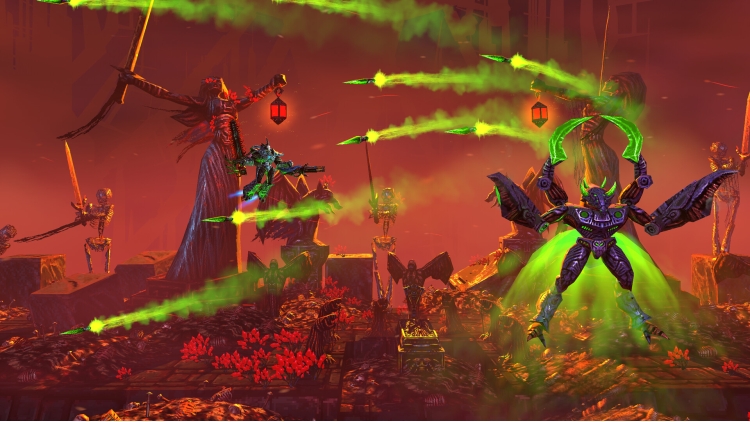
Therion returns as the hunt for Lord Vroll continues. Pilot an advanced machine of death and destruction in this explosive 2.5D side-scrolling shoot ‘em up, and sequel to the critically acclaimed Valfaris. Strap in and unleash mecha hell!
After escaping Valfaris, Therion’s hunt for the evil Lord Vroll has taken him across the galaxy. As the final, inevitable showdown looms, Therion harnesses the awesome combat ability of his secret weapon – Mecha Therion!
A formidable suit of weaponised metal, Mecha Therion can be equipped with an array of devastating firepower, including Therion’s trademark Hellwraith – a minigun that shoots tormented souls.
Strap in and unleash mecha hell!
- Fight through multiple levels of hostile alien territory
- Master a range of Destroyer, Melee, and Auxiliary class weapons
- Configure your Mecha loadout with your favourite weapon combos
- Earn Blood Metal to upgrade weapons and add-ons
- Take on the all new challenge mode after beating the game for the first time!
Play the new Challenge Mode!
- The player is equipped with lives instead of a health bar
- Weapons are upgraded on-the-fly by collecting pick-ups
- Earn a score by defeating enemies and destroying anything that's destructible
- Weapons can be downgraded if you're hit by an enemy
- Gain extra lives at score milestones and by collecting Blood of Valfaris
- Checkpoints can be destroyed as a way to earn Blood of Valfaris
Valfaris®: Mecha Therion (c) 2021 Andrew Gilmour Studios, LLC. Published by Big Sugar LLC. "Valfaris®: Mecha Therion" and "Big Sugar" are trademarks trademarks of Big Sugar LLC or Andrew Gilmour Studios LLC, as applicable. Valfaris® is a registered trademark of Andrew Gilmour Studios LLC. All rights reserved. All rights reserved.
Buy Valfaris: Mecha Therion PC game code quickly and safely at the best prices guaranteed via the official retailer usa.etail.market
Valfaris®: Mecha Therion (c) 2021 Andrew Gilmour Studios, LLC. Published by Big Sugar LLC.
1)
Download & install the Steam client on your
computer from here.
2)
Open the Steam client, register and login. Then,
locate the Games tab on the top menu. Click that and select “Activate a Product
on Steam..”

3)
Enter your code that is showed on the orders page
of eTail. Market and and follow the steps showed to activate your game.

4)
The game can be monitored now and you can see it
on the "Library" section on Steam. You can download and install the
game now.
5)
If you need more information and support, you
can click here: https://help.steampowered.com/en/wizard/HelpWithSteam
 0%
Add To Cart
0%
Add To Cart
 66%
Add To Cart
66%
Add To Cart
 91%
Add To Cart
91%
Add To Cart
 12%
Add To Cart
12%
Add To Cart
 91%
Add To Cart
91%
Add To Cart
 90%
Add To Cart
90%
Add To Cart
 15%
Out of Stock
15%
Out of Stock