

Kill it with Fire
12%


 Add To Cart

 Add To Cart

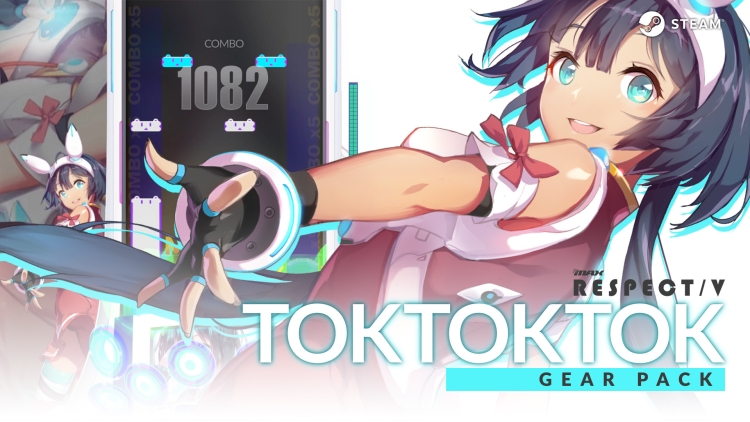
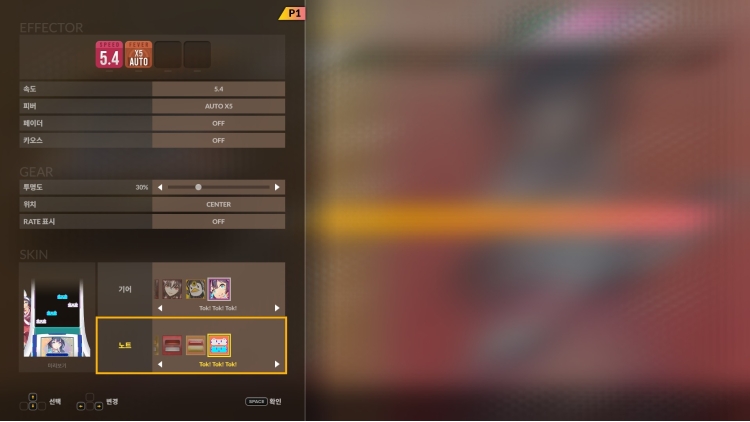
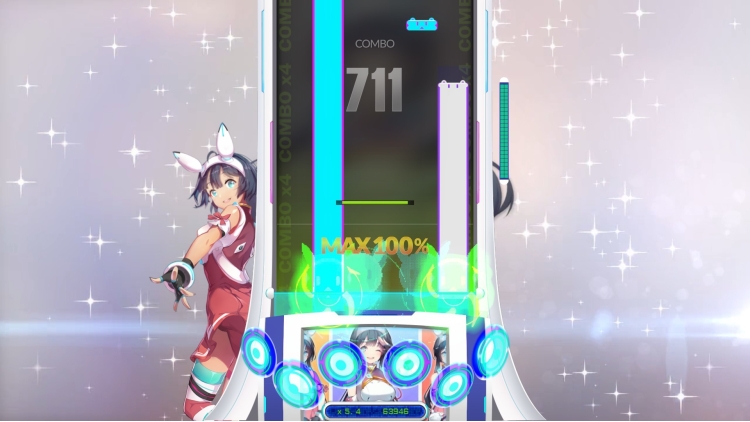
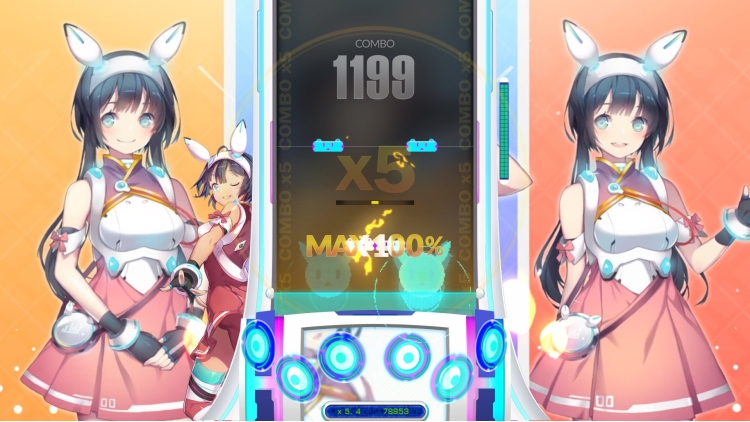
If you purchase this product, you can play game with new note and gear.
Please check following contents.
1. DJMAX RESPECT V - Tok! Tok! Tok! GEAR -
2. DJMAX RESPECT V - Tok! Tok! Tok! NOTE -
3. DJMAX RESPECT V - Tok! Tok! Tok! PLATE -
Buy DJMAX RESPECT V - Tok! Tok! Tok! Gear Pack PC game code quickly and safely at the best prices guaranteed via the official retailer usa.etail.market
1)
Download & install the Steam client on your
computer from here.
2)
Open the Steam client, register and login. Then,
locate the Games tab on the top menu. Click that and select “Activate a Product
on Steam..”

3)
Enter your code that is showed on the orders page
of eTail. Market and and follow the steps showed to activate your game.

4)
The game can be monitored now and you can see it
on the "Library" section on Steam. You can download and install the
game now.
5)
If you need more information and support, you
can click here: https://help.steampowered.com/en/wizard/HelpWithSteam
 12%
Add To Cart
12%
Add To Cart
 16%
Add To Cart
16%
Add To Cart
 Add To Cart
 15%
Out of Stock
15%
Out of Stock
 0%
Add To Cart
0%
Add To Cart
 12%
Add To Cart
12%
Add To Cart
 12%
Add To Cart
12%
Add To Cart
