

Discover the top 12 cozy games offering enchanting stories and soothing experiences to help you unwind and relax.
Read Now

 Add To Cart


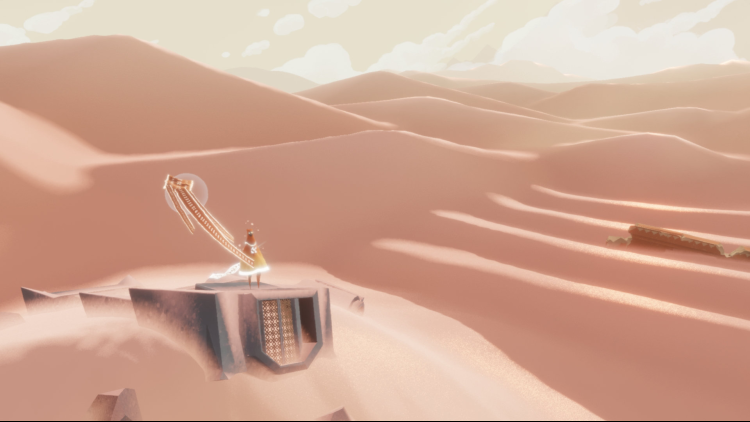
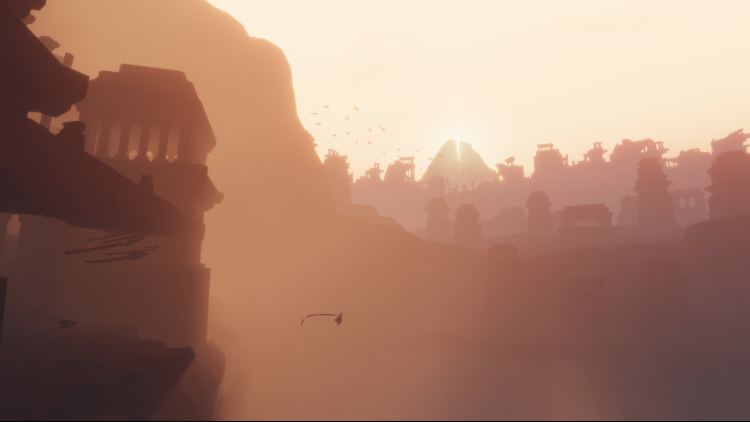

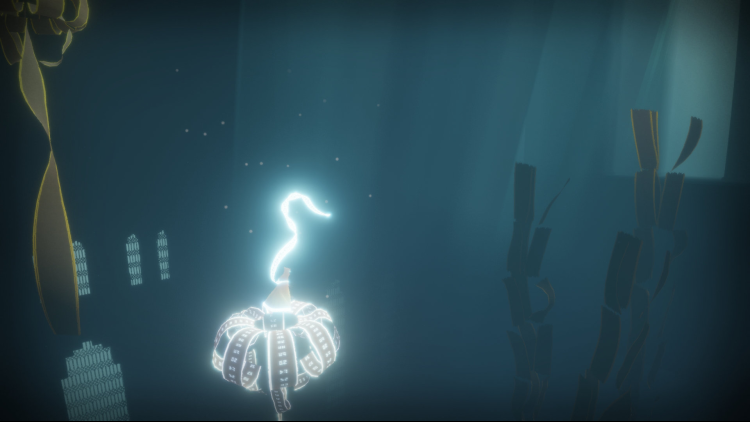
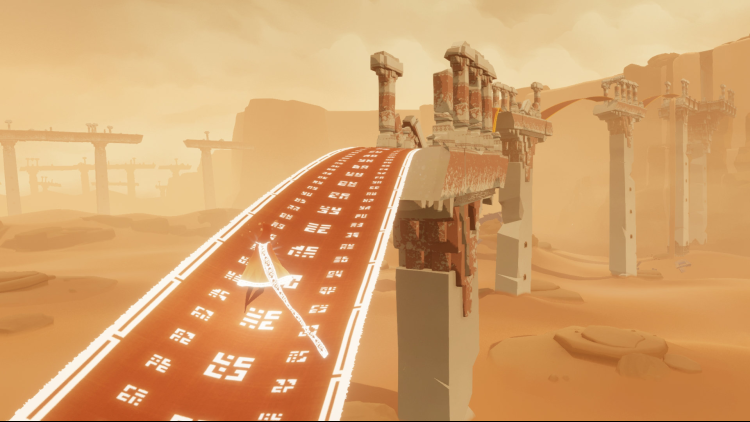



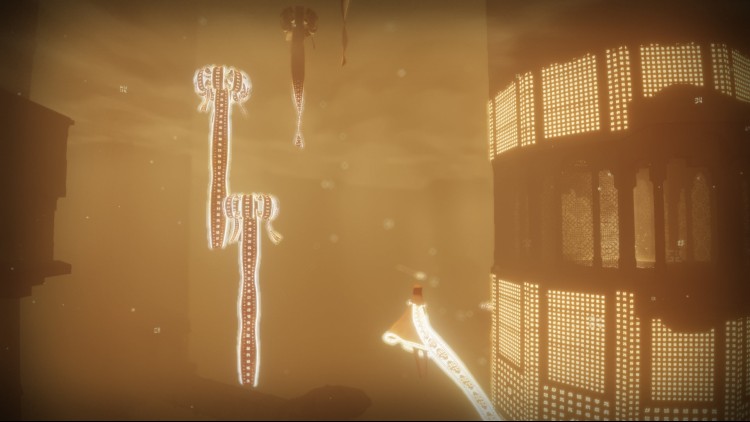
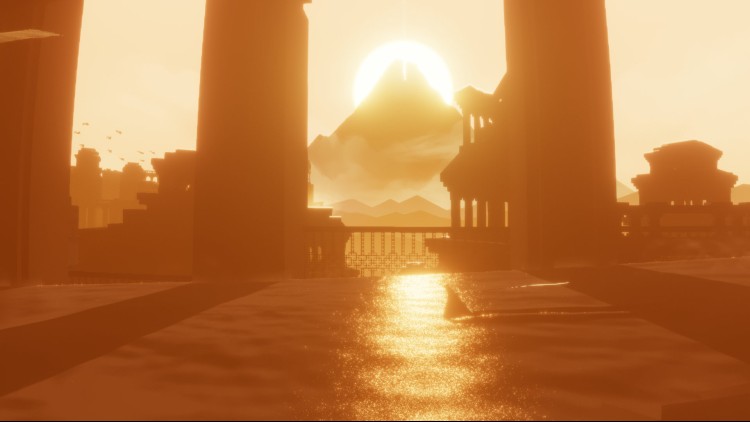
Journey;
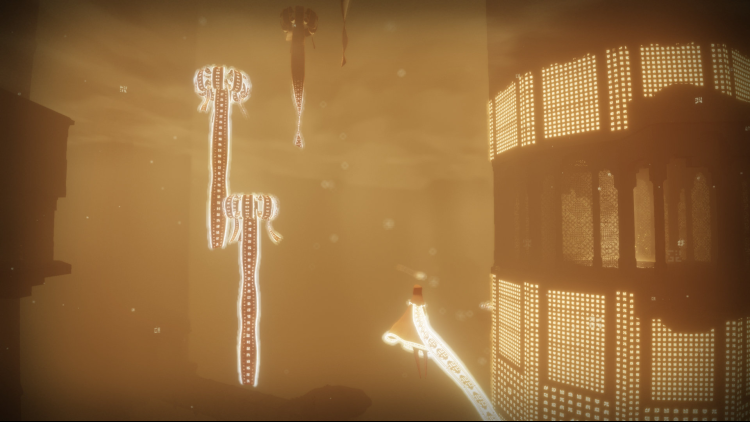
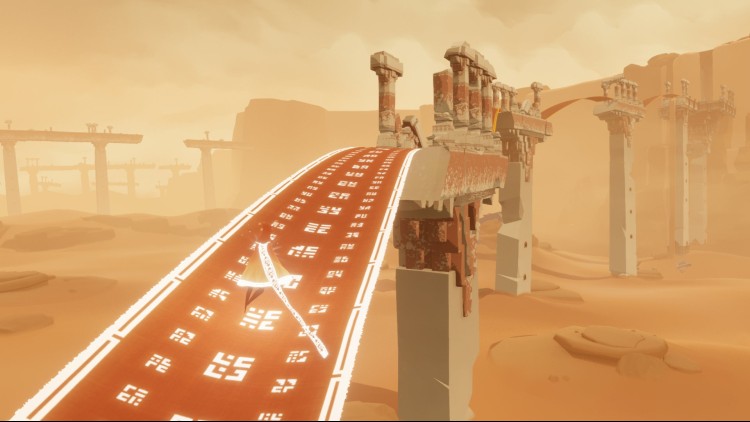
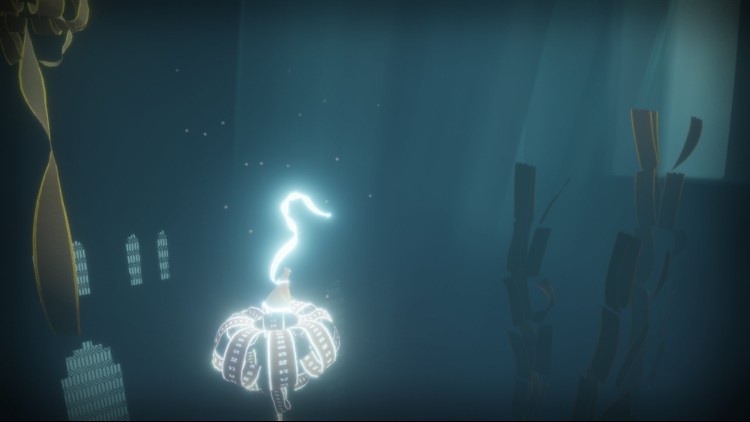
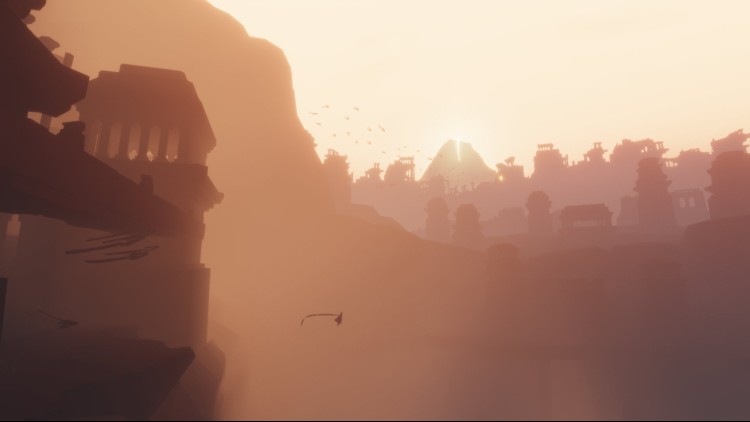
Explore the ancient, mysterious world of Journey as you soar above ruins and glide across sands to discover its secrets. Play alone or in the company of a fellow traveler and explore its vast world together. Featuring stunning visuals and a Grammy-nominated musical score, Journey delivers a breathtaking experience like no other.
Buy Journey PC game code quickly and safely at the best prices guaranteed via the official retailer usa.etail.market
© 2012-2020 Sony Interactive Entertainment LLC. Journey is a trademark of Sony Interactive Entertainment LLC. Developed by thatgamecompany. Conversion development by Inline Assembly Ltd. Published by Annapurna Interactive.
1)
Download & install the Steam client on your
computer from here.
2)
Open the Steam client, register and login. Then,
locate the Games tab on the top menu. Click that and select “Activate a Product
on Steam..”

3)
Enter your code that is showed on the orders page
of eTail. Market and and follow the steps showed to activate your game.

4)
The game can be monitored now and you can see it
on the "Library" section on Steam. You can download and install the
game now.
5)
If you need more information and support, you
can click here: https://help.steampowered.com/en/wizard/HelpWithSteam

Discover the top 12 cozy games offering enchanting stories and soothing experiences to help you unwind and relax.
Read Now
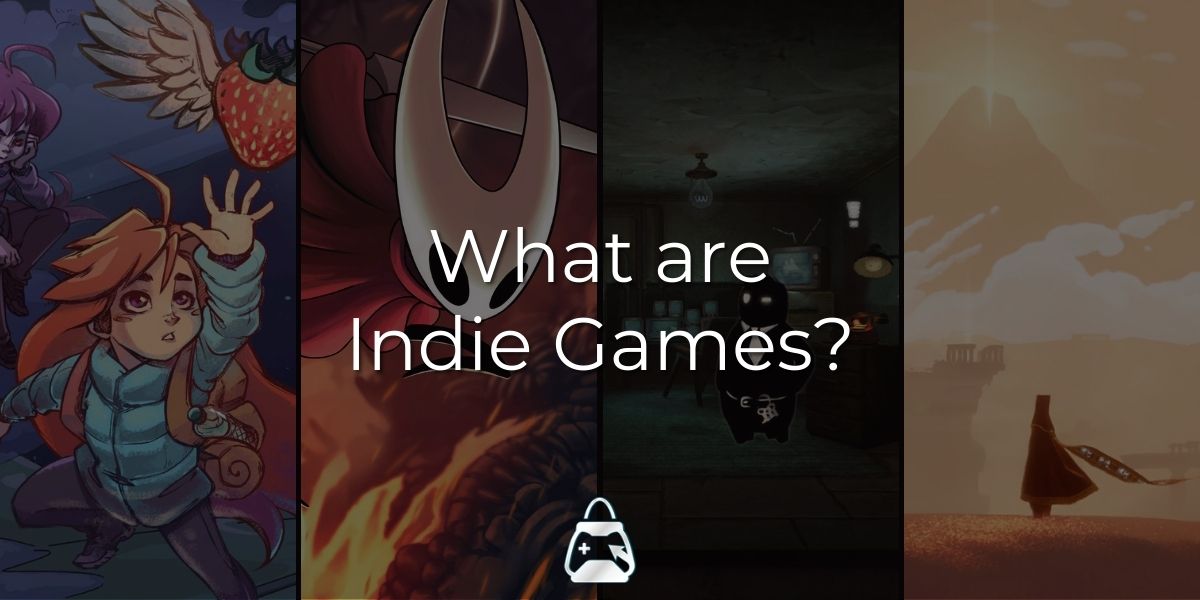
Discover the world of indie games and how they're challenging the conventions of traditional game design.
Read Now
 82%
82%
 Add To Cart
 78%
Add To Cart
78%
Add To Cart
 57%
Out of Stock
57%
Out of Stock
 56%
Add To Cart
56%
Add To Cart
 78%
Add To Cart
78%
Add To Cart
 78%
Add To Cart
78%
Add To Cart
 78%
Add To Cart
78%
Add To Cart
 82%
Add To Cart
82%
Add To Cart
 69%
Add To Cart
69%
Add To Cart
 78%
Add To Cart
78%
Add To Cart
 90%
Add To Cart
90%
Add To Cart
 91%
Add To Cart
91%
Add To Cart
