

No Man's Sky
66%


 Add To Cart

 Add To Cart

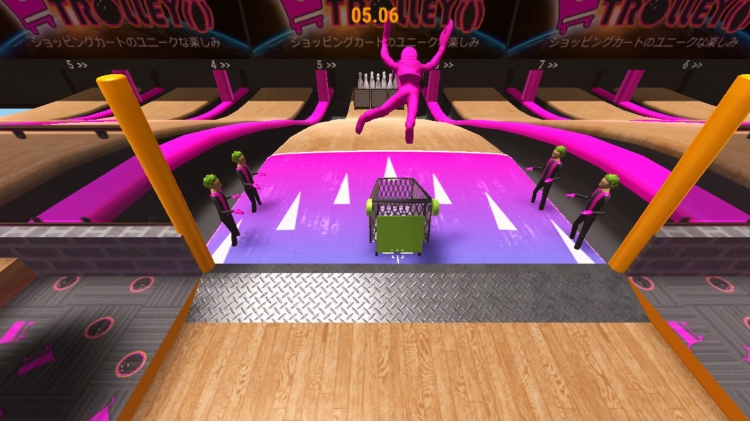
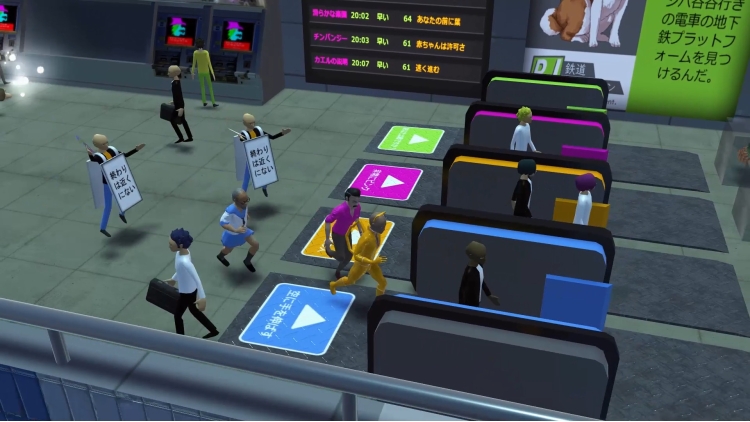
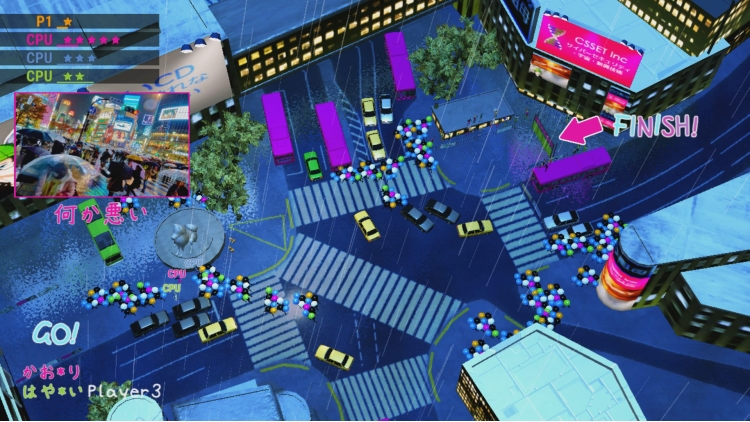
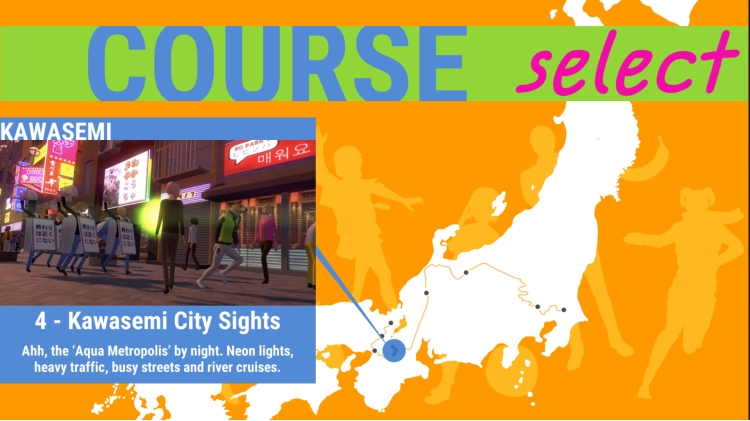
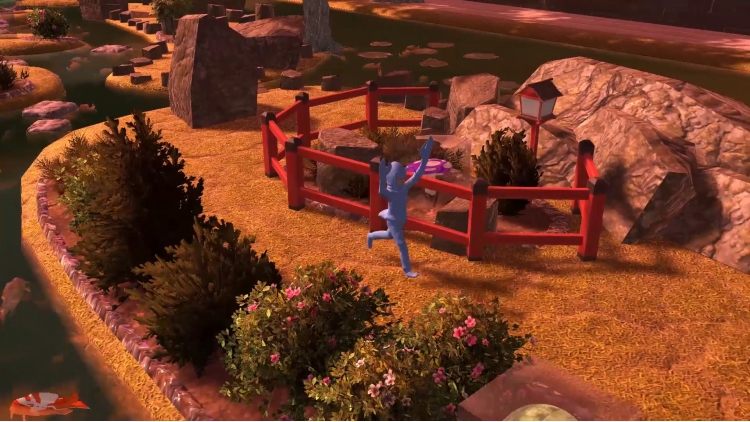
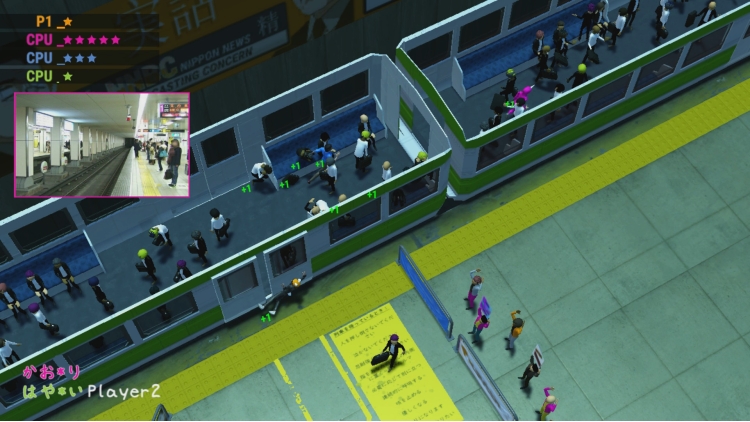
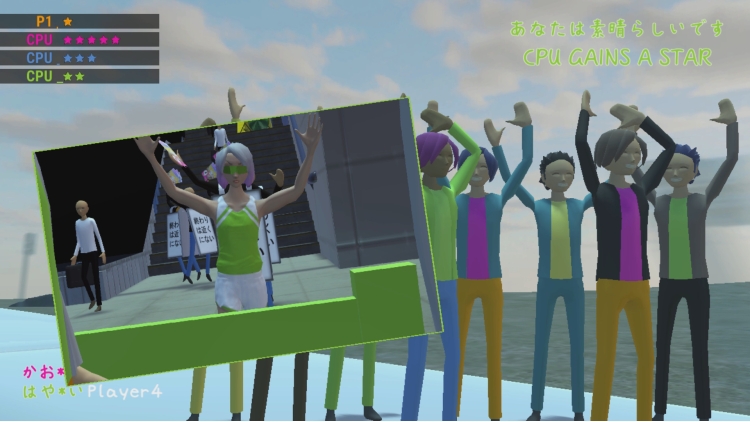
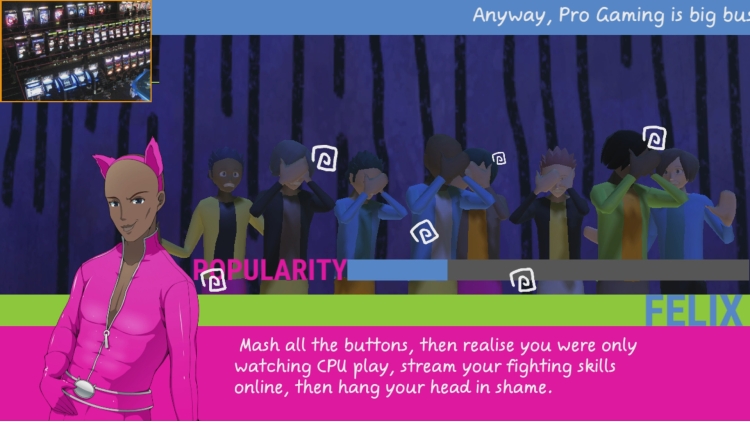
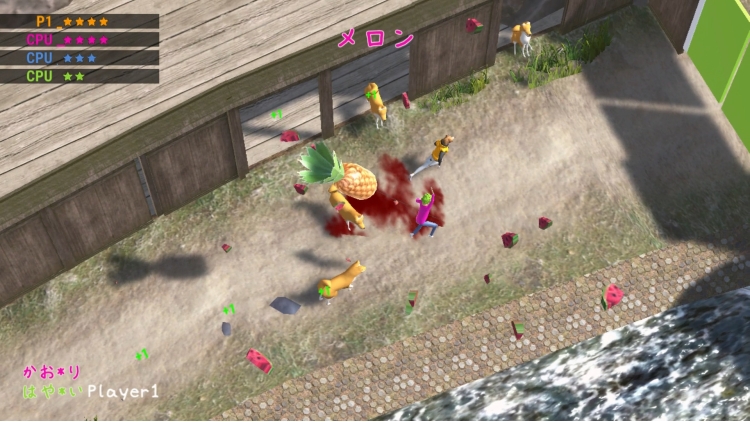
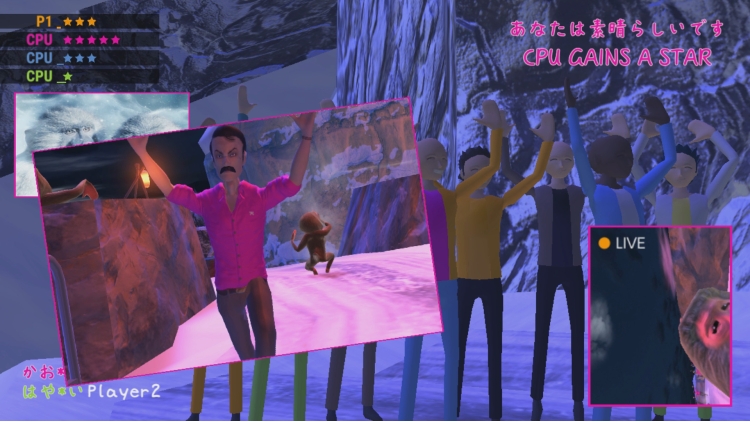
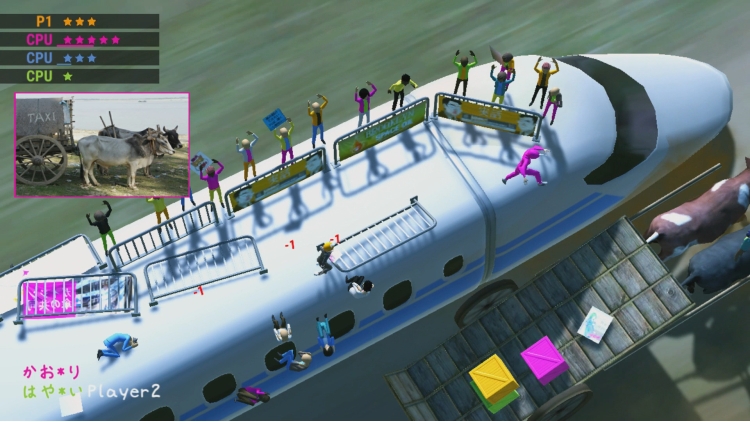

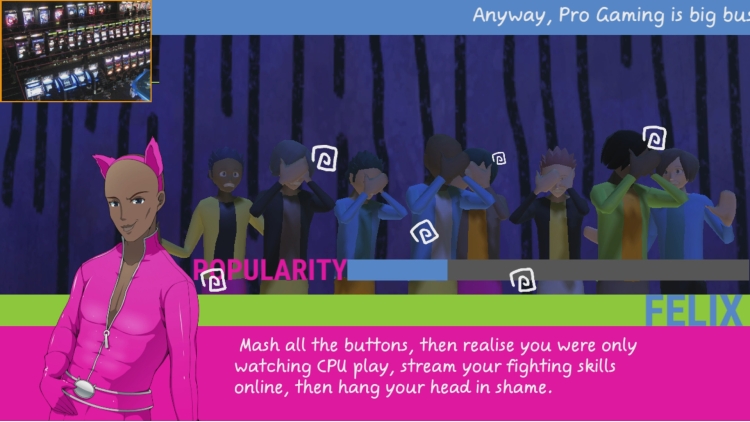
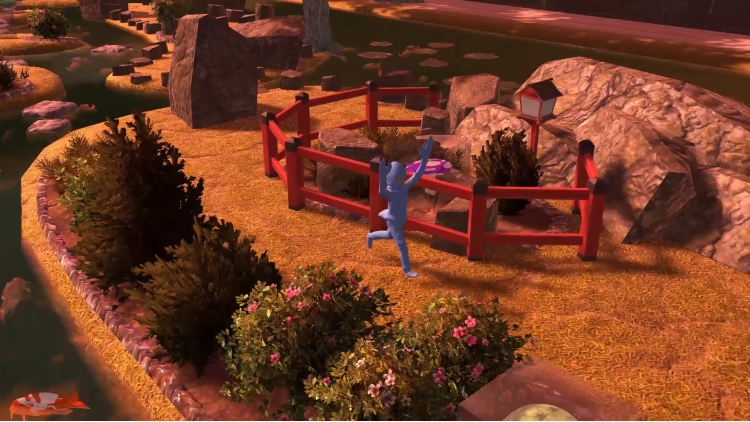
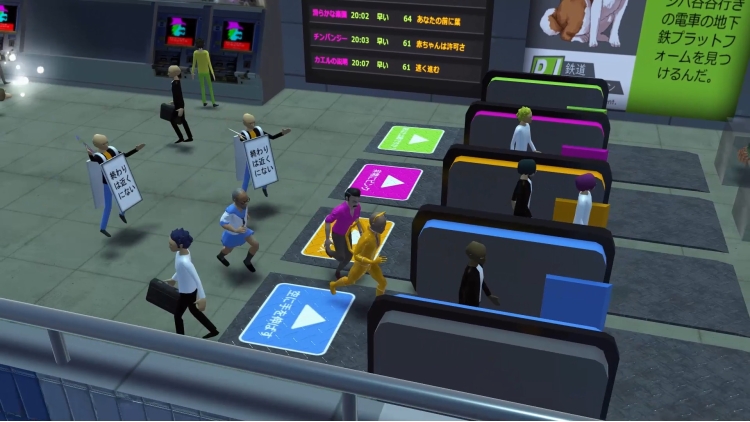
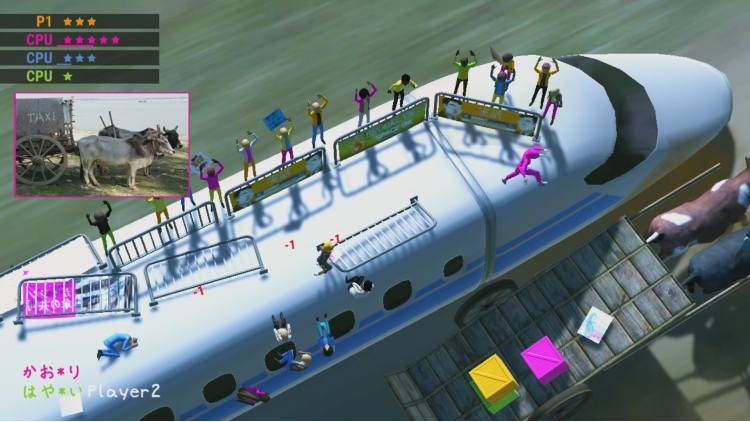
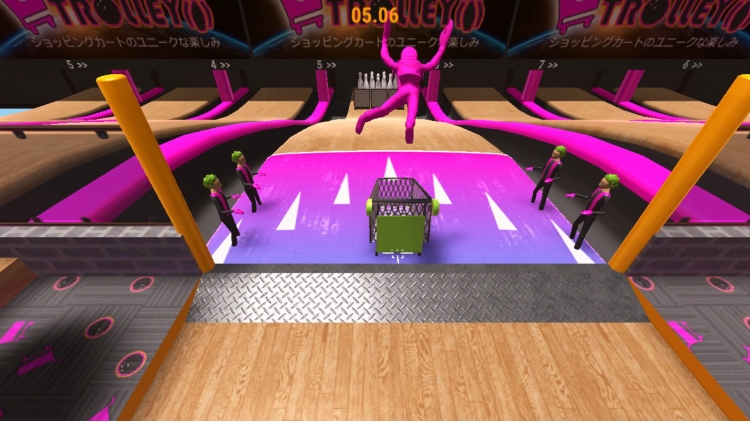
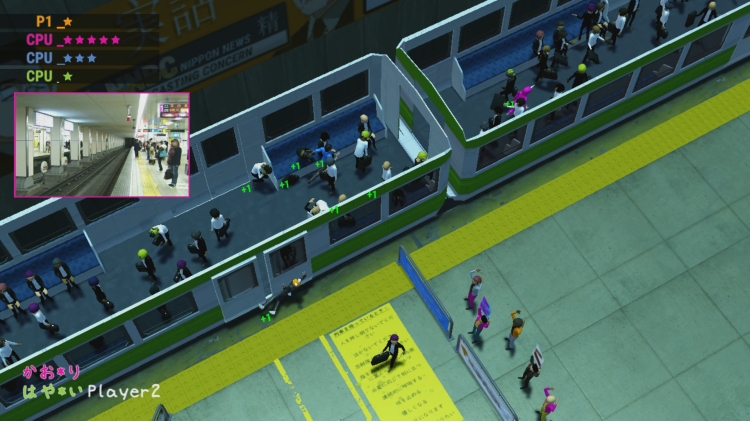
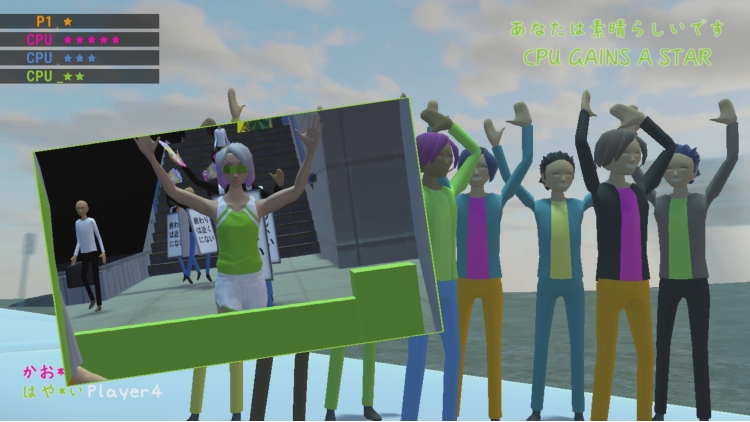

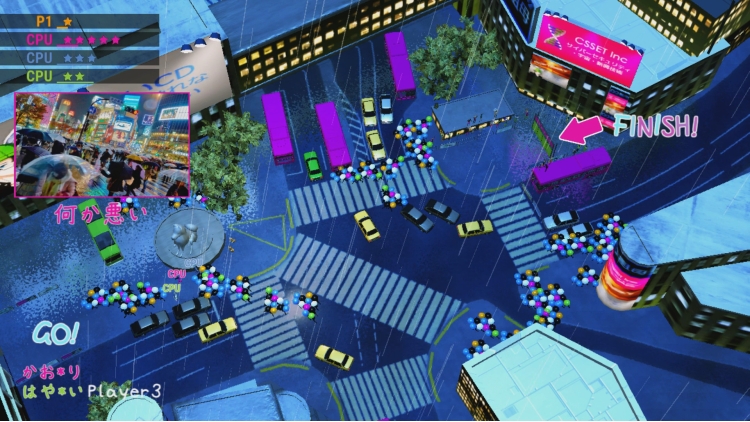
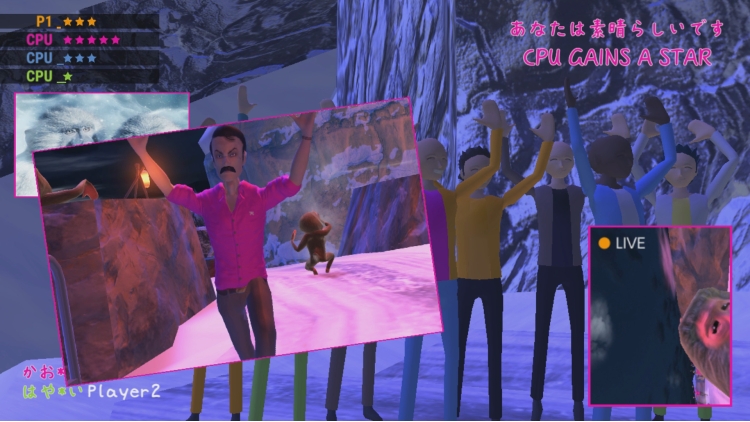
One! Two! Three! Go!!! Stretch your muscles and start the ultimate Japanese marathon. In this crazy, physics-based, four-player party race, anything is possible! Barrels, Shiba Inus that run faster than anyone, bikes that run off the trail while you run on the track and smash fruit at your opponents, and run over unstable wooden boards above waterfalls, you will feel the real fun in this fantasy setting!
© Onion Soup Interactive. Published by PQube Ltd. All rights reserved.
Buy Nippon Marathon PC game code quickly and safely at the best prices guaranteed via the official retailer usa.etail.market
© Onion Soup Interactive. Published by PQube Ltd. All rights reserved.
1)
Download & install the Steam client on your
computer from here.
2)
Open the Steam client, register and login. Then,
locate the Games tab on the top menu. Click that and select “Activate a Product
on Steam..”

3)
Enter your code that is showed on the orders page
of eTail. Market and and follow the steps showed to activate your game.

4)
The game can be monitored now and you can see it
on the "Library" section on Steam. You can download and install the
game now.
5)
If you need more information and support, you
can click here: https://help.steampowered.com/en/wizard/HelpWithSteam
 66%
Add To Cart
66%
Add To Cart
 15%
Out of Stock
15%
Out of Stock
 0%
Add To Cart
0%
Add To Cart
 51%
Add To Cart
51%
Add To Cart
 91%
Add To Cart
91%
Add To Cart
 91%
Add To Cart
91%
Add To Cart
 12%
Add To Cart
12%
Add To Cart
 90%
Add To Cart
90%
Add To Cart
